
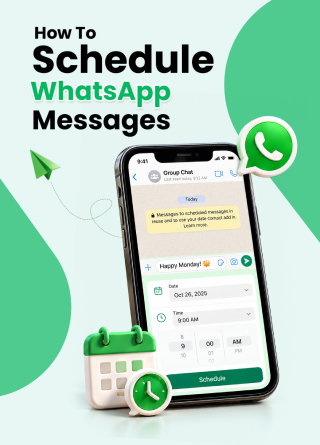
Communication and Collaboration Software
WhatsApp Users May Soon Be Able To Schedule Messages
Share
TL;DR
-
A limited Android beta rollout is underway, with wider availability still unconfirmed.
-
The feature lets users prepare messages and choose a future delivery date and time.
-
Automatic sending could help with birthday greetings, meeting reminders, and updates that should wait until morning.
-
Scheduled messages can be reviewed and deleted before delivery through the chat info screen.
-
The latest test also includes photos and videos, expanding the feature beyond typed messages.
Introduction
You were out partying the whole night and now it’s 3 a.m. as you lie in your bed exhausted.
It’s not the weekend, nor is tomorrow a national or official holiday.
You’re supposed to get ready for work in 3 hours, but you just can’t face the thought of it. You’d like to apply for leave, but the only way you’ll get last-minute leave approved is if it’s sick leave.
You can send a message to your boss in the morning, but that defeats the purpose of sleeping in. You just wish you could’ve had someone send that message for you while you sleep in blissful peace.
And now, that someone may soon be here. Meet WhatsApp!
Yes, yes, we know it’s not a new platform, and we’ve been using it for over a decade. However, WhatsApp may soon become that someone who can send a message at a specific time, without you having to be there to hit send.
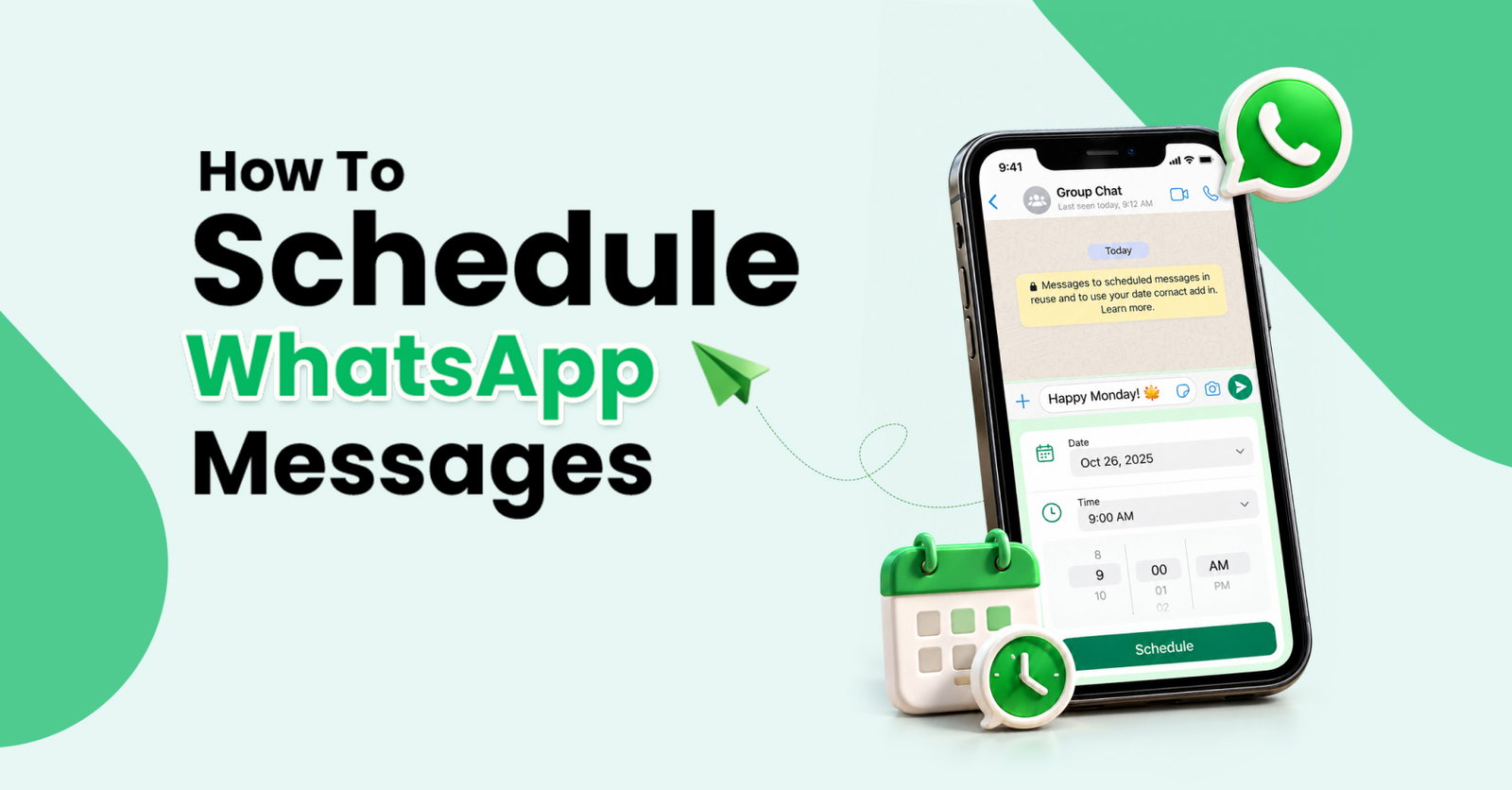
The world’s most popular instant messaging platform is testing a new feature allowing users to schedule messages in advance.
So, what’s up with WhatsApp’s new feature? Let’s explore without advance scheduling.
What Is WhatsApp’s New Message Scheduling Feature?
The idea is simple: write now, send later. Instead of keeping a reminder to open the conversation again, you choose when your message should arrive. WhatsApp handles the sending automatically, including when your device is offline.
WhatsApp is catching up here. Telegram introduced scheduled messages in September 2019, allowing users to hold the send button and choose a future delivery time.
Think birthday greetings, appointment reminders, or a work update you remember after everyone has logged off. Within communication and collaboration software, timing can matter just as much as wording. A useful message at 9 a.m. can become an unwelcome interruption at 3 a.m.
The WhatsApp schedule messages feature is reaching some Android beta testers through version 2.26.40.7. WABetaInfo, a website that tracks WhatsApp beta features and updates, identified the rollout on October 12, 2026.
Meta’s WhatsApp scheduled delivery feature could make that distinction easier to manage. However, scheduling determines when a message is sent; it cannot guarantee when someone reads it or approves your request.
So, how would you put that timing control to work?
How Do You Schedule Messages On WhatsApp?
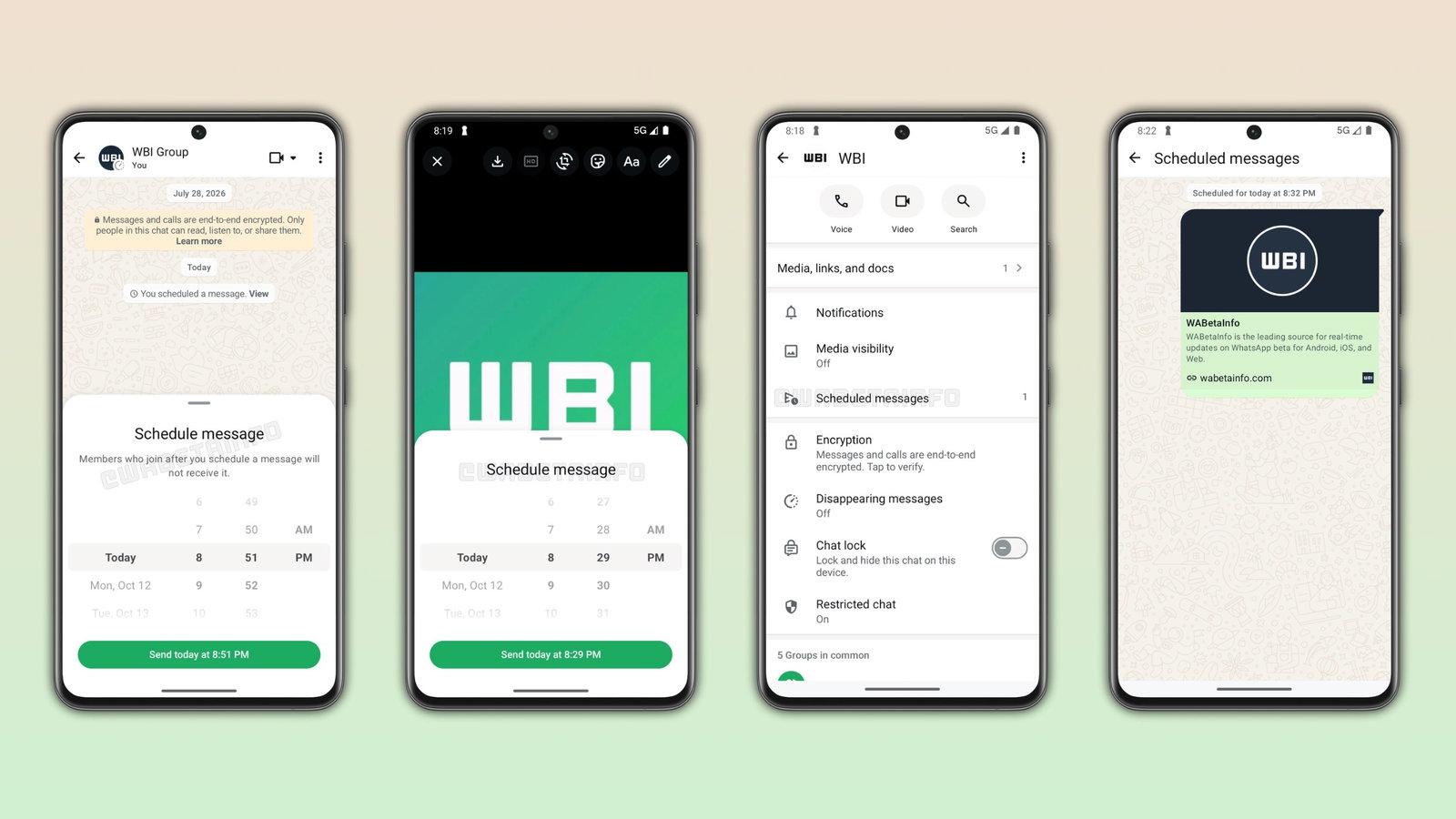
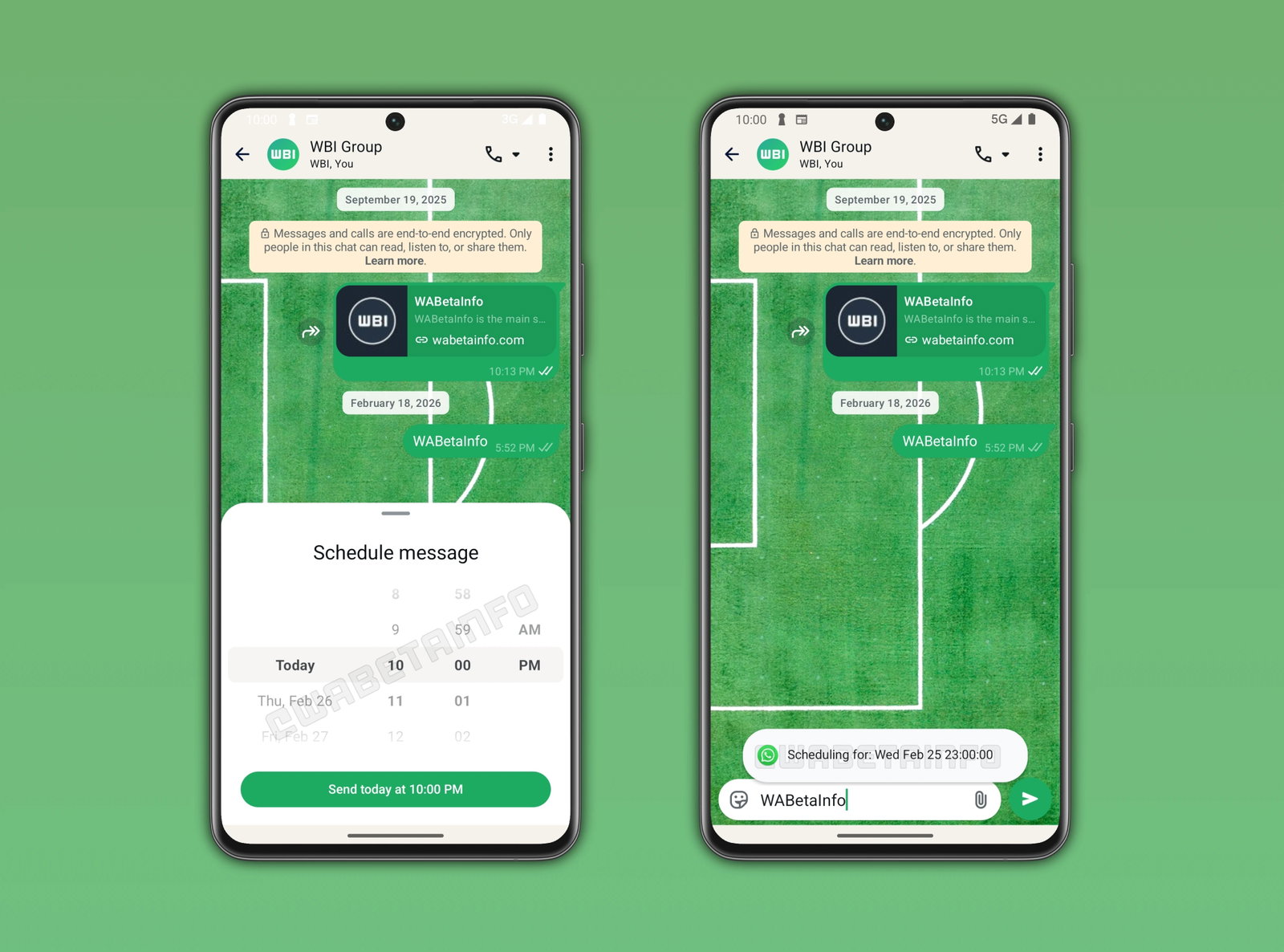
Wondering how to schedule messages on WhatsApp? For accounts with access, the scheduling control appears when you press and hold the send button after typing your message. Choose its delivery date and time rather than sending immediately.
The current window runs from 10 minutes ahead to two weeks ahead.
How do you schedule a message on WhatsApp using the new beta feature without overlooking something important? Before confirming, check three things:
-
The intended recipient or conversation.
-
The selected delivery date and time.
-
Whether the wording will still make sense when it arrives.
You can review and delete queued messages from the chat info screen. That is particularly useful when plans change between writing and sending. A postponed meeting should not leave yesterday’s reminder waiting to confuse everyone tomorrow.
The built-in approach lets eligible users schedule WhatsApp messages without a third-party app. There is less setup between having the thought and arranging its delivery.
Typed messages are only part of the picture, though.
Can You Schedule Photos, Videos, And Group Messages?
Yes.
Eligible testers can schedule photos and videos on WhatsApp by holding send after selecting media. Each scheduled media message supports one photo or video, rather than a batch. Links are supported too, alongside end-to-end encryption.
For WhatsApp scheduled messages in a group chat, recipients are limited to members present when scheduling. Later joiners will not receive that message.
Before queuing a group announcement, consider whether the audience might change. For example, a future welcome message needs a different approach if the people it welcomes have not joined yet.
With private messaging apps, convenience should sit alongside careful recipient choices. Scheduling saves a task; it does not replace checking who should receive the content.
The remaining question is whether your account has access.
When Will WhatsApp Message Scheduling Be Available?
The WhatsApp beta message scheduling feature on Android is available to selected testers. Installing a compatible WhatsApp beta update does not guarantee access, and a general release date remains unconfirmed.
Since the feature is still being tested, its interface and functionality may change before a wider release.
For now, treat this as a feature to watch. If your account lacks the option, keep your usual reminder in place. Your morning message still needs a dependable plan before you switch off that alarm.
Topics For More Insights
- WhatsApp Restricted Chat Keeps Conversations Off Linked Devices And Blocks Meta AI
- WhatsApp Adds Parental Controls For Teen Accounts, But Messages Stay Private
- WhatsApp Begins Beta Rollout Of Scam Alert To Flag Potential Fraud Messages
- WhatsApp Web Calling Rolled Out: Features, Call Transfer & How It Works
The Final Send-Off
WhatsApp scheduling could remove one small but familiar headache: remembering to send something when you would rather be doing something else. Prepare the message, check its timing, and let the app handle the delivery once your account supports it. Until broader availability is confirmed, keep expectations realistic. And remember, even a perfectly timed message cannot write a convincing leave request for you. That part remains your job.
Frequently Asked Questions
Does The Recipient Need Access To Message Scheduling Too?
No. The beta rollout does not require the recipient to have scheduling access to receive a scheduled message. That distinction matters when testing the feature with friends or colleagues: the sender needs the scheduling option, while the recipient does not. For your first attempt, choose a low-stakes message and ask the recipient to confirm that it arrived. This is a practical way to become familiar with the tool before depending on it for an important update.
Has WhatsApp Explored Message Scheduling On iPhone?
Yes. An earlier development preview identified scheduling in WhatsApp beta for iOS 26.7.10.72 in February 2026. At that stage, the feature was under development, rather than available for beta testing. That earlier preview should not be treated as proof of current iPhone availability. Android and iPhone announcements need to be checked separately, so an Android rollout does not establish an iOS release date. iPhone users should wait for confirmation relevant to their own app.
What Should You Avoid Putting In A Scheduled Work Message?
Avoid wording that could become inaccurate before delivery, such as saying a meeting is happening “now” when the schedule might change. Check names, dates, attachments, and the intended audience before queuing anything important. If a request needs an urgent response, arrange a follow-up instead of assuming timed delivery guarantees attention. For the late-night leave scenario, scheduling can help with timing, but an honest explanation and your employer’s leave process still determine how the request is handled.
Wed, Oct 14, 2026

Enjoyed what you read? Great news – there’s a lot more to explore!
Dive into our content repository of the latest tech news, a diverse range of articles spanning introductory guides, product reviews, trends and more, along with engaging interviews, up-to-date AI blogs and hilarious tech memes!
Also explore our collection of branded insights via informative white papers, enlightening case studies, in-depth reports, educational videos and exciting events and webinars from leading global brands.
Head to the TechDogs homepage to Know Your World of technology today!
Disclaimer - Reference to any specific product, software or entity does not constitute an endorsement or recommendation by TechDogs nor should any data or content published be relied upon. The views expressed by TechDogs' members and guests are their own and their appearance on our site does not imply an endorsement of them or any entity they represent. Views and opinions expressed by TechDogs' Authors are those of the Authors and do not necessarily reflect the view of TechDogs or any of its officials. While we aim to provide valuable and helpful information, some content on TechDogs' site may not have been thoroughly reviewed for every detail or aspect. We encourage users to verify any information independently where necessary.
Loading comments...