
Consumer Electronics Technology
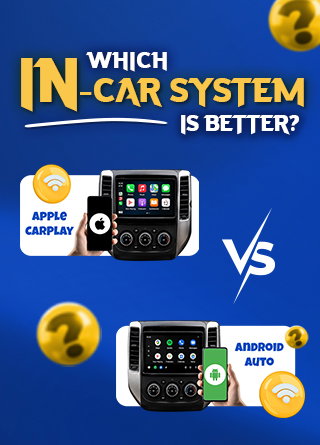
Android Auto Vs. Apple CarPlay: Which In-Car System Is Better?
Share
TL;DR
-
Android Auto leads in customization, Google Maps integration, and AI-powered voice assistance through Gemini.
-
Apple CarPlay offers a cleaner, more consistent interface with strong integration across the Apple ecosystem.
-
Google Maps works on both platforms, but Android Auto provides deeper contextual and voice-driven navigation features.
-
CarPlay Ultra takes Apple further into vehicle controls and driver displays, although availability remains limited.
-
Overall, Android Auto wins on flexibility and features, while CarPlay is better suited to users who prioritize simplicity and familiarity.
Introduction
In the movie Ford v Ferrari, the rivalry was never just about two cars racing toward the same finish line. It was about two very different philosophies of performance, engineering, and control, each convinced it had built the better machine.
A similar race now plays out on the dashboard every time you start your car.
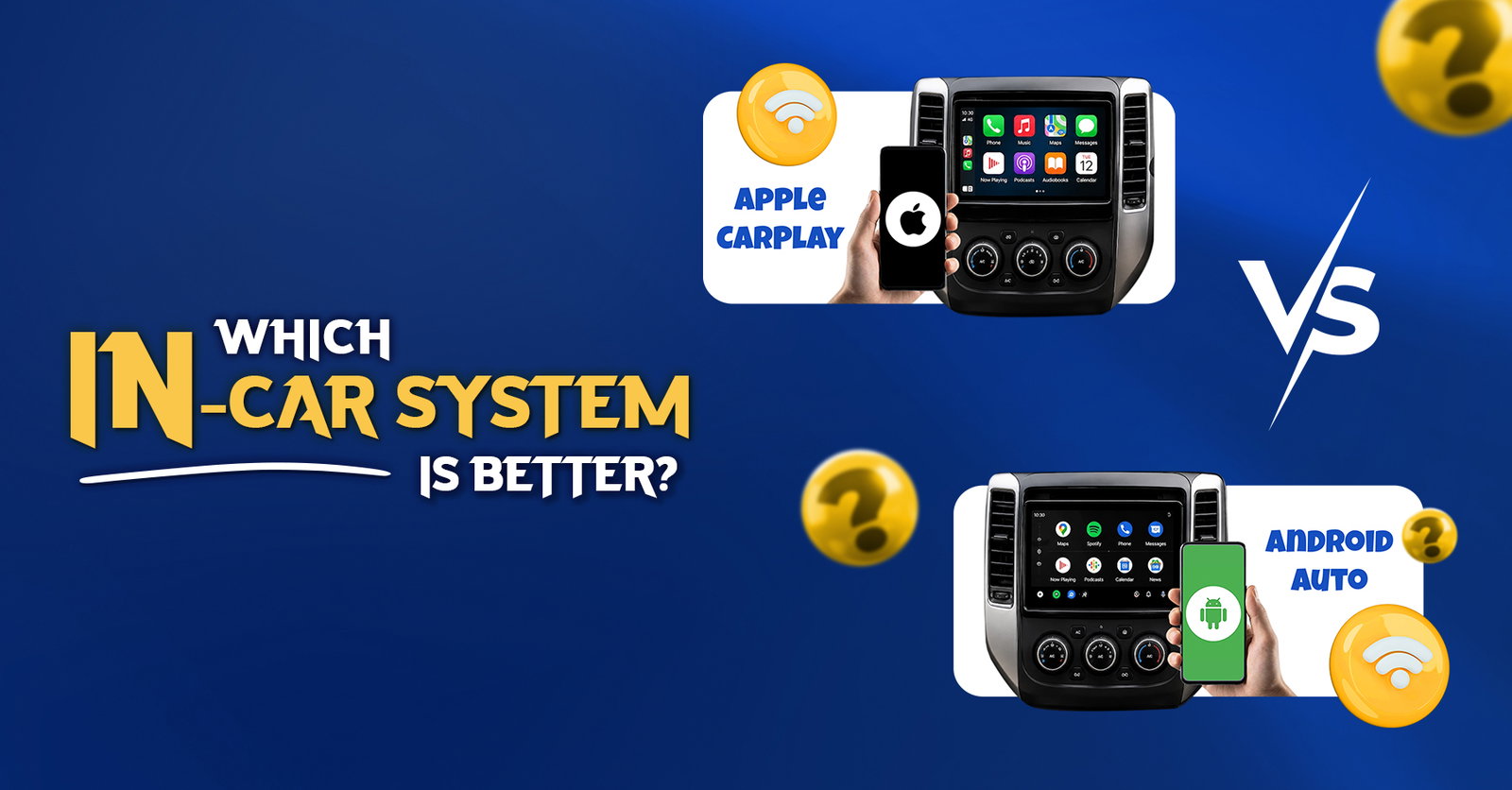
For smartphone users, that contest is Android Auto vs Apple CarPlay. Both platforms bring navigation, music, calls, messages, podcasts, and other essential phone functions onto a compatible vehicle's infotainment display, helping drivers stay connected without constantly reaching for their phones.
Despite serving the same basic purpose, their approaches are becoming increasingly nuanced.
Google is pushing Android Auto further with Gemini, adding more conversational and context-aware voice assistance, while Apple continues to refine CarPlay with widgets, Live Activities, messaging enhancements, and the deeper vehicle integration of CarPlay Ultra.
So, when it comes to Apple CarPlay vs Android Auto, which one delivers the better in-car experience? Much like choosing between two very different performance machines, the answer depends on what you expect from the driver's seat.
Apple CarPlay Vs. Android Auto: Which Has The Better Interface?
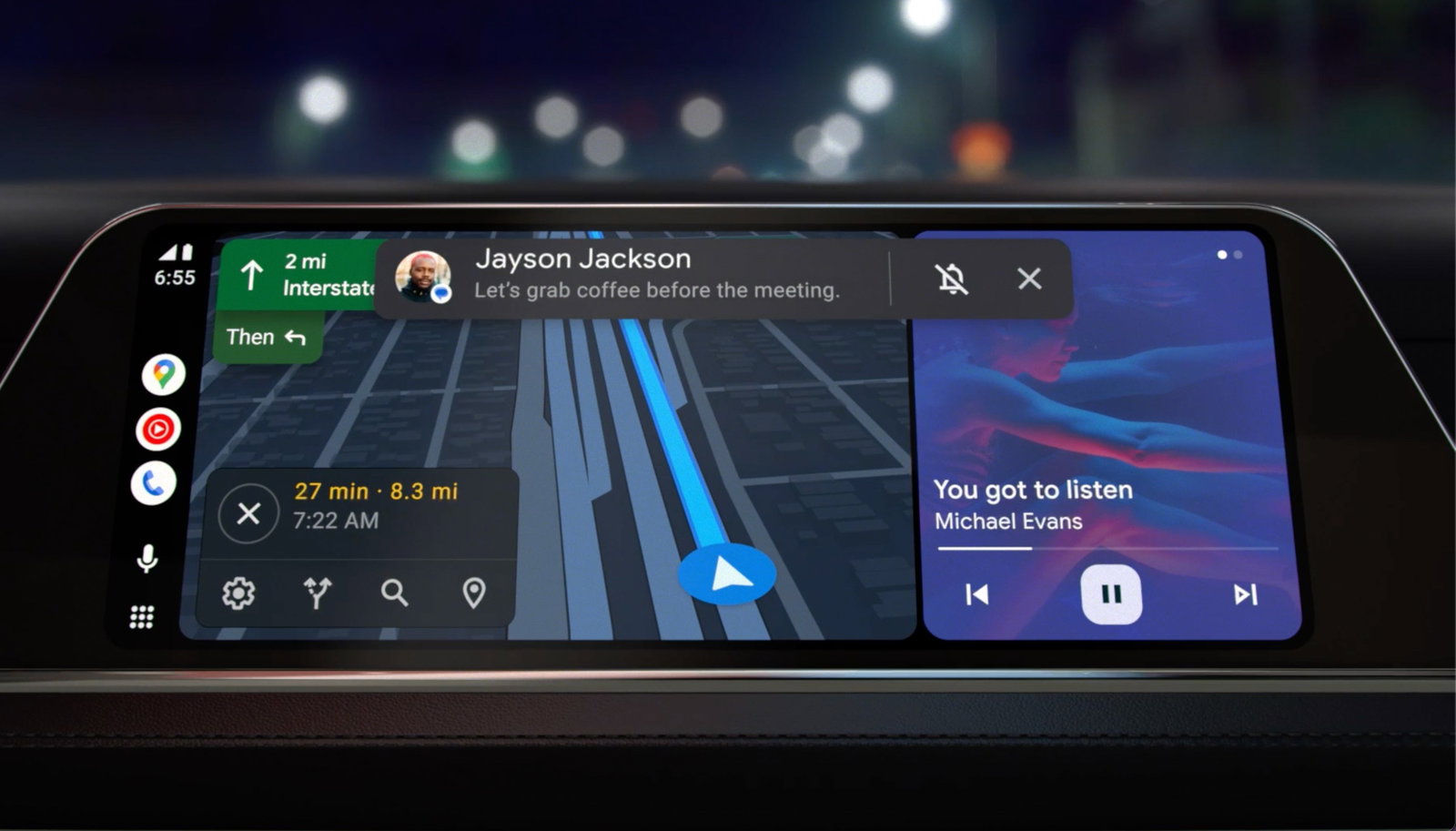
Android Auto tends to favor information density. Its dashboard can keep navigation, media controls, shortcuts, and contextual data available without requiring drivers to constantly switch between full-screen apps. Current comparisons have also highlighted customization as one of Android Auto's advantages.
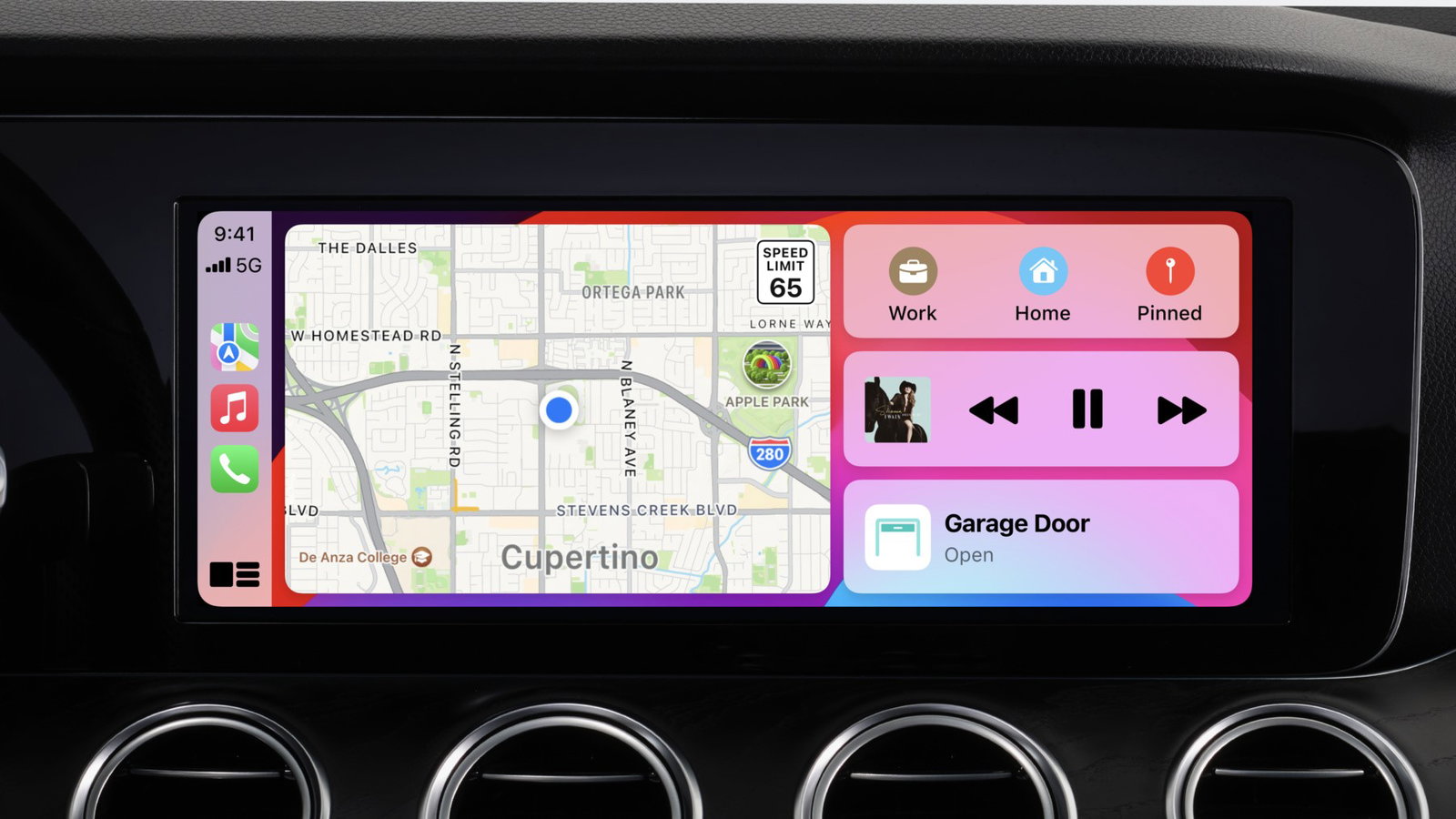
CarPlay takes a more controlled approach. Its interface will immediately feel familiar to an iPhone user, with recognizable icons, predictable menus, and relatively consistent behavior from one vehicle to another.
Apple has also significantly expanded the interface. With iOS 26, CarPlay added a more compact incoming-call view, Tapbacks and pinned conversations in Messages, widgets, and Live Activities. These additions make modern CarPlay considerably more information-rich than older comparisons may suggest.
That makes the winner mostly a matter of preference.
Android Auto is better if you want more information and flexibility on-screen. CarPlay is preferred if you seek a cleaner, more controlled interface with less to configure.
A good interface shapes how easily drivers access information, but navigation is where that usability is tested most often. Since maps are one of the most frequently used in-car features, the next question is how well Google Maps works across both platforms.
Is Google Maps Better On Android Auto Than Apple CarPlay?
This deserves its own section because one of the most common questions surrounding Apple CarPlay vs Android Auto is whether Google Maps works better on Google's platform.
First, Google Maps works on both.
CarPlay users can use Google Maps for navigation, including searching for stops along a route. This means choosing CarPlay does not force you to use Apple Maps.
The advantage for Android Auto comes from what happens around Google Maps.
With Google Gemini integrated into Android Auto, users can make more contextual requests such as looking for a particular type of business along their route and then asking follow-up questions without restating all the information. Google says Gemini can understand multi-part requests and maintain conversational context.
For example, rather than simply asking for nearby coffee shops, a driver could ask for a highly rated coffee shop along the current route that is open and has a drive-thru.
That makes Android Auto particularly compelling for drivers who rely heavily on Google's ecosystem.
So, is Google Maps better on Android Auto than Apple CarPlay? For basic Google Maps navigation, the difference is relatively minute because the app is available on both platforms. For voice-driven searches, contextual requests, and integration with Google's broader services, Android Auto currently has a stronger experience.
That advantage becomes even more noticeable once voice control enters the picture, as both platforms increasingly rely on their assistants to help drivers search, reroute, communicate, and manage tasks without touching the screen.
Android Auto Vs. Apple CarPlay For Voice Commands And AI
This is where the gap becomes much easier to perceive.
Android Auto now integrates Gemini as its voice assistant experience. Google says Gemini can understand more natural language, maintain context between questions, summarize message threads, suggest replies, find destinations using multiple conditions, and even answer follow-up questions during a drive.
That shifts voice control from a system built mainly around commands to something that feels more like a conversation.
Siri remains deeply integrated with the iPhone experience and handles core CarPlay tasks such as calling, messaging, navigation, and media control. Apple has also previewed a more conversational Siri AI experience for iOS 27, including CarPlay support, but it is not yet part of the current stable CarPlay experience. CarPlay's integration with Messages has also improved through pinned conversations.
However, when comparing the currently available systems, Android Auto has a stronger argument for drivers who frequently use voice assistants.
Voice assistants may make these systems easier to use hands-free, but they are only part of the experience. The usefulness of either platform also depends heavily on the apps drivers can access.
Which Platform Has Better Apps?
Neither platform simply mirrors everything installed on your phone.
That limitation is intentional. Apps shown inside a vehicle must fit specific categories and interfaces designed to reduce driver distraction.
Google currently supports Android Auto categories including audio, messaging, navigation, points of interest, IoT controls, and weather, with additional experiences being developed for parked vehicles.
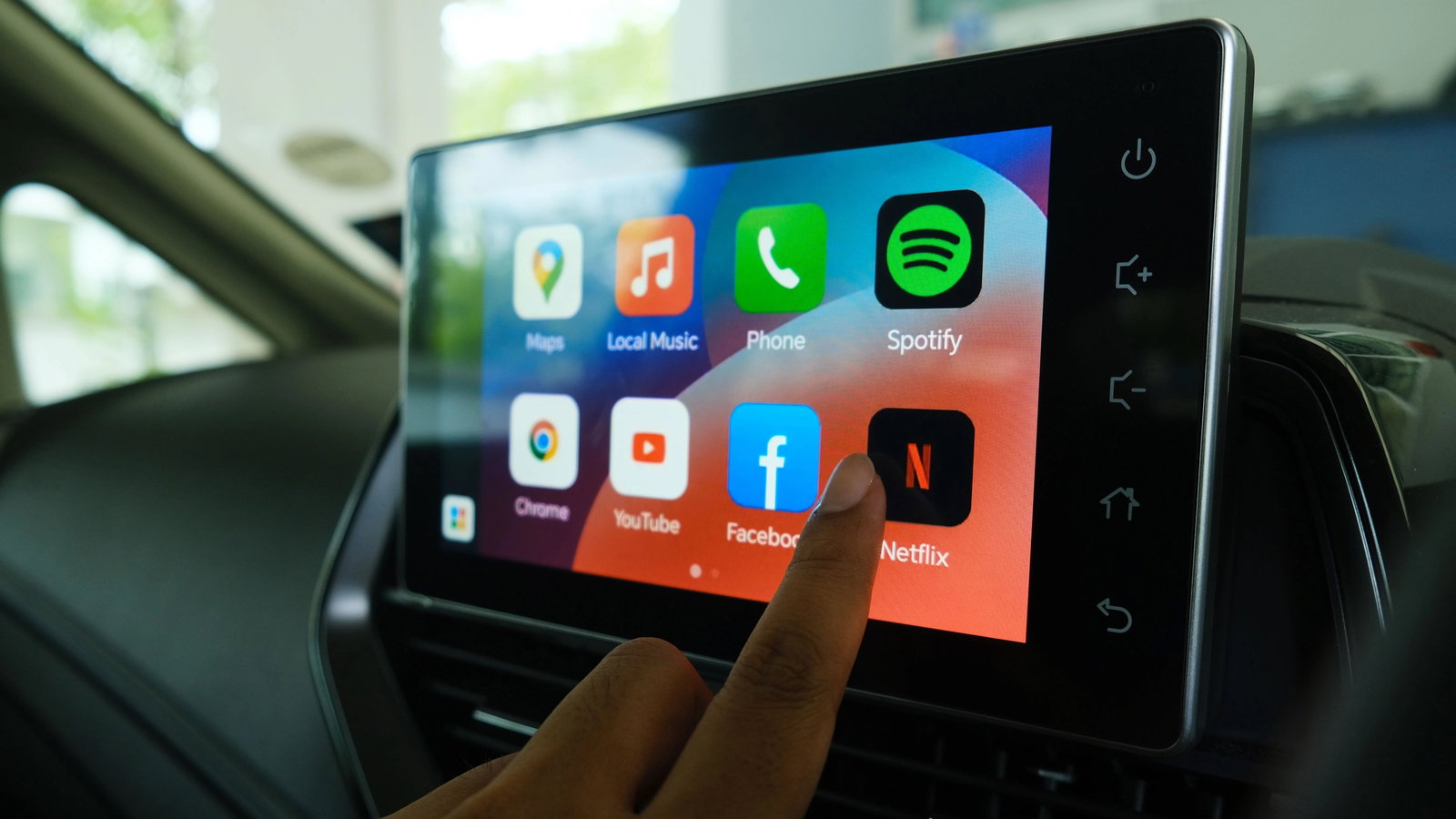
Apple similarly supports CarPlay apps covering areas including audio, communication, navigation, parking, EV charging, and other driving-related services.
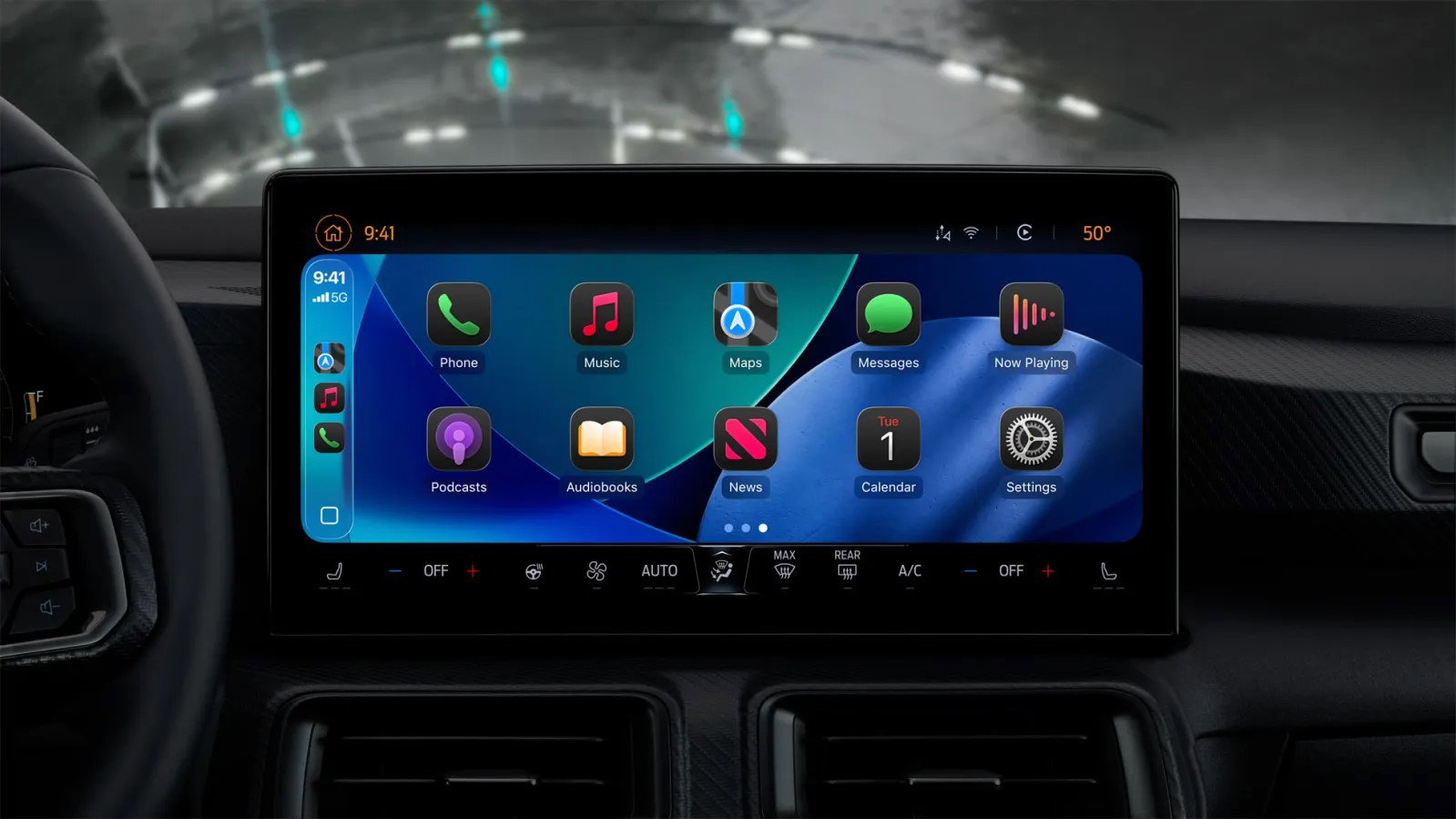
In practice, both provide the apps most drivers expect, including navigation, music, podcasts, messaging, and calling.
Android Auto, however, remains the more flexible environment. A thorough comparison also pointed to customization, third-party flexibility, and Android Auto's developer options as differentiators for advanced users.
For most drivers, app quantity should not be the deciding factor. Check whether the specific navigation, messaging, music, or podcast apps you use are supported before choosing either ecosystem.
A wider app ecosystem can make either platform more useful, but none of those features matter much if the connection itself is inconsistent. That brings us to reliability.
Apple CarPlay Or Android Auto: Which Is More Reliable?
There is no universal winner here, despite strong opinions online.
Reliability can depend on the smartphone, operating system version, vehicle manufacturer, infotainment hardware, firmware, USB cable, and whether the connection is wired or wireless.
This becomes obvious when looking at real-world discussions. In one recent CarAV Reddit thread, some users reported substantially better Android Auto connectivity or audio performance, while others reported exactly the opposite after switching from iPhone to Android.
Other commenters specifically pointed toward individual vehicle or head-unit implementations as the likely cause.
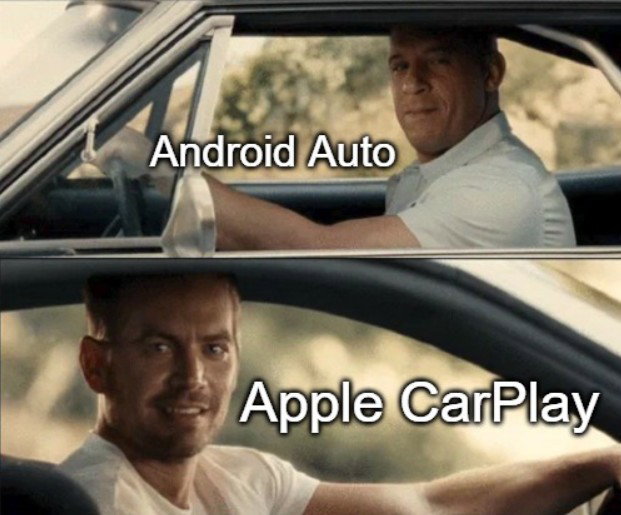
In general, some users have similarly described advantages and disadvantages on both platforms rather than identifying one consistently superior connection method.
Google's own Android Auto troubleshooting documentation also tells users experiencing problems to check the vehicle or receiver, cable, settings, and infotainment firmware, illustrating how many components influence connectivity.
That means claims such as "CarPlay always connects faster" or "Android Auto always has better audio" should be treated cautiously.
For reliability, your specific car-and-phone combination matters more than the platform logo.
Once that connection is stable, however, attention naturally shifts to another everyday part of the experience: how music, podcasts, and other audio actually sound on the road.
What About Music And Audio Quality?
Apple CarPlay and Android Auto both support major audio use cases, including music, podcasts, audiobooks, and other compatible media services. Android's official documentation specifically supports audio media applications for use while driving, while CarPlay is similarly designed around music and audio playback.
There are plenty of online debates claiming one platform sounds noticeably better than the other.
However, the evidence is highly device-specific. The same Reddit discussion referenced earlier contains users reporting better audio through Android Auto alongside others reporting no comparable CarPlay problems.
Topics For More Insights
Factors such as the vehicle's infotainment hardware, phone, connection type, streaming service, audio processing, and software versions can affect the result.
For that reason, audio quality is better judged in the actual vehicle than treated as an inherent advantage of Android Auto or CarPlay.
Beyond everyday features such as audio, Apple is also pushing CarPlay toward something much more deeply integrated with the vehicle itself.
Does CarPlay Ultra Change The Comparison?
Potentially, but it should not be confused with standard CarPlay.
CarPlay Ultra takes Apple's system much deeper into compatible vehicles. Instead of remaining primarily within the central infotainment display, it can provide information across driver screens, including the instrument cluster.
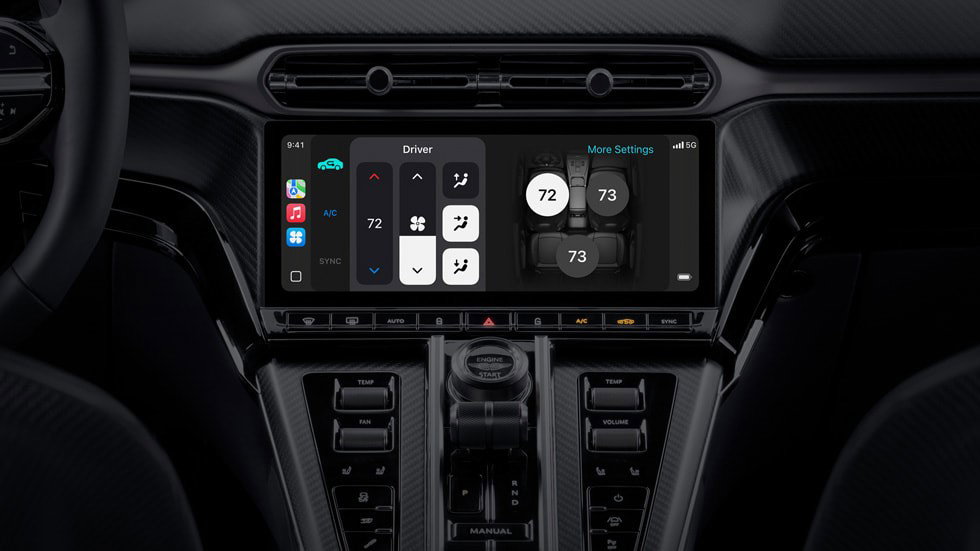
It can combine iPhone information such as maps and media with vehicle data such as speed, gauges, driver-assistance information, and tire pressure. Compatible vehicles can also expose controls for functions such as climate and radio directly through the CarPlay Ultra interface.
Apple initially launched CarPlay Ultra with Aston Martin and announced Hyundai, Kia, and Genesis among manufacturers working on support.
That gives Apple an interesting long-term advantage in deeply integrated vehicle experiences.
However, standard CarPlay remains a more relevant concern for the majority of drivers shopping for or using a typical CarPlay-compatible vehicle.
With the differences in interface, navigation, AI, apps, reliability, audio, and vehicle integration laid out, we can finally answer the question that matters most.
Which Is Better: Android Auto Or Apple CarPlay?
If both platforms were available regardless of which smartphone you owned, Android Auto would currently win the overall feature comparison by a narrow margin.
Its strongest advantages are Google Maps integration, greater customization, broader flexibility, and especially Gemini's conversational capabilities. Google has turned voice interaction into one of Android Auto's clearest differentiators.
CarPlay's strength lies elsewhere.
It is polished, predictable, and tightly integrated with the iPhone. The improvements introduced with iOS 26 have also reduced some of Android Auto's traditional interface advantages by bringing widgets, Live Activities, better Messages functionality, and improved call presentation into CarPlay.
Then there is CarPlay Ultra, which demonstrates how far Apple wants to extend its interface into the vehicle itself.
So, the simplest answer is:
-
Choose Android Auto if Google Maps, Gemini, customization, and flexible app experiences matter most.
-
Choose Apple CarPlay if you already use an iPhone and prioritize simplicity, familiarity, and strong Apple ecosystem integration.
-
Do not choose a phone solely for either system unless in-car technology is unusually significant to you. Both handle the core tasks of navigation, communication, and entertainment well.
Android Auto Vs. Apple CarPlay At A Glance
The comparison between Android Auto and Apple CarPlay becomes more distinct once you get behind the wheel.
| Feature | Android Auto | Apple CarPlay |
| Phone Compatibility | Android smartphones | iPhone |
| Interface | Information-rich, flexible dashboard | Clean, consistent interface |
| Navigation | Strong Google Maps integration, Waze, other compatible apps | Apple Maps, Google Maps, Waze, other compatible apps |
| Voice Assistant | Gemini | Siri |
| Messaging | Strong voice and AI-assisted messaging features | Strong iPhone and Messages integration |
| Apps | Broad range of supported driving-related categories | Curated range of supported CarPlay apps |
| Customization | More configurable | More controlled and consistent |
| Wired/Wireless Support | Depends on vehicle/head unit | Depends on vehicle/head unit |
| Deeper Vehicle Integration | Standard Android Auto remains phone-projected | CarPlay Ultra can integrate across vehicle displays and controls |
| Most Suitable For | Google ecosystem users and power users | iPhone users who prioritize simplicity |
Android Auto Vs. Apple CarPlay: The Final Verdict
The Apple CarPlay vs Android Auto comparison no longer comes down to whether one platform has maps, music, or messaging while the other does not. Both have matured enough to cover the essentials extremely well.
The real difference now is less about what they can do and more about how they do it.
Android Auto gives drivers more flexibility and increasingly powerful AI assistance. Gemini makes natural voice interaction a genuine advantage, particularly when navigation, messaging, and contextual searches are involved.
Apple CarPlay favors consistency and ease of use. Its latest updates make the interface more capable without abandoning the simplicity that attracts many iPhone users, while CarPlay Ultra points toward much deeper integration with future vehicles.
For most people deciding between Apple CarPlay or Android Auto, however, the best system is still the one that matches the phone already in their pocket.
If you are comparing them purely on capabilities in 2026, Android Auto takes the overall win, but CarPlay remains the better fit for drivers who value simplicity, consistency, and the Apple ecosystem.
Frequently Asked Questions
Is Android Auto Better Than Apple CarPlay?
Android Auto currently has an advantage in customization, Google ecosystem integration, and AI-powered voice assistance through Gemini. CarPlay offers a simpler interface and tighter iPhone integration. Which one is better ultimately depends on your smartphone and the features you prioritize.
Do Android Auto And Apple CarPlay Work Differently In Electric Vehicles?
Yes. Both can support EV navigation and charging features, but available functions depend on the vehicle, app, and level of automaker integration.
Can You Use Apple CarPlay With An Android Phone?
No. CarPlay is designed for iPhone, while Android Auto connects compatible Android smartphones to supported vehicle displays.
Tue, Aug 18, 2026

Enjoyed what you read? Great news – there’s a lot more to explore!
Dive into our content repository of the latest tech news, a diverse range of articles spanning introductory guides, product reviews, trends and more, along with engaging interviews, up-to-date AI blogs and hilarious tech memes!
Also explore our collection of branded insights via informative white papers, enlightening case studies, in-depth reports, educational videos and exciting events and webinars from leading global brands.
Head to the TechDogs homepage to Know Your World of technology today!
Disclaimer - Reference to any specific product, software or entity does not constitute an endorsement or recommendation by TechDogs nor should any data or content published be relied upon. The views expressed by TechDogs' members and guests are their own and their appearance on our site does not imply an endorsement of them or any entity they represent. Views and opinions expressed by TechDogs' Authors are those of the Authors and do not necessarily reflect the view of TechDogs or any of its officials. While we aim to provide valuable and helpful information, some content on TechDogs' site may not have been thoroughly reviewed for every detail or aspect. We encourage users to verify any information independently where necessary.
Loading comments...