
Artificial Intelligence
OpenAI Launches ChatGPT Desktop App For Linux With Work And Codex
Updated on Wed, Aug 12, 2026
Share
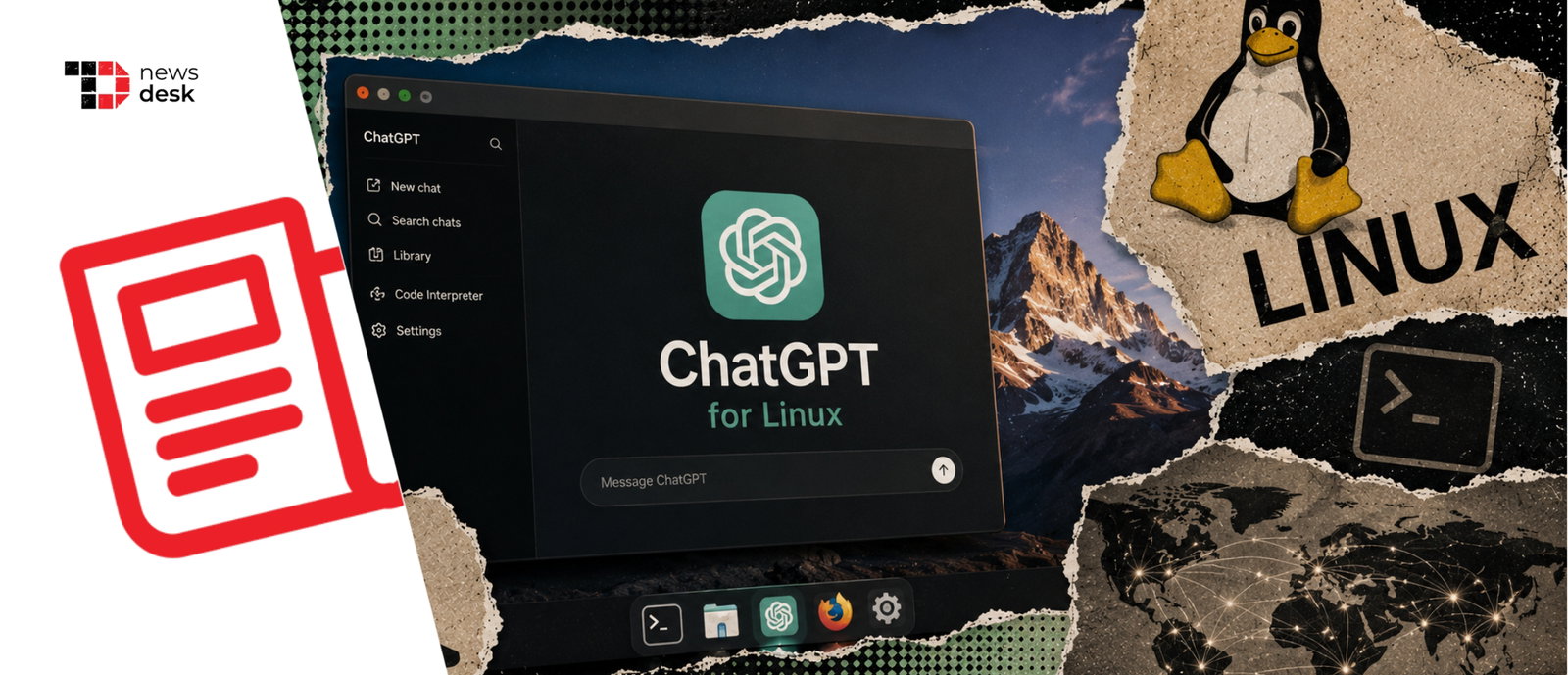
OpenAI has released its ChatGPT desktop app for Linux in preview, bringing ChatGPT, ChatGPT Work and Codex to supported Ubuntu, Debian and Fedora systems, with support for x64 and ARM64 architectures and dedicated .deb and .rpm packages.
TL;DR
- OpenAI launched the ChatGPT desktop app for Linux in preview worldwide.
- It supports Ubuntu 24.04 and 26.04 LTS, Debian 13, and Fedora 43 and 44.
- ChatGPT, ChatGPT Work and Codex are available through the desktop experience.
- OpenAI supports x64 and ARM64 systems with .deb and .rpm packages.
Linux users on supported distributions finally have an official ChatGPT desktop option instead of depending entirely on the browser or unofficial applications.
In a post announcing the release, OpenAI said, “Linux has been one of the most-requested platforms for the desktop app, and this launch extends ChatGPT and Codex across every major desktop operating system.” TechCrunch also reported on the launch and its worldwide preview availability.
ChatGPT For Linux Supports Ubuntu, Debian And Fedora
OpenAI is initially supporting desktop versions of Ubuntu 24.04 LTS and Ubuntu 26.04 LTS, Debian 13, and Fedora 43 and 44. An announcement on OpenAI’s Developer Community also lists support for both x64 and ARM64 architectures, with the application distributed through .deb and .rpm packages.
Business Today similarly reported that the Linux version is being released as a preview and combines ChatGPT, ChatGPT Work and Codex in one desktop experience. It noted that Linux users can now access ChatGPT directly from their desktop rather than opening a browser whenever they want to use the service.
However, support does not extend to every Linux distribution yet. Techlusive noted that Linux comprises hundreds of distributions, although operating systems based on the supported Ubuntu, Debian and Fedora versions may potentially be compatible as well.
ChatGPT, Work And Codex Come Together On Linux
The Linux release is more than a standalone interface for chatting with ChatGPT. OpenAI is bringing its broader desktop workspace to Linux, including ChatGPT Work for document and workflow tasks and Codex for software development.
For developers, Codex is likely to be one of the more important additions. OpenAI describes Codex as a coding agent designed to handle work such as building features, complex refactoring and migrations, while allowing users to work across ChatGPT, their editor and the terminal using the same account.
Topics for more insights:
Techlusive highlighted this developer angle, noting that the addition of Codex could be particularly useful for people who already use Linux as their main software development environment.
The desktop app is also designed to handle projects, files and browser-based workflows alongside ChatGPT and Codex, according to OpenAI’s Developer Community announcement.
OpenAI Answers A Long-Running Linux Request
The launch addresses a request Linux users have been making for years. OpenAI’s own Developer Community contains requests for an official Linux client dating back to 2024, with users continuing to ask for Linux support throughout 2025 and into August 2026.
As the Linux application remains in preview, OpenAI could continue refining platform compatibility and the desktop experience based on feedback. For now, supported Linux users have an official route to ChatGPT, Work and Codex on their desktops for the first time.
First published on Wed, Aug 12, 2026

Liked what you read? That’s only the tip of the tech iceberg!
Explore our vast collection of tech articles including introductory guides, product reviews, trends and more, stay up to date with the latest news, relish thought-provoking interviews and the hottest AI blogs, and tickle your funny bone with hilarious tech memes!
Plus, get access to branded insights from industry-leading global brands through informative white papers, engaging case studies, in-depth reports, enlightening videos and exciting events and webinars.
Dive into TechDogs' treasure trove today and Know Your World of technology like never before!
Disclaimer - Reference to any specific product, software or entity does not constitute an endorsement or recommendation by TechDogs nor should any data or content published be relied upon. The views expressed by TechDogs' members and guests are their own and their appearance on our site does not imply an endorsement of them or any entity they represent. Views and opinions expressed by TechDogs' Authors are those of the Authors and do not necessarily reflect the view of TechDogs or any of its officials. While we aim to provide valuable and helpful information, some content on TechDogs' site may not have been thoroughly reviewed for every detail or aspect. We encourage users to verify any information independently where necessary.
Loading comments...