
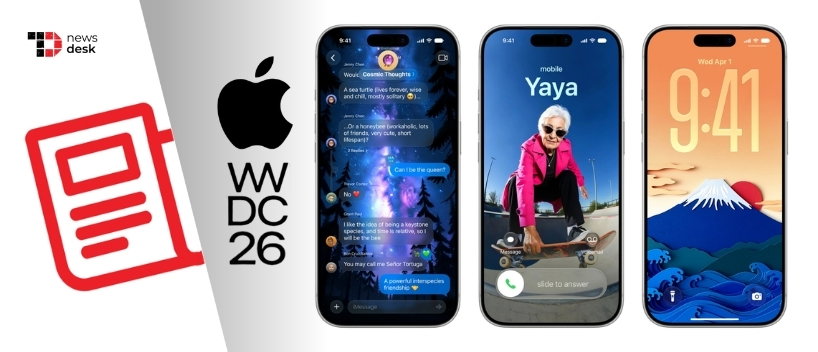
Apple’s next generation of Apple Intelligence is bringing a sharper creative focus to Photos, with new AI-powered editing tools that help users reframe, extend, clean up, and create images more naturally while keeping privacy and transparency in view.
TL;DR
- Apple is adding stronger AI editing tools to Photos.
- Spatial Reframing lets users adjust composition after capturing a shot.
- Extend can expand images without cropping out key details.
- Clean Up gets more realistic distraction removal.
- Image Playground now supports photorealistic image creation.
- AI-edited and AI-generated images will include hidden SynthID watermarks.
Apple Intelligence Makes Photos Editing Smarter Without Losing The Original Moment
Apple has introduced the next generation of Apple Intelligence, and while the wider update spans several apps and platforms, the most eye-catching changes sit inside Photos.
The company is leaning into AI-powered image editing that feels less like a professional tool buried behind menus and more like a natural extension of how people already fix and improve their pictures. Instead of focusing on complicated workflows, Apple is making the Photos app more responsive to what users want to change after a shot has already been taken.
The big promise is simple: better edits, fewer compromises, and results that still respect the original scene.
Spatial Reframing Lets Users Fix Photo Composition After The Shot
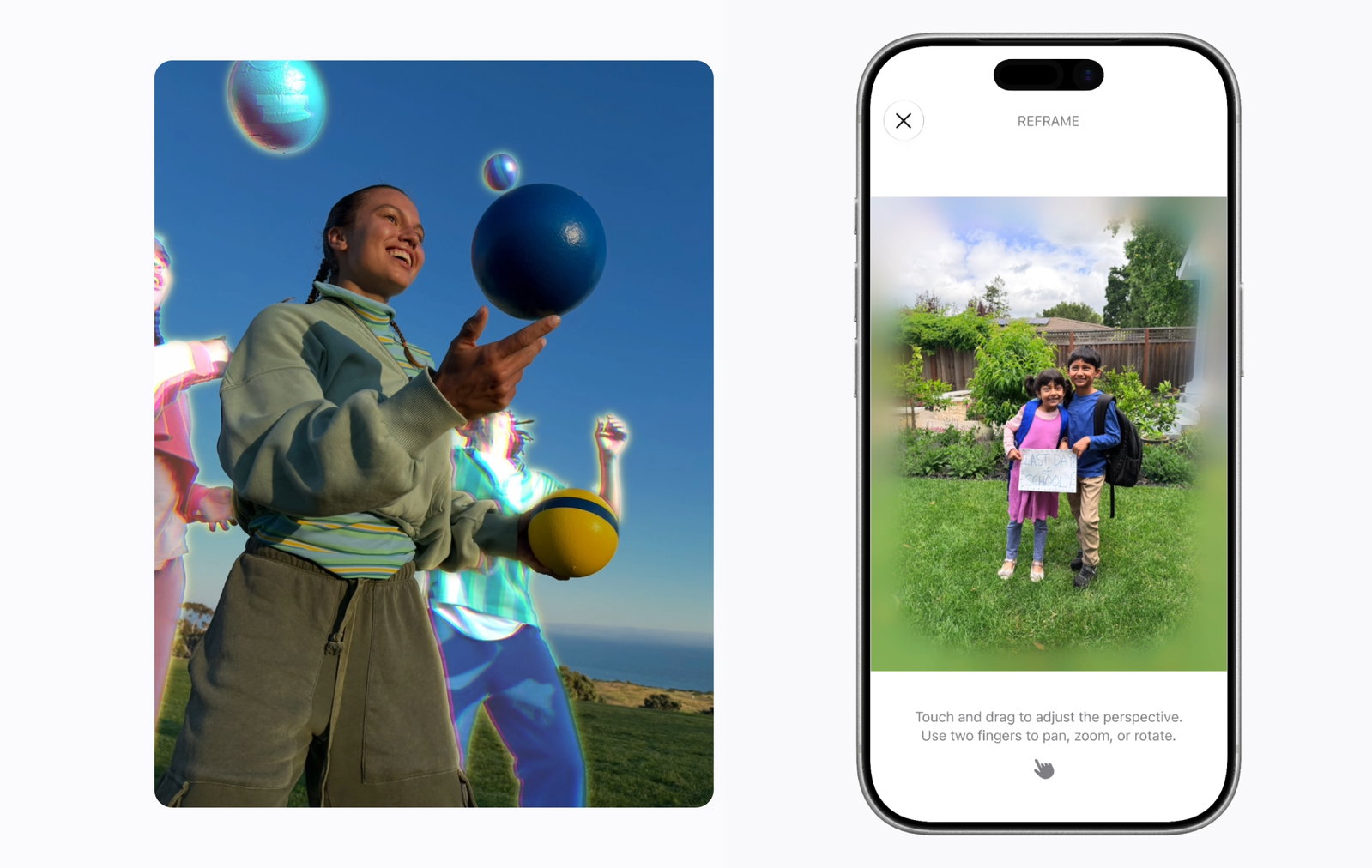
One of the biggest additions is Spatial Reframing, a new Photos feature that allows users to improve image composition after a picture has been captured.
With Spatial Reframing, users can touch and drag a photo, then preview in real time how the perspective changes. Apple describes the effect as similar to repositioning the camera within the original scene, giving users more control over framing even after the moment has passed.
The feature builds on Apple’s understanding of spatial models, influenced by Apple Vision Pro. That spatial awareness helps the Photos app shift perspective while keeping the edited image consistent with the original scene.
Importantly, Apple says the tool only generates new content where the perspective has changed. That means the edit is not designed to reinvent the photo, but to improve composition while preserving what was actually captured.
Extend In Photos Expands Images Without Cropping Out What Matters
Apple is also adding an Extend tool that gives users more room to adjust images without sacrificing important parts of the photo.
Extend can expand an image to give a subject more breathing room, straighten a crooked horizon, or change the aspect ratio. Rather than forcing users to crop out people, objects, or background details, the tool fills in missing areas where needed.
This could be especially useful for photos that almost work but need a cleaner frame, such as a portrait that feels too tight, a landscape with a tilted horizon, or an image that needs to fit a specific format.
Clean Up Gets More Realistic AI Distraction Removal In Photos
Apple’s Clean Up tool is also getting a major upgrade.
The improved version can remove distractions with better quality and more natural-looking infill, even when the scene is complex. That matters because object removal tools often struggle when backgrounds are busy, textured, or filled with overlapping details.
With the upgrade, Apple is positioning Clean Up as a more reliable everyday editing feature, not just a quick fix for simple backgrounds.
Image Playground Adds Photorealistic AI Images And More Creative Controls
Beyond editing existing photos, Apple is expanding Image Playground with photorealistic image generation.
The updated Image Playground can create high-quality images in virtually any style, now including photorealistic results, using a new generative model that runs on Private Cloud Compute. Users can also modify images by describing the changes they want, or by tapping, circling, or brushing an object to move or resize it.
Apple is also making generated images more useful across the system. Image Playground can now create images for Messages, Lock Screen wallpapers, and Contact Posters. Users can also choose aspect ratios based on what they are making, such as landscape images for websites or portrait images for flyers.
Topics For More Insights
Apple Adds SynthID Watermarks For AI-Edited And AI-Generated Images
Apple is pairing these creative tools with a transparency measure.
Photos adjusted with Apple Intelligence will automatically include a hidden SynthID watermark to identify images edited with AI. Similarly, images generated through Image Playground will include a hidden SynthID watermark identifying them as AI-generated.
That detail is important as AI image tools become more common across consumer devices. Apple is not just making edits easier, it is also building in a way to label AI involvement behind the scenes.
These new Apple Intelligence features are available for developer testing now and are expected to reach users this fall.
