
Artificial Intelligence
Top 5 AI Vibe Coding Tools In 2025
Share
Overview
We understand the struggle of getting a piece of code right and the frustrations that come with it. A single missing semicolon, wrong indent, or misplaced bracket can cause major issues in your code.
Suddenly, hours of work feel wasted, and you are back to square one, rewriting, debugging, and questioning your potential. The pressure to meet deadlines simply adds to the chaos, turning creativity into burnout.
Managing this mess feel challenging, right? Not anymore!
Some AI applications have recognized these software development challenges and developed features that can assist in coding with minimal instructions.
Enter AI Vibe Coding. This approach simplifies the coding process and also boosts developers' productivity. AI Vibe Coding is a fresh take on traditional coding where users express their intention using simple prompts, and then the AI transforms that thinking into executable code.
However, exploring every AI Vibe Coding Tool available on the market might seem overwhelming. So we have done the research and compiled a list of the Top 5 AI Vibe Coding Tools.
Let’s vibe together!
Similarly, AI Vibe Coding Tools are already making waves in software development. Who would have thought that developing code could ever be so easy? You can now generate code snippets and create software with minimal instructions in no time.
The best part is that there are various applications available to assist with this, and we have saved you the research by identifying the 5 most productive AI coding tools.
However, it’s important to understand the concept behind AI Vibe Coding first. So, in the next section, we will explain everything you need to know. Dive in!
Introduction To AI Vibe Coding
“AI vibe coding” is a new way to develop software that uses Artificial Intelligence (AI) to write code based on simple instructions in natural language. This speeds up the development process and makes it easier for people who don’t have programming skills to create apps and software.
The term was introduced by AI researcher Andrej Karpathy in early 2025. Vibe coding changes the way we work, shifting from writing code line-by-line to conversing with an AI assistant that writes, improves, and fixes code.
This approach helps developers focus on the overall idea of their app while the AI takes care of the hard bit: coding.
There are two main types of vibe coding:
-
Pure Vibe Coding
In this approach, the user fully trusts the AI's output. As Karpathy mentioned, it’s like forgetting the code exists. This is great for quick ideas or small projects where speed matters most.
-
AI-Assisted Coding
A more professional approach to vibe coding is to treat AI tools as a coding partner. You guide the AI, review and test the code it produces, and make sure you fully understand it, taking complete responsibility for the final output.
Wondering how AI builds these vibes?
Well, let’s explore the implementation of AI Vibe Coding.
How Does AI Vibe Coding Work?
To put AI Vibe Coding into practice, you need to follow these simple steps:
-
Step 1: Pick An AI Coding Assistant
Choose a platform based on your needs, whether it's technical features, performance, or cost. Here’s a quick comparison for you to get started!
-
Step 2: Clearly Define Your Requirements
Write a prompt that outlines what you want to create. The clearer your prompt, the better the results.
Here's an example prompt:
“Create a fun and interactive visual experience that responds to music, user actions, or live data. Include smooth transitions and vibrant visuals to make it engaging. The animation should feel natural and responsive, creating an immersive experience. Use JavaScript or React and make it easy to customize for different moods."
Remember: this prompt must be specifically tailored to your goals and expected outcome. Prompt engineering goes a long way! -
Step 3: Refine Your Code
You will start with a basic code based on your prompt. After reviewing this initial version, adjust and refine your prompt to improve the code, or ask the AI to make revisions based on new prompts.
-
Step 4: Review And Finalize
In the last step, review the refined code to ensure it’s functional and ready for deployment.
By following these simple steps, you can create full-scale projects with AI vibe coding.
Now here’s the thing, there are plenty of AI Vibe Coding Tools out there, thoughtfully designed to make the development process more seamless and efficient.
So, let’s explore the Top 5 AI Vibe Coding Tools in 2025.
Top 5 AI Vibe Coding Tools In 2025
Lovable is an online platform that lets you build and launch full-stack web apps by simply describing your idea in plain language. It brings together UI design, backend development, and deployment into a single streamlined process, and works with well-known tools such as Supabase, Stripe, GitHub, and Clerk.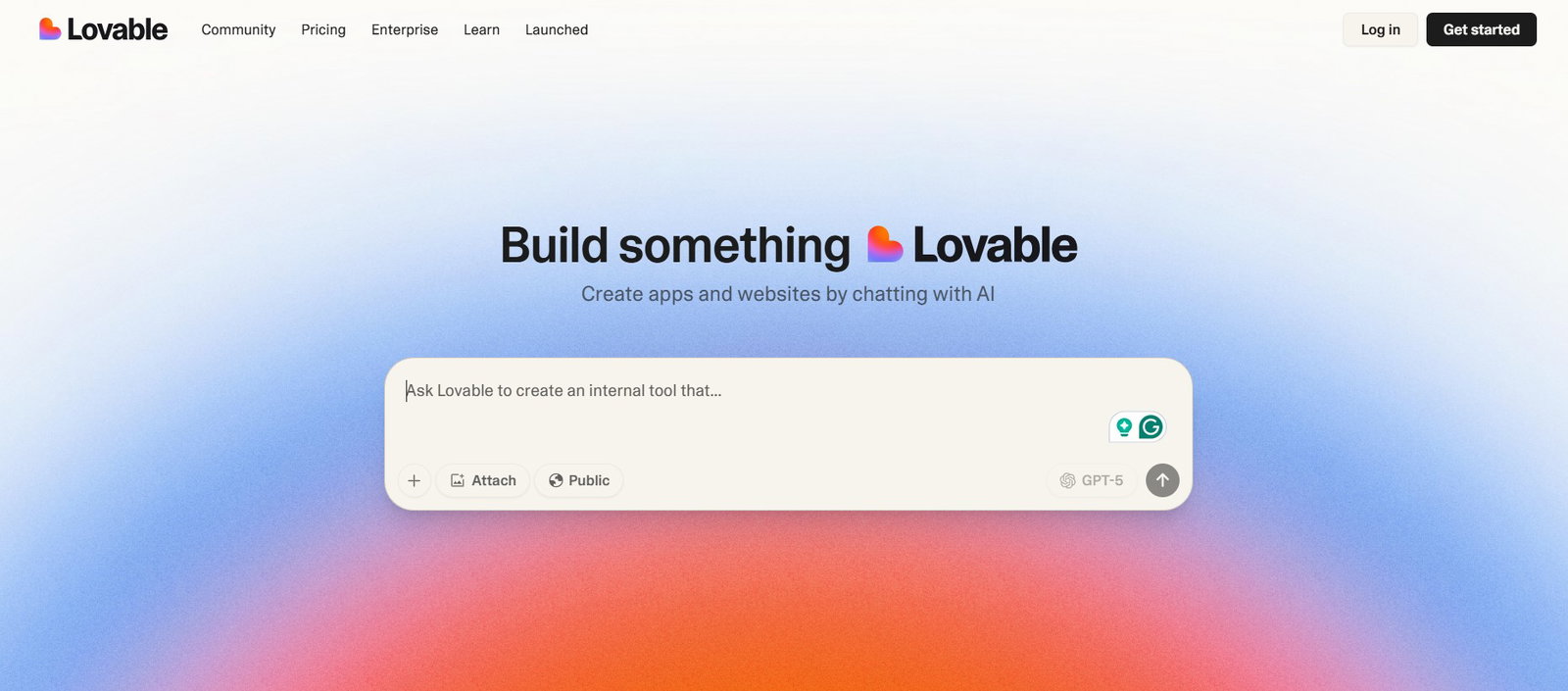
-
Key Features
-
It has two modes: ‘Edit’ mode for automatically generating and updating code, and ‘Chat’ mode for planning, debugging, and reasoning through steps. Users can switch between these modes to improve their ideas and add features.
-
It integrates with Builder.io, allowing users to turn Figma designs into working applications. This means designers can make their visuals functional without needing to write code.
-
The ‘Visual Edit’ feature offers a Tailwind-native UI editor that lets users customize app components in real-time. It combines easy drag-and-drop tools with the option for more detailed code control.
-
-
GitHub Copilot
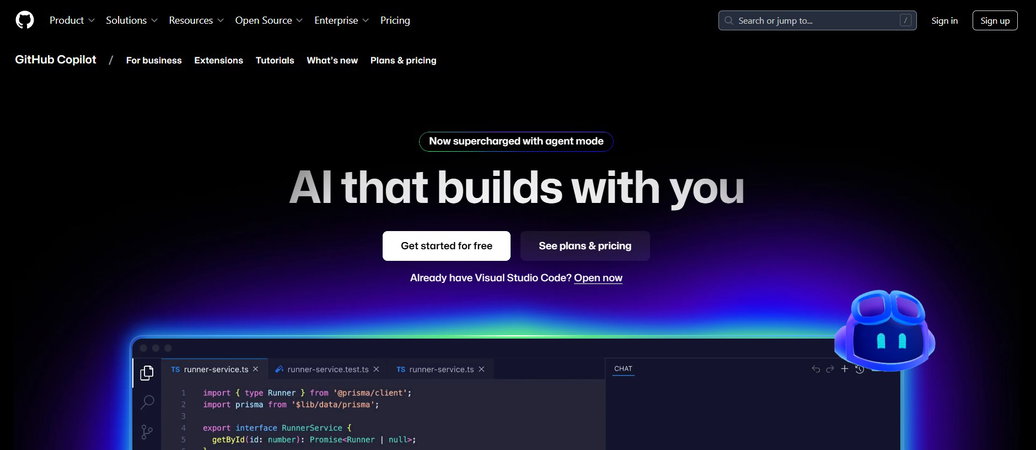
GitHub Copilot is a coding assistant that blends seamlessly into your workflow. It can help you plan, write, and review code, whether you’re working solo or in a team. By learning from your current and past projects, it offers helpful suggestions and takes care of repetitive tasks.
-
Key Features
-
It can automate tasks like planning, testing, and validating code, making it easier to make big changes and clean up your code.
-
The ‘Copilot Spaces’ feature keeps your code, documentation, and notes in one place, allowing it to provide better suggestions.
-
The ‘Next edit suggestions’ feature looks at how your code changes will affect related parts of the project and offers helpful updates.
-
You can switch between different models (like GPT-4.1, Claude, Gemini) to find the right balance between speed and detail based on what you need.
-
-
Claude Code
-
Key Features
-
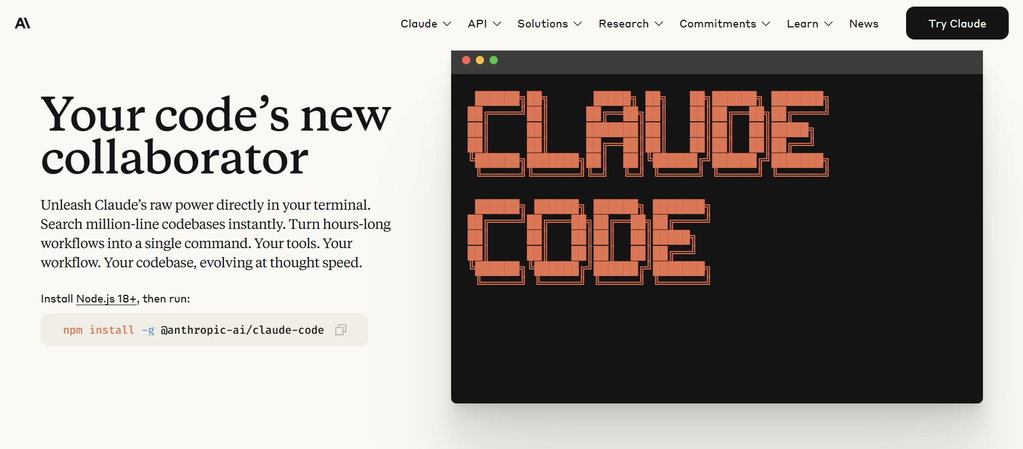
It can understand complex project setups across multiple files.
-
It only makes changes to the code if you say it's okay and follows the coding style of your project.
-
It works with tools like GitHub, GitLab, Terraform, AWS, Stripe, and more, making it compatible with your entire development workflow.
-
-
Windsurf
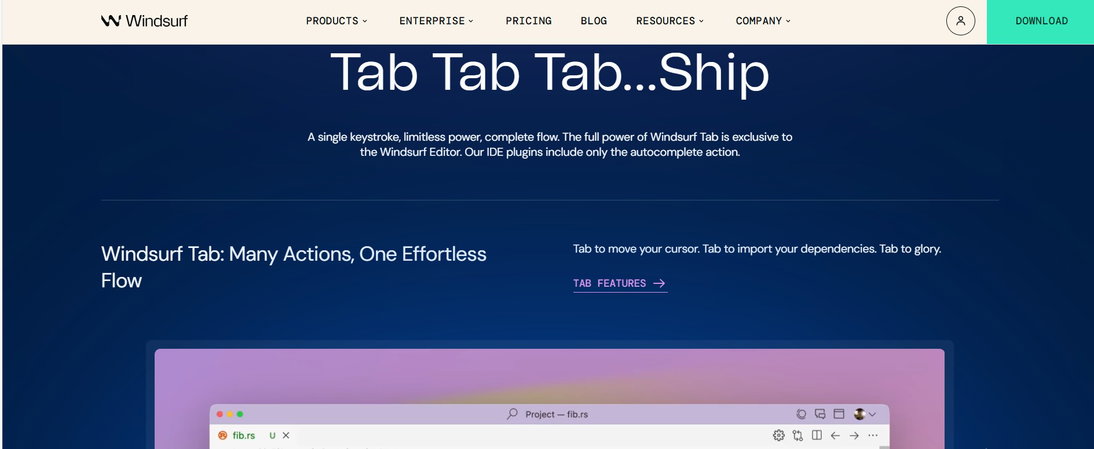
Windsurf is a smart Integrated Development Environment (IDE) that makes software development easier by including an assistant called ‘Cascade’ in the coding process. It helps with writing, fixing code, and deploying applications in one place.
Windsurf understands what developers need, keeps track of previous work, and automates routine tasks while allowing full control to the developers.
-
Key Features
-
Remembers important codebase structure, design rules, and past activities to reduce repetitive inputs.
-
Allows developers to preview, build, and deploy applications within the editor, eliminating the need to switch tools.
-
Connects to external platforms like GitHub, Figma, Stripe, and Postgres for automation and project setup.
-
-
Replit
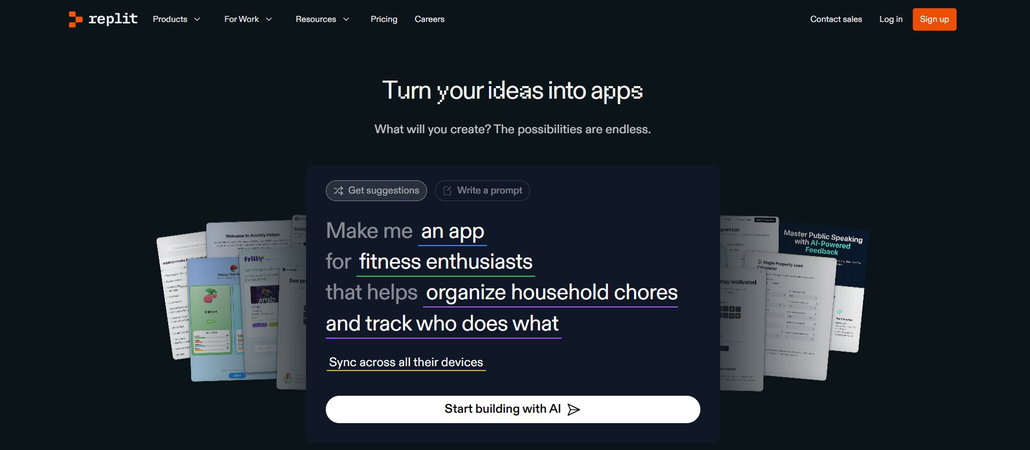
You can use several programming languages and workflows on Replit, whether you are building websites or internal tools.
-
Key Features
-
It turns natural language prompts into working applications, so you can build without having to write code yourself.
-
Multiple people can work on the same code at the same time, seeing each other's edits and chatting.
-
You can deploy your applications straight from the editor, with options for static sites, dynamic servers, and custom domains.
-
AI Vibe Coding Tools make development smoother by automating repetitive tasks and quickly turning ideas into reality.
Let’s explore the benefits now!
Benefits Of AI Vibe Coding Tools
Coding is fun, but coding with a vibe? That adds a whole new layer of fun and productivity!
Plus, with AI Vibe Coding Tools, the benefits go beyond the surface.
-
Faster Prototyping
Vibe coding lets you quickly turn ideas into working prototypes. Instead of manually coding frameworks or UI components, you simply describe what you need, and the AI assembles it for you. Changes are just as easy, ask for updates like “add a login button” or “change this dropdown,” and the AI implements them, dramatically reducing the time from concept to completion.
-
Experimental Flexibility
Vibe coding frees developers to focus on creativity instead of coding mechanics. Users can experiment with ideas such as gamification or interactive visuals without getting stuck in setup or debugging. This flexibility lets makes exploration of concepts quicker and brings them to life with ease and simplicity.
-
Democratizing Development
Vibe coding empowers non-programmers, like product designers and creative technologists, to build digital products with ease. By lowering the barrier to entry, it opens software development to more people and enables experts to turn ideas into working software without deep coding skills.
That said, like any AI tool, it has its limitations. Let’s see what they are!
Limitations Of AI Vibe Coding Tools
Vibe coding tools can speed up prototyping, but they also possess limitations that may lead to unpredictability, vulnerabilities, and maintenance issues, affecting the long-term quality and reliability of software.
-
Unpredictable Output
AI models can create different code each time you use the same prompt, which makes it hard to get consistent results. This unpredictability can be risky, especially in situations where you need reliable code. Some people in the tech community say they have improved their productivity by 50%, while others worry that AI-generated code can have serious security issues and may lead to a lot of broken code.
-
Hidden Bugs
AI lacks a deep understanding of the code it produces, which means it might include existing vulnerabilities from its training data. This can lead to subtle mistakes, poor input checks, or insecure coding practices like SQL injection and XSS. A study in 2024 found that 48% of AI-generated code snippets had security flaws, highlighting the importance of careful human review.
-
Debugging Challenges
Instead of pinpointing why something fails, vibe coding often focuses on generating a working result. While this can speed things up initially, it may leave developers without a clear understanding of the underlying issue. As projects grow more complex, this approach can lead to mounting “technical debt” and turn debugging into a daunting, time-consuming process.
So, where does this leave us?
Conclusion
In a world where coding can be stressful, AI Vibe Coding Tools can be a game-changer. They boost efficiency, reduce repetitive tasks, and free you to focus on crafting impactful solutions.
Far from being a passing trend, these AI tools signal the future of software development. The next generation will likely bring even smarter features, predictive insights, and seamless integration with a wider range of platforms, making the journey from idea to execution faster and more intuitive than ever.
Whether you’re just starting out or have been coding for years, these tools can improve coding experience, lighten the workload, and enable AI-powered productivity.
So, embrace the vibes, simplify the chaos, and let AI do the heavy lifting. Happy coding!
Frequently Asked Questions
What Is AI Vibe Coding?
AI Vibe Coding refers to the use of AI-powered tools that simplify and enhance the coding process by automating repetitive tasks, debugging, and offering intelligent code suggestions, all while keeping the developer experience smooth and intuitive.
Are AI Coding Tools Suitable For Beginners?
Yes! Many AI coding tools are beginner-friendly and help new developers learn faster by offering real-time suggestions, code completions, and guidance through best practices.
Can AI Coding Tools Replace Human Developers?
No, AI coding tools are designed to assist, not replace. They enhance productivity, reduce friction, and help with routine tasks, but human logic, creativity, and problem-solving are still essential for quality software development.
Wed, Aug 20, 2025

Enjoyed what you've read so far? Great news - there's more to explore!
Stay up to date with the latest news, a vast collection of tech articles including introductory guides, product reviews, trends and more, thought-provoking interviews, hottest AI blogs and entertaining tech memes.
Plus, get access to branded insights such as informative white papers, intriguing case studies, in-depth reports, enlightening videos and exciting events and webinars from industry-leading global brands.
Dive into TechDogs' treasure trove today and Know Your World of technology!
Disclaimer - Reference to any specific product, software or entity does not constitute an endorsement or recommendation by TechDogs nor should any data or content published be relied upon. The views expressed by TechDogs' members and guests are their own and their appearance on our site does not imply an endorsement of them or any entity they represent. Views and opinions expressed by TechDogs' Authors are those of the Authors and do not necessarily reflect the view of TechDogs or any of its officials. While we aim to provide valuable and helpful information, some content on TechDogs' site may not have been thoroughly reviewed for every detail or aspect. We encourage users to verify any information independently where necessary.
Loading comments...