
Cyber Security
RatHat: Everything To Know About The AI-Powered Android Malware
Share
TL;DR
-
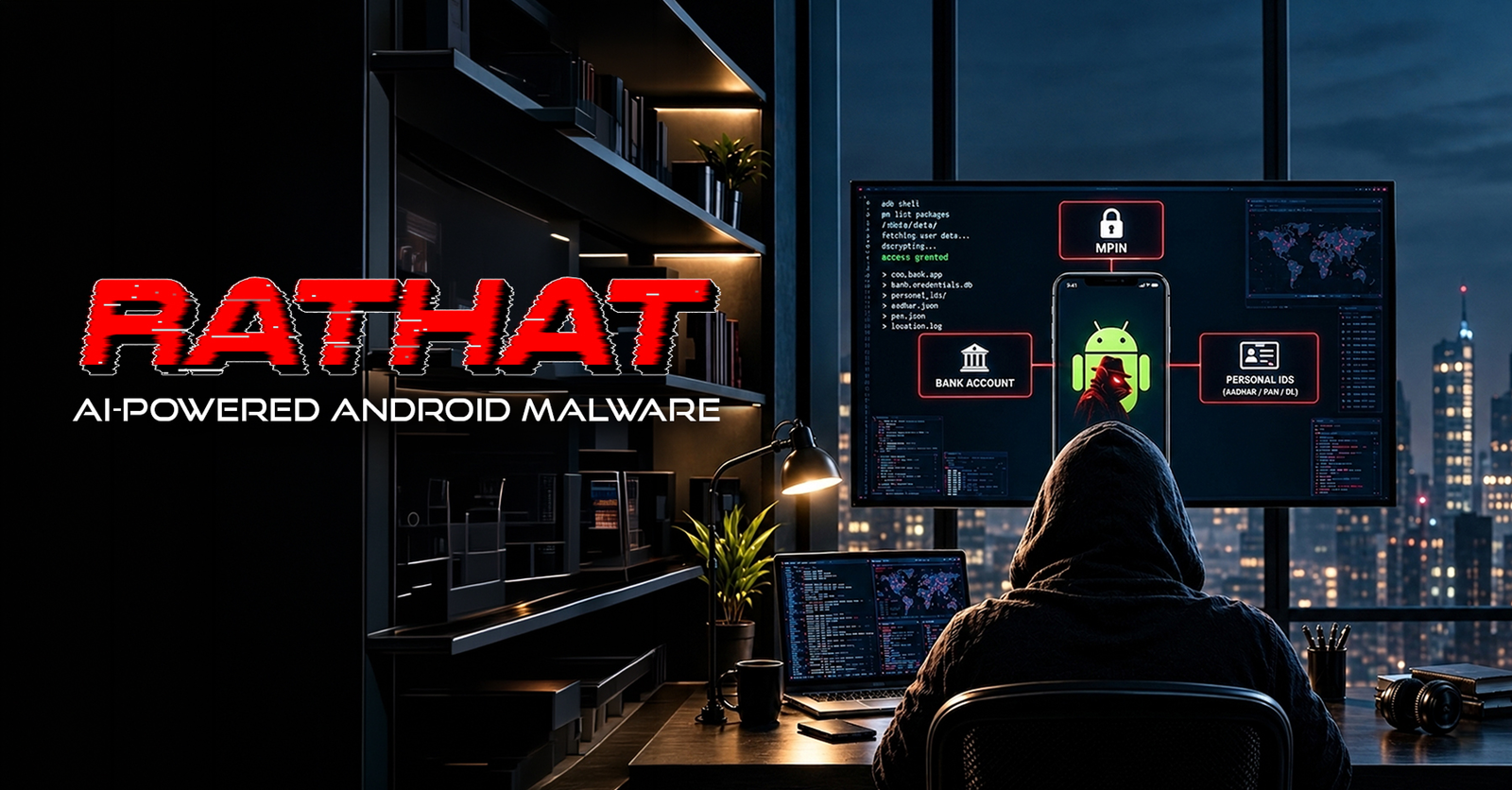
RatHat is an AI-powered Android malware that combines Accessibility abuse, ADB access, remote control, and credential theft.
-
The malware can use generative AI to interpret Android interfaces, locate on-screen elements, and support automated navigation.
-
RatHat banking overlays can imitate legitimate financial apps to capture usernames, passwords, PINs, and other sensitive data.
-
RatHat can intercept messages, monitor touch inputs, collect lock-screen information, and maintain access even after attempted removal.
-
RatHat malware detection depends on spotting suspicious Accessibility permissions, Wireless Debugging activity, sideloaded apps, and unusual device behavior.
Introduction
In the famous TV series Mr. Robot, some of the most unsettling moments do not involve futuristic machines taking over the world. They begin with something far more ordinary: a laptop, a smartphone, a familiar interface, and software quietly doing things its owner never intended.
The show repeatedly plays with the idea that technology does not need to look dangerous to become dangerous. Sometimes, the most effective attack is the one hiding behind tools and permissions people already trust.
That premise feels increasingly relevant to the modern mobile threat landscape.
Android malware has relied on a familiar playbook for years. Attackers disguise malicious software as legitimate apps, lure users through phishing links, request powerful permissions, place fake login screens over banking apps, and exploit accessibility services to observe or control what happens on a device. These techniques are hardly new.
What changes with RatHat Android malware is how many of them are brought together, along with an increasingly important ingredient: generative AI.
RatHat can use AI to help interpret what is appearing on an infected phone's screen, identify interface elements, understand visible text, and determine actions such as where to tap or when to scroll.
Instead of depending entirely on rigid automation created for a specific screen layout, parts of the attack can respond more dynamically to what the device presents.
That makes RatHat a notable example of how AI-powered mobile malware could evolve. The AI itself is not doing all the damage.
Rather, it strengthens an already capable toolkit involving accessibility abuse, Android Debug Bridge access, banking overlays, credential theft, one-time password interception, lock-screen data collection, remote control, and persistent access.
In other words, RatHat is less about replacing traditional malware techniques with AI and more about making those techniques increasingly adaptive.
So, what is RatHat malware, how does the RatHat trojan gain such extensive control over Android devices, and what signs could reveal an infection? To answer that, it helps to first understand how the attack gets onto a phone and what happens once the user grants it the access it needs.
What Is RatHat Malware?
RatHat is an Android trojan designed for credential theft, surveillance, remote device control, and persistence. Its infection chain begins much like many mobile threats: users are directed to deceptive download pages through SMS phishing, malicious advertising, phishing sites, or third-party forums and are encouraged to install an APK outside an official app store.

Once installed, the RatHat trojan attempts to obtain Android Accessibility permissions. Accessibility is a legitimate feature intended to help users interact with their devices, but malware frequently abuses it because approved services can inspect interface elements and perform actions on a user's behalf.
RatHat takes that access further. It can use Accessibility to enable Developer Options, activate Wireless Debugging, retrieve the phone's ADB pairing information, and connect to the device's own debugging interface. This gives the malware a path to shell-level capabilities that ordinary Android apps do not have.
Its architecture includes the malicious Android application, a Go-based agent operating with ADB shell privileges, and a reverse-proxy component that can create a persistent connection back to attacker-controlled infrastructure.
The combination of access, persistence, and credential theft is concerning on its own, but RatHat becomes more distinctive when AI enters the attack chain.
Why Is RatHat Considered AI-Powered Mobile Malware?
The AI component is one of RatHat's most distinctive features, but it is crucial to understand what AI actually does here.
RatHat can serialize the live Android Accessibility tree, which represents interface elements currently visible to the device, into XML. That information can then be sent to a generative AI assistant. The AI can help identify the coordinates of a named interface element, determine visible text, or provide navigation instructions such as scrolling.
In practical terms, the AI functions as part of an interface-navigation system. Instead of relying exclusively on fixed instructions such as "tap at this exact coordinate," RatHat can use AI to interpret what is on the screen and help choose the next interaction.

That adaptability matters because Android interfaces can vary across device brands, operating-system versions, languages, screen sizes, and app updates. Traditional scripted automation can break when an interface changes. AI-assisted interpretation gives malicious automation another way to cope with those variations.
However, AI is only one layer of the threat. RatHat's most dangerous capabilities come from the combination of adaptive navigation with powerful system access, credential theft, remote-control infrastructure, and persistence.
The AI layer makes RatHat more adaptable after infection, but before it can interpret screens or automate actions, it first makes a way into the device.
How Does The RatHat Android Malware Infect a Phone?
RatHat does not appear to depend on a single-click Android exploit. Instead, the infection process begins with social engineering.
A victim may encounter a malicious advertisement, an SMS message, a phishing page, or another third-party source promoting what appears to be a legitimate application. Some observed versions have disguised themselves using familiar-looking app identities, including a streaming service or a browser-like appearance.
The user must then sideload the malicious APK. That step is significant because it moves the app outside the normal protections and review processes associated with official distribution channels.
After installation, the malware attempts to persuade the user to grant Accessibility access. Once that permission is available, RatHat can automate a sequence of actions inside Android settings. It can open Developer Options, enable Wireless Debugging, locate the six-digit ADB pairing code and associated port, and use that information to pair with the same device.
This self-pairing technique removes the need for a separate computer. ADB is normally a development and troubleshooting tool, but RatHat repurposes it to obtain a shell execution context on the infected phone.
From there, the malware can stage additional components and execute system commands with privileges unavailable to a standard application.
Once RatHat gets onto a device, the next stage is not just about gaining permissions, but about chaining them together to deepen its control. By combining Accessibility privileges with ADB-enabled remote access, the malware can move from initial compromise to broader, more persistent device manipulation.
How RatHat Uses ADB, Accessibility, And Remote Access Together?
The relationship between Accessibility and ADB is central to understanding why RatHat Android malware is difficult to treat as a conventional malicious app.
Accessibility provides the initial ability to navigate the device and manipulate system settings. Wireless Debugging then provides a route into ADB. Once RatHat pairs with the local ADB service, its Go-based agent can execute commands from the shell context.

That agent can change power-management behavior, help keep malicious components running, grant permissions, and manipulate installed packages. A second native component works as a reverse-proxy client, creating a tunnel that can expose internal device services to the attacker over the internet.
This means the malware is not limited to whatever features were built into the visible Android application. The persistent remote tunnel and shell access create a broader control channel.
RatHat also employs multiple anti-analysis techniques. Its APK can be structured in ways that confuse common unpacking and analysis tools, while its manifest and DEX content include mechanisms designed to disrupt automated inspection. It also checks for debugging and analysis environments, including indicators associated with instrumentation tools, emulators, root access, and debugging frameworks.
Together, these features help explain why RatHat malware detection cannot depend only on recognizing one malicious file signature.
Gaining control is only part of the attack. What makes RatHat especially concerning is how that access can then be used to compromise credentials, messages, lock-screen data, and other sensitive information from android devices.
What Can RatHat Steal From An Android Device?
Financial information is a major focus of RatHat.
The malware can monitor which app is in the foreground and display fraudulent HTML interfaces over selected banking, payment, or cryptocurrency applications. These RatHat banking overlays imitate legitimate login screens, so users may enter account credentials into a malicious form while believing they are interacting with the real app.
Payment platforms including WeChat and Alipay have been observed among its targets. RatHat can also intercept SMS messages and notifications, giving attackers a way to capture one-time passwords and other authentication codes.
Its data-theft capabilities extend beyond banking overlays. RatHat can monitor text changes through Accessibility, collect browser address-bar information, capture screens, obtain lists of installed applications, transfer files, and gather lock-screen credential material.
One of its most unusual techniques involves raw touch input. Because the ADB shell context can access lower-level input information that normal apps cannot, RatHat can record where a user touches the screen. By comparing those coordinates with known keypad and pattern-lock layouts, the malware may reconstruct PINs or unlock patterns.
This matters because protections that block screenshots or prevent accessibility from reading sensitive fields do not necessarily prevent lower-level touch-coordinate collection.
Once RatHat gains access to sensitive data and device controls, the threat does not necessarily end when the user tries to remove the malicious app. Its persistence mechanisms are designed to make recovery more difficult, which brings us to how RatHat can survive a simple uninstall attempt.
Why Can RatHat Survive An Ordinary Uninstall?
Persistence is another feature that makes the RatHat Android malware particularly troublesome.
The malicious app can interfere with an uninstall attempt by displaying a deceptive failure screen. More significantly, one of its background components can continue operating outside the main application's normal lifecycle after the visible app is removed.

That component can check whether the malicious package is still installed. If it is missing, the agent can reinstall the APK and restore permissions, including accessibility access. The relationship works in both directions: while the app is present, it can also redeploy the background service if that component stops responding.
In other words, simply finding the suspicious icon and uninstalling the app may not fully remove the compromise once RatHat has successfully established its deeper ADB-based components.
This persistence model is one reason RatHat stands apart from many Android threats that lose access when their primary package is deleted.
If RatHat can survive a simple uninstall, the next challenge is knowing whether it has already embedded itself deeper into the device. That makes early detection just as important as removal, especially when the malware’s behavior may not always be immediately obvious.
RatHat Malware Detection: What Should Android Users Look For?
There is no single visual symptom that proves a phone is infected, so RatHat malware detection should focus on unexpected permissions, system settings, and behavior.
A strong warning sign is an unfamiliar or recently sideloaded app requesting accessibility without a legitimate retrieval related reason. Users should also treat unexpected instructions to enable Developer Options, Wireless Debugging, or Device Admin privileges as suspicious.
Unrecognized applications, strange login screens appearing over banking or payment apps, unexplained changes to security settings, or an app that appears to resist removal can also justify closer inspection.
Topics For More Insights
Because RatHat can disguise itself using familiar-looking labels and icons, an app's appearance alone is not reliable evidence of legitimacy. Users should verify where an app came from, review its permissions, and avoid assuming that a recognizable icon means the software is genuine.
For organizations, behavioral mobile threat detection becomes particularly important. Indicators such as unusual accessibility activity, activation of debugging features, local ADB pairing, reverse-tunnel behavior, suspicious overlays, or unexpected privilege changes can reveal activity that a static signature may miss.
How Can You Protect An Android Phone From RatHat?
The most effective defense starts before installation.
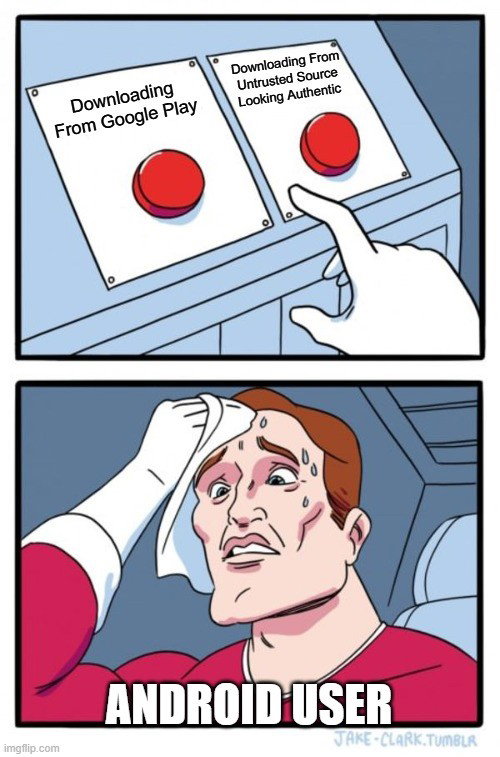
Avoid downloading APKs from links in unsolicited text messages, advertisements, forums, or unverified websites. Prefer Google Play or another trusted official app source, while remembering that no distribution channel can guarantee absolute safety.
Be especially cautious when an app asks for Accessibility permission. A streaming app, browser clone, or unrelated utility should not need deep control over your interface simply to perform its advertised function.
Developer Options and Wireless Debugging should also remain disabled unless you intentionally use them and understand why they are required. Legitimate consumer apps generally do not need to guide users through enabling debugging in order to work.
Keep Android and security software updated, and use Google Play Protect or reputable mobile security tools to scan for suspicious apps and behavior. Organizations managing employee phones should consider controls that restrict sideloading, monitor risky permissions, and detect unexpected debugging or accessibility changes.
If RatHat infection is confirmed, normal app removal may not be enough because the persistence component can survive outside the primary package. A factory reset is the safer remediation path recommended for confirmed infection. Before resetting, preserve only essential personal files, not unknown APKs or app backups that could reintroduce the threat. Later, change banking, email, and other sensitive passwords from a clean device and review financial accounts for unauthorized activity.
Spotting RatHat early can help limit the damage, but understanding its warning signs only tells part of the story. What makes the threat especially significant is how its capabilities push beyond the boundaries of a typical Android trojan and point to a broader shift in how mobile malware may evolve.
Why RatHat Matters Beyond One Android Trojan?
RatHat is challenging because it shows how generative AI can be inserted into an existing malware workflow without replacing traditional attack techniques.
The malware still depends on familiar ingredients: phishing, sideloading, permission abuse, credential overlays, OTP interception, debugging tools, persistence, and command-and-control infrastructure. AI makes one portion of that workflow more adaptable by helping the malware understand and navigate user interfaces.
That combination may be more important than the AI label itself. Mobile operating systems increasingly rely on permission boundaries, sandboxing, protected interfaces, and user confirmation to constrain malicious apps.
RatHat demonstrates how attackers can chain legitimate capabilities together, automate the process, and use AI to handle some of the variability that previously made automation fragile.
For defenders, the lesson is equally clear. RatHat malware detection needs to look beyond known file signatures toward behavior, privilege changes, debugging activity, suspicious accessibility use, overlays, and persistent network control.
Final Thoughts
RatHat shows what the next phase of Android malware may look like: not an entirely new type of attack, but a smarter assembly of old and new techniques.
Its AI-assisted navigation attracts attention, yet the deeper risk comes from how effectively the RatHat trojan chains social engineering, accessibility abuse, ADB self-pairing, persistent remote access, RatHat banking overlays, input capture, and credential theft.
For Android users, the practical defense remains straightforward. Be skeptical of sideloaded apps, treat unusual accessibility and debugging requests as serious warnings, keep security protections active, and respond quickly if a device begins showing signs of deeper compromise.
Frequently Asked Questions
Is RatHat A Banking Trojan?
RatHat can reasonably be described as an Android trojan with strong banking-malware capabilities. It uses fraudulent overlays to capture financial credentials, can intercept OTP and authentication messages, and can collect PINs and other sensitive information. However, its functionality goes beyond banking theft because it also supports surveillance, shell-level control, remote access, persistence, file transfer, and screen or input monitoring.
Does RatHat Use AI To Steal Passwords Directly?
Not exactly. The AI component is primarily used to interpret the Android interface and support automated navigation, such as locating interface elements or determining what action to take next. Credential theft is carried out through other mechanisms, including banking overlays, Accessibility monitoring, message interception, and raw touch-coordinate capture. The danger comes from those capabilities working together.
Can Uninstalling RatHat Remove It?
Not necessarily. If RatHat has successfully deployed its ADB-based background agent, removing the visible app may leave a persistent component behind. That agent can reinstall the malicious package and restore permissions. For a confirmed infection, a factory reset is a safer approach than relying on a normal uninstall alone.
Tue, Sep 22, 2026

Enjoyed what you've read so far? Great news - there's more to explore!
Stay up to date with the latest news, a vast collection of tech articles including introductory guides, product reviews, trends and more, thought-provoking interviews, hottest AI blogs and entertaining tech memes.
Plus, get access to branded insights such as informative white papers, intriguing case studies, in-depth reports, enlightening videos and exciting events and webinars from industry-leading global brands.
Dive into TechDogs' treasure trove today and Know Your World of technology!
Disclaimer - Reference to any specific product, software or entity does not constitute an endorsement or recommendation by TechDogs nor should any data or content published be relied upon. The views expressed by TechDogs' members and guests are their own and their appearance on our site does not imply an endorsement of them or any entity they represent. Views and opinions expressed by TechDogs' Authors are those of the Authors and do not necessarily reflect the view of TechDogs or any of its officials. While we aim to provide valuable and helpful information, some content on TechDogs' site may not have been thoroughly reviewed for every detail or aspect. We encourage users to verify any information independently where necessary.
Loading comments...