
Artificial Intelligence
What Is An NPU? How On-Device AI Chips Work, Explained
Share
TL;DR
-
NPUs focus on neural-network inference rather than replacing CPUs or GPUs.
-
Local AI can reduce network delay and keep some processing on the computer.
-
Microsoft currently requires at least 40 TOPS for Copilot+ PCs.
-
TOPS measures theoretical AI throughput, but software support and memory still shape real performance.
-
NPUs are most useful when applications are specifically optimized to use them.
-
Common NPU workloads include translation, camera effects, speech processing, image tools, local language models, and accessibility features.
Introduction
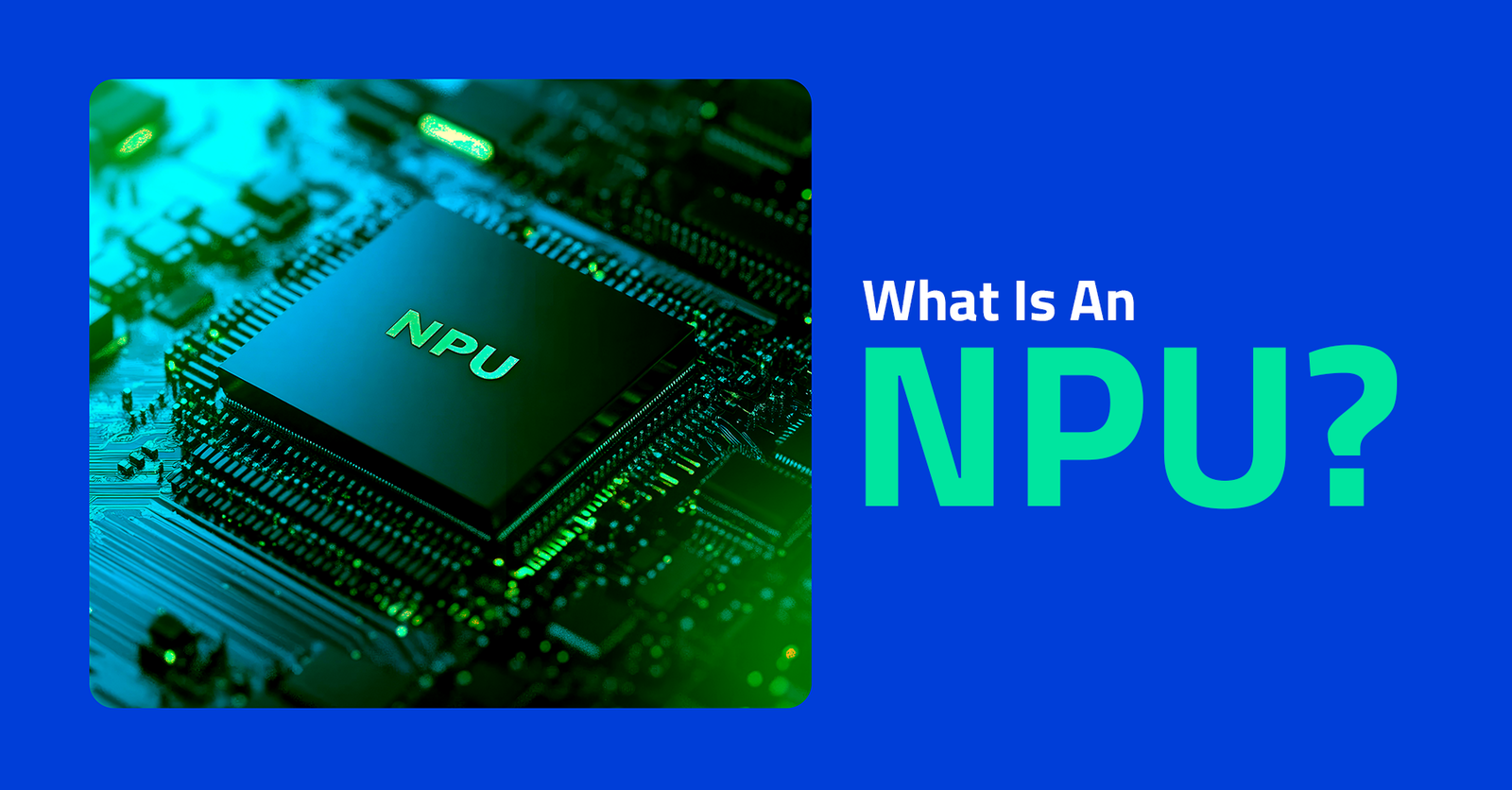
A laptop can now have three major processors working side by side. The central processing unit handles general computing, the graphics processing unit handles highly parallel workloads, and the neural processing unit handles certain AI calculations efficiently. An NPU is a specialized processor designed to accelerate neural-network workloads on the device. Its job is mainly inference, which means running a trained AI model on new data.
That matters because more AI features are moving from remote servers onto personal devices. Local processing can cut network delay, keep some data on the computer, and reduce power use for supported workloads. Microsoft’s current Copilot+ PC category requires an NPU capable of at least 40 trillion operations per second, or 40 TOPS. The NPU does not replace the CPU or GPU. It gives the system another processor optimized for a different kind of work.
What Is An NPU?
A neural processing unit is dedicated hardware built to accelerate the mathematical operations used by machine-learning models. Unlike a general-purpose CPU, an NPU is optimized for repeated matrix and tensor calculations. Intel describes modern AI PCs as systems that combine a CPU, GPU, and NPU so each processor can handle the work it suits best.
The NPU is especially useful for sustained AI inference at lower power. That makes it a good fit for laptops, where battery life, heat, and responsiveness matter. The same basic idea appears in phones and other edge devices, although the exact architecture differs by chip maker.
How Does An NPU Process AI On Your Device?
An NPU processes AI by taking a trained model, receiving new input, and executing the model’s calculations locally. The model might analyze an image, transcribe speech, summarize text, remove background noise, or classify what a camera sees. The processor then returns an output to the application without requiring every step to happen in the cloud.
-
The AI Model
An AI model contains learned numerical parameters that describe patterns found during training. The training itself may require powerful GPUs or cloud infrastructure. Once trained, a smaller or optimized version of the model can be deployed to a laptop for local inference.
-
AI Inference
Inference is the stage where the model works on new data. Microsoft’s Windows AI stack can run supported models on NPUs through hardware-aware software layers. Current Copilot+ components use local models for image processing, language tasks, and other AI features.
-
Specialized Math
Neural networks rely heavily on parallel multiply-and-accumulate operations across matrices and tensors. NPUs are designed to perform many of these calculations efficiently. They often use lower-precision number formats because many inference workloads do not need the same numerical precision as general computing.
The software layer matters as much as the silicon. An application must use a runtime that can send a compatible model to the NPU. Microsoft now recommends Windows ML for hardware-aware local inference, which can select an available execution provider for supported models.
If a model uses unsupported operators, needs too much memory, or is not optimized for the device, the workload may fall back to the GPU or CPU. That is why simply owning an NPU does not accelerate every AI application. Developers still need to package models appropriately, test performance, and decide when local execution offers a better experience than cloud processing for each feature on that specific device. -
Local Output
Local execution can reduce dependence on an internet connection for compatible features. Microsoft’s Phi Silica model, for example, has supported on-device text generation, summarization, and rewriting. Local execution can also keep prompts and results on the computer when the feature is designed that way.
-
NPU vs CPU vs GPU
CPU, GPU, and NPU hardware overlap in capability, but they are optimized differently. Modern operating systems and application frameworks can direct work toward the processor that offers the best balance of speed, compatibility, and efficiency. That is why an AI PC benefits from heterogeneous computing rather than one processor doing everything.
| Processor | Main Strength | Typical Role |
| CPU | Flexible general computing | Apps, system tasks, sequential logic |
| GPU | High parallel throughput | Graphics, training, large AI workloads |
| NPU | Efficient AI acceleration | Sustained on-device AI inference |
What Does TOPS Mean For NPU Performance?
TOPS means trillions of operations per second and gives a rough measure of an AI accelerator’s theoretical throughput. Microsoft requires at least 40 TOPS for the Copilot+ PC category. Qualcomm’s Snapdragon X Elite includes a Hexagon NPU rated at 45 TOPS, while newer platforms can go higher.
TOPS is useful for checking whether hardware meets a software requirement. It is not a complete measure of real-world AI speed. Model architecture, precision, memory bandwidth, software optimization, thermal limits, and task type all affect performance. Two NPUs with similar TOPS figures can therefore behave differently in the same application.
What Can An NPU Do On A Modern PC?
An NPU can accelerate AI features that run continuously or need low-power local processing. Microsoft uses NPUs across Copilot+ PC experiences, and developers can target the hardware through Windows AI tools. Useful workloads include real-time translation, camera enhancement, speech processing, image transformation, local language models, accessibility features, and intelligent search.
Microsoft says Copilot+ PCs can support Live Captions translation from more than 40 languages into English on compatible devices. These features show why sustained efficiency matters. A processor handling a background AI task should not consume the same power budget as a high-end GPU running at full load.
Why Does On-Device AI Use NPUs?
On-device AI uses NPUs because specialized hardware can run supported models with lower power draw and less dependence on cloud infrastructure. The benefit is strongest when the workload repeats frequently, must respond quickly, or needs to run while the CPU and GPU are busy with other tasks.
-
Lower Power Use
Dedicated AI hardware can execute supported neural-network operations more efficiently than a general-purpose processor. Microsoft says assigning AI work to the NPU can improve inference efficiency and help preserve battery life on mobile PCs.
-
Lower Latency
Local inference removes the network round trip for supported tasks. That can make features such as camera effects, translation, and speech processing feel more immediate, especially when connectivity is weak or inconsistent.
-
More Local Data Processing
Keeping processing on the device can reduce how much raw information must leave the computer. That does not make every AI feature private automatically, but it gives developers another way to design features that keep sensitive inputs local.
-
Offline AI
Some local models can work without a constant internet connection once the required components are installed. That can make selected AI features more reliable during travel, poor connectivity, or restricted network access.
Where Do NPUs Still Fall Short?
NPUs are not universal AI engines. Large models may exceed available memory, and some software cannot use the NPU unless developers target supported runtimes. Training large models still depends heavily on GPUs and data-center infrastructure. Even local inference may move to a GPU when a model is unsupported or requires more compute.
Hardware numbers also age quickly. A 40-TOPS NPU may satisfy one generation of software requirements while future models demand more memory or throughput. Buyers should therefore look at supported applications, software updates, memory capacity, and actual workflow needs instead of choosing a PC by TOPS alone.
The Bottom Line
An NPU is a specialized AI accelerator designed to run neural-network workloads efficiently on the device. It complements the CPU and GPU by taking on sustained inference jobs that benefit from parallel math and lower power use.
The hardware matters most when software is written to use it. For buyers, supported applications and real workloads matter more than the biggest TOPS number on a spec sheet.
Frequently Asked Questions
Is an NPU Better Than a GPU for AI?
An NPU is better for some low-power inference workloads, while a GPU is usually better for heavier parallel compute and model training. The right processor depends on the model, software support, memory needs, and performance target. Modern AI PCs use both because no single processor is best for every AI task.
Do I Need an NPU for AI?
You do not need an NPU to use AI, because CPUs, GPUs, and cloud services can also run AI workloads. An NPU becomes useful when you want supported AI features to run locally with lower power use. Some newer Windows experiences also require a sufficiently capable NPU for everyday use today.
Can an NPU Run ChatGPT Locally?
An NPU can run compatible local language models, but it does not automatically run the cloud version of ChatGPT on your computer. Local models must fit the device’s memory and supported runtime. Windows, for example, supports smaller on-device language models that can generate, summarize, and rewrite text without a cloud connection.
What Does 40 TOPS Mean?
Forty TOPS means the processor can theoretically perform 40 trillion operations per second under a defined AI workload. The number is useful for comparing hardware requirements, but it does not predict application speed by itself. Precision, memory bandwidth, model design, thermals, and software optimization also influence real performance across different chips.
Does an NPU Improve Battery Life?
An NPU can improve efficiency when software shifts compatible AI workloads away from less efficient processors. That can reduce power use during sustained local inference. Battery gains vary by application, device design, workload, and settings, so an NPU should not be treated as a guaranteed battery-life upgrade for every task.
Can Software Use an NPU Automatically?
Some modern runtimes can detect available hardware and direct supported models to an NPU, but software still needs compatible models and execution paths. Microsoft’s Windows ML is designed to simplify that process. Unsupported operators, memory limits, or missing optimizations can cause a workload to run on the GPU or CPU instead.
Tue, Sep 29, 2026

Enjoyed what you've read so far? Great news - there's more to explore!
Stay up to date with the latest news, a vast collection of tech articles including introductory guides, product reviews, trends and more, thought-provoking interviews, hottest AI blogs and entertaining tech memes.
Plus, get access to branded insights such as informative white papers, intriguing case studies, in-depth reports, enlightening videos and exciting events and webinars from industry-leading global brands.
Dive into TechDogs' treasure trove today and Know Your World of technology!
Disclaimer - Reference to any specific product, software or entity does not constitute an endorsement or recommendation by TechDogs nor should any data or content published be relied upon. The views expressed by TechDogs' members and guests are their own and their appearance on our site does not imply an endorsement of them or any entity they represent. Views and opinions expressed by TechDogs' Authors are those of the Authors and do not necessarily reflect the view of TechDogs or any of its officials. While we aim to provide valuable and helpful information, some content on TechDogs' site may not have been thoroughly reviewed for every detail or aspect. We encourage users to verify any information independently where necessary.
Loading comments...