
Software Development
Top 5 Browser Extensions Boosting Productivity In 2026
Share
TL;DR
-
Chrome held 70.67% of the global desktop browser market in July 2026, keeping extensions highly relevant.
-
Grammarly now adds generative AI assistance while remaining available as a browser extension under the broader Superhuman company.
-
Todoist turns pages, selected text, and emails into tasks without forcing users to leave their browser.
-
StayFocusd and AdBlock reduce different kinds of distractions, from time-wasting sites to intrusive ads.
-
LastPass still simplifies password access, but users should understand permissions, plan limits, and extension security before installing.
.png.aspx "TechDogs-\"Top 5 Browser Extensions Boosting Productivity In 2025\"")
Introduction
Inspector Gadget never relied on one tool. A spring-loaded arm solved one problem, a helicopter hat solved another, and the right gadget appeared when needed.
A modern browser works much the same way. Add the right Browser Extensions and it can improve writing, capture tasks, block distractions, remove ads, and manage passwords without constant app-switching.
That matters when Chrome held 70.67% of the global desktop browser market in July 2026, according to StatCounter. Familiar extensions have also become smarter rather than obsolete. So, which Productivity Browser Extensions still deserve space in your toolbar in 2026?
What Is A Browser Extension?
A Browser Extension is a small software add-on that gives a web browser extra functionality. Depending on its purpose and permissions, it can interact with webpages, save information, modify what appears on screen, or connect the browser to another service.
Most extensions use JavaScript, HTML, and CSS. Chrome now uses Manifest V3 as its supported extension format, changing how extensions handle background processes, remote code, and network requests. Active maintenance therefore matters when choosing Free Productivity Browser Add-Ons.
What Are The Top 5 Browser Extensions?
Although a variety of Browser Extensions are available, we have selected five of the latest and most productive ones.
-
Grammarly
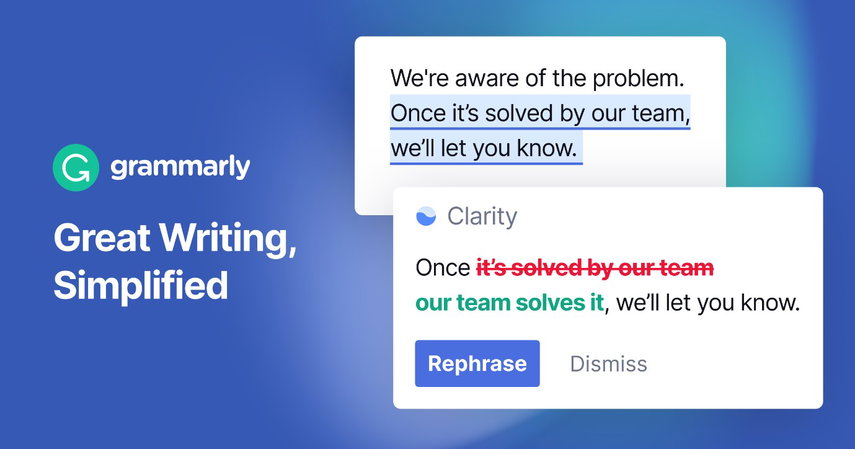
Grammarly remains useful among Browser Extensions For Students and Browser Extensions For Professionals who write emails, documents, social posts, or web content.
Its Chrome extension checks grammar, spelling, clarity, and tone and now adds generative AI for drafting, rewriting, brainstorming, and replies. Grammarly's company rebranded as Superhuman in late 2025 while the Grammarly product remained available, with Superhuman Go extending AI assistance inside Chrome and Edge.
The current Chrome Web Store listing shows roughly 35 million users, keeping Grammarly firmly relevant in 2026. -
Todoist
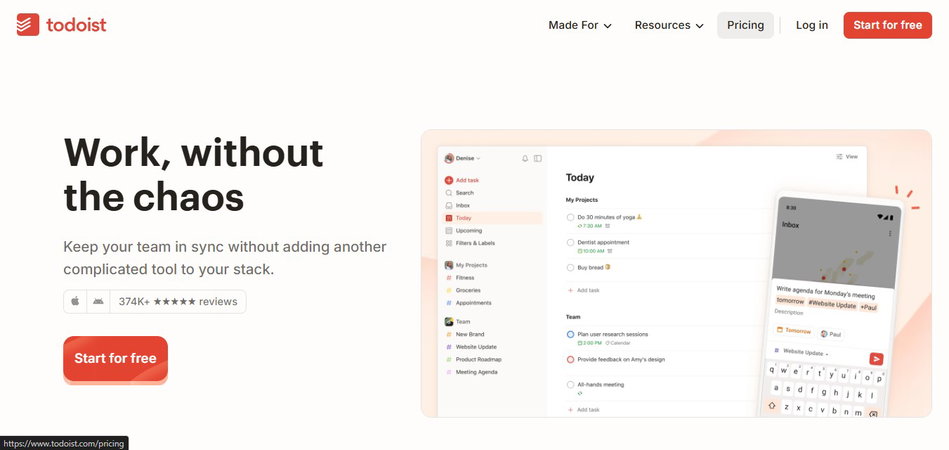
Todoist remains one of the most practical Task Management Browser Tools because it removes the gap between finding something online and remembering to act on it.
The extension lets users add webpages or selected text as tasks, assign dates or projects, review lists, and complete work without leaving the page. Todoist says its platform is trusted by more than 47 million people.
A notable 2026 change is that the separate Todoist for Gmail Chrome extension retired on June 30, with Gmail support folded into the main Chrome extension. -
StayFocusd
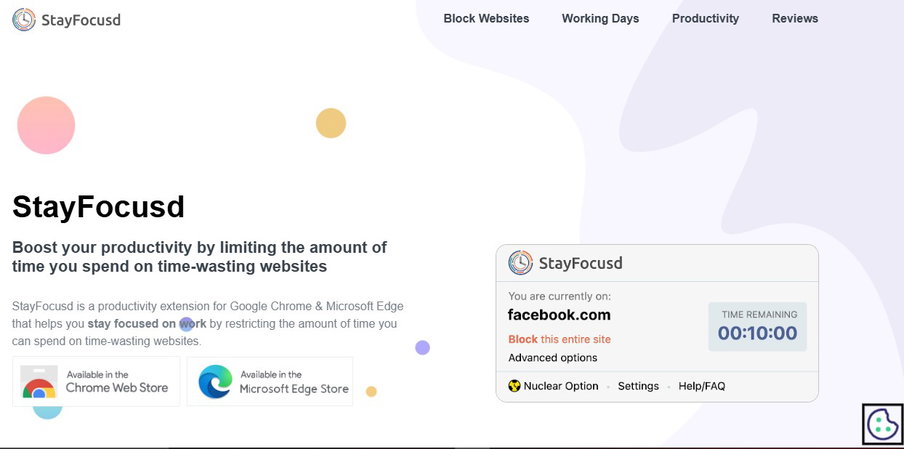
StayFocusd still solves a familiar problem: the browser can be both your workspace and your biggest distraction.
It lets users limit or block websites, subdomains, pages, and selected in-page content. Its Nuclear Option locks distracting sites for a defined period and cannot be casually undone. Current versions also include usage history and challenge-based protection against impulsive settings changes.
Its Chrome Web Store listing shows around 700,000 users and an August 2026 update, so the existing recommendation remains current. -
AdBlock
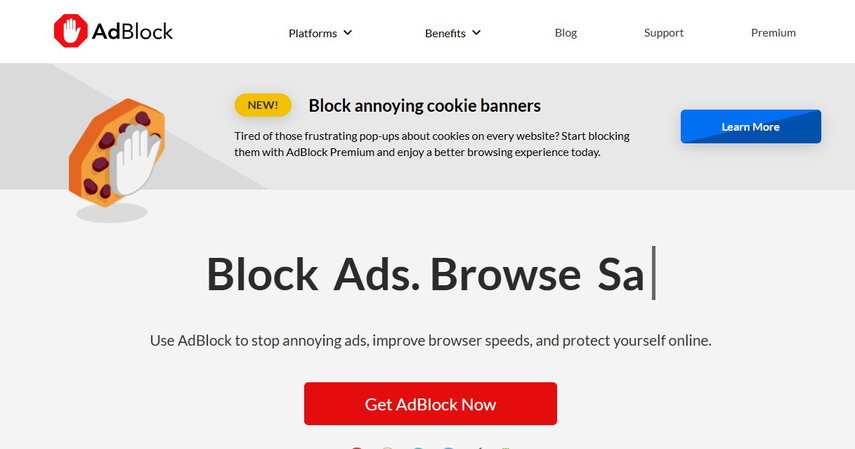
AdBlock is not a task manager, but fewer pop-ups, banners, autoplay interruptions, and tracking elements can make research and reading less fragmented.
The current extension is compatible with Manifest V3 and lists more than 60 million Chrome users. Free features include ad blocking, third-party tracking controls, filters, allowlists, and customization. AdBlock participates in the Acceptable Ads program, so some non-intrusive ads may appear by default unless users opt out.
One correction matters: AdBlock and Adblock Plus are separate products. The older article blurred the two, so this update treats AdBlock independently. -
LastPass
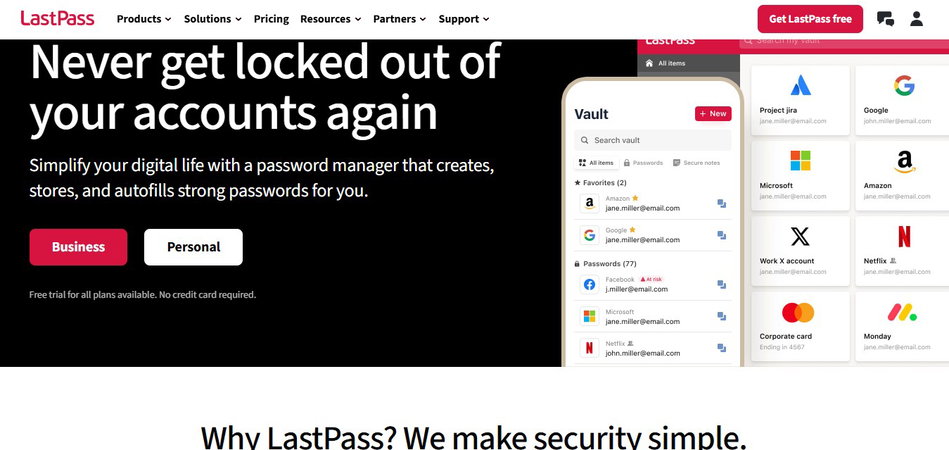
LastPass remains relevant because repeated logins and password resets create unnecessary friction.
Its extension stores and autofills passwords, generates credentials, and supports passkeys and multifactor authentication. The Chrome Web Store currently lists around eight million users, while LastPass continues to publish extension updates in 2026.
There is an important free-plan limitation: LastPass Free supports unlimited passwords but restricts access to one device type, either computers or mobile devices. Premium removes that restriction.
What Are The Benefits Of Browser Extensions?
Here are some of the benefits you can get while using Browser Extensions.
-
Boosting Productivity And Efficiency
Chrome extensions provide valuable tools that help individuals manage tasks and stay organized, making it easier to be productive at work or school. For example, tools like Todoist and Evernote Web Clipper let users save websites, articles, and PDFs directly into their notes or task lists. This helps keep important information in one place, making it easier to meet deadlines.
-
Improving Workflow With Helpful Tool
Some extensions make everyday tasks smoother. For example, LastPass securely saves your passwords and fills them in automatically, while Grammarly helps you write better by checking for spelling and grammar mistakes. Clear writing is essential for successful online learning, and these tools ensure that your work is professional and well-organized.
-
Enhancing Learning And Accessibility
Chrome extensions also make learning easier for students with different needs. They provide tools for note-taking and language translation, which can aid during study sessions. These extensions help streamline research and encourage teamwork among students, making the learning process more enjoyable and effective.
Are Browser Extensions Safe To Use In 2026?
Useful does not automatically mean harmless.
Extensions may request access to site data or browsing activity because some functions genuinely require it. Google lets Chrome users restrict site access to the current site, selected sites, or all sites where supported.
Cybersecurity instructor and ethical hacker Mike Danseglio offered a useful rule in a 2026 PCWorld interview: "A browser extension is software, like any other."
Install extensions from trusted publishers, review permission requests, keep them updated, and remove tools you no longer use. Google recommends limiting permissions wherever possible, while Enhanced Safe Browsing can warn about dangerous extensions.
Conclusion
Inspector Gadget was effective because every gadget had a job. Filling his coat with ten copies of the same tool would not have made him more capable.
Browser Extensions work the same way.
Grammarly, Todoist, StayFocusd, AdBlock, and LastPass remain useful in 2026 because the problems they solve are still real. What has changed is the intelligence, integration, platform architecture, and security context around them.
Choose extensions based on friction in your workflow, check what access they request, and remove anything that stops earning its place. A productive browser is one that quietly removes obstacles.
Frequently Asked Questions
Which Browser Extensions Are Best For Students In 2026?
Grammarly, Todoist, and StayFocusd are strong choices for writing, assignment tracking, and distraction control. The best combination depends on whether the main bottleneck is organization, writing, or focus.
Can Too Many Browser Extensions Reduce Productivity?
Yes. Too many extensions can create toolbar clutter, overlapping notifications, unnecessary permissions, and additional background activity. Keep tools that solve recurring problems and remove unused ones.
Should I Give A Browser Extension Access To All Websites?
Only when its core function genuinely requires it. Chrome allows users to review and change site-access permissions, so broader access should not be granted automatically when a narrower setting works.
Thu, Jul 31, 2025

Enjoyed what you've read so far? Great news - there's more to explore!
Stay up to date with the latest news, a vast collection of tech articles including introductory guides, product reviews, trends and more, thought-provoking interviews, hottest AI blogs and entertaining tech memes.
Plus, get access to branded insights such as informative white papers, intriguing case studies, in-depth reports, enlightening videos and exciting events and webinars from industry-leading global brands.
Dive into TechDogs' treasure trove today and Know Your World of technology!
Disclaimer - Reference to any specific product, software or entity does not constitute an endorsement or recommendation by TechDogs nor should any data or content published be relied upon. The views expressed by TechDogs' members and guests are their own and their appearance on our site does not imply an endorsement of them or any entity they represent. Views and opinions expressed by TechDogs' Authors are those of the Authors and do not necessarily reflect the view of TechDogs or any of its officials. While we aim to provide valuable and helpful information, some content on TechDogs' site may not have been thoroughly reviewed for every detail or aspect. We encourage users to verify any information independently where necessary.
Loading comments...