
IT Infrastructure
Plug In, Power Up: Best USB-C Accessories & Gadgets For Work Setup
Share
TL;DR
-
The USB-C hub is the easiest way to add more ports to modern laptops.
-
Docking stations help create a one-cable desk setup for work.
-
Fast USB-C chargers reduce clutter by powering multiple devices.
-
USB-C monitors, SSDs, and adapters make hybrid work smoother.
-
The right USB-C gadgets can make any workspace cleaner, faster, and more flexible.
Introduction
Have you watched Severance? It is the workplace sci-fi series where employees at Lumon Industries have their work memories separated from their personal lives, creating one of the strangest office environments on TV.
Lumon’s office looks spotless on the surface: minimal desks, strange rituals, and just enough mystery to make every blinking light feel suspicious. Yet beneath that clean, controlled workspace is an entire system of hidden connections keeping everything running. Modern work setups are not all that different, without psychological experiments, hopefully.
A laptop may look sleek on its own, but the moment the workday begins, the real drama starts. The monitor needs a signal, the phone needs power, the mouse needs a receiver, the hard drive needs a port, the webcam needs stability, and the charger somehow has to save everyone before the next video call.
That is where USB-C accessories and gadgets step in: the backstage crew of the modern workstation, bringing power, speed, display support, storage, and connectivity into one compact, versatile standard.
Why USB-C Accessories Matter For Work
USB-C has become popular because it solves one of the oldest tech problems: too many cables doing too many different things. With the right USB Type-C accessories, one compact port can support charging, data transfer, display output, and peripheral connectivity. That matters because today’s work setup is no longer just one computer. It is a laptop, phone, tablet, monitor, keyboard, mouse, webcam, storage drive, headphones, and charger, all competing for space and power. This is why type C accessories have become essential for professionals.
A good hub reduces port anxiety. A strong charger keeps devices alive through long calls. A high-speed data and charging cable prevents slow transfers. A power strip organizes the desk. A docking station makes the transition from a mobile laptop to a full workstation almost instantly.
The idea is never to add more tech but to make your existing tech work together. That is why we will be discussing the best USB-C accessories and gadgets that can make your life better, smoother, and faster.
USB-C Hubs: The Everyday Port Expander
If your laptop has only two or three ports, a USB-C hub should be your first upgrade. USB-C hubs expand a single port into multiple connections, such as HDMI, USB-A, USB-C, SD card slots, Ethernet, and charging pass-through. For anyone who connects a monitor, keyboard, mouse, external storage, or card reader, this is the accessory that removes daily friction.
A strong example is the Plugable USB-C 9-in-1 Hub, which is designed for people who need power delivery and a useful mix of ports. It can support a second screen and offers high power delivery, making it suitable for heavier laptops. The Monoprice 5-in-1 USB-C Hub is a good budget-friendly option, especially for users who still rely on USB-A accessories. It includes HDMI, three USB-A ports, and up to 100W pass-through charging.
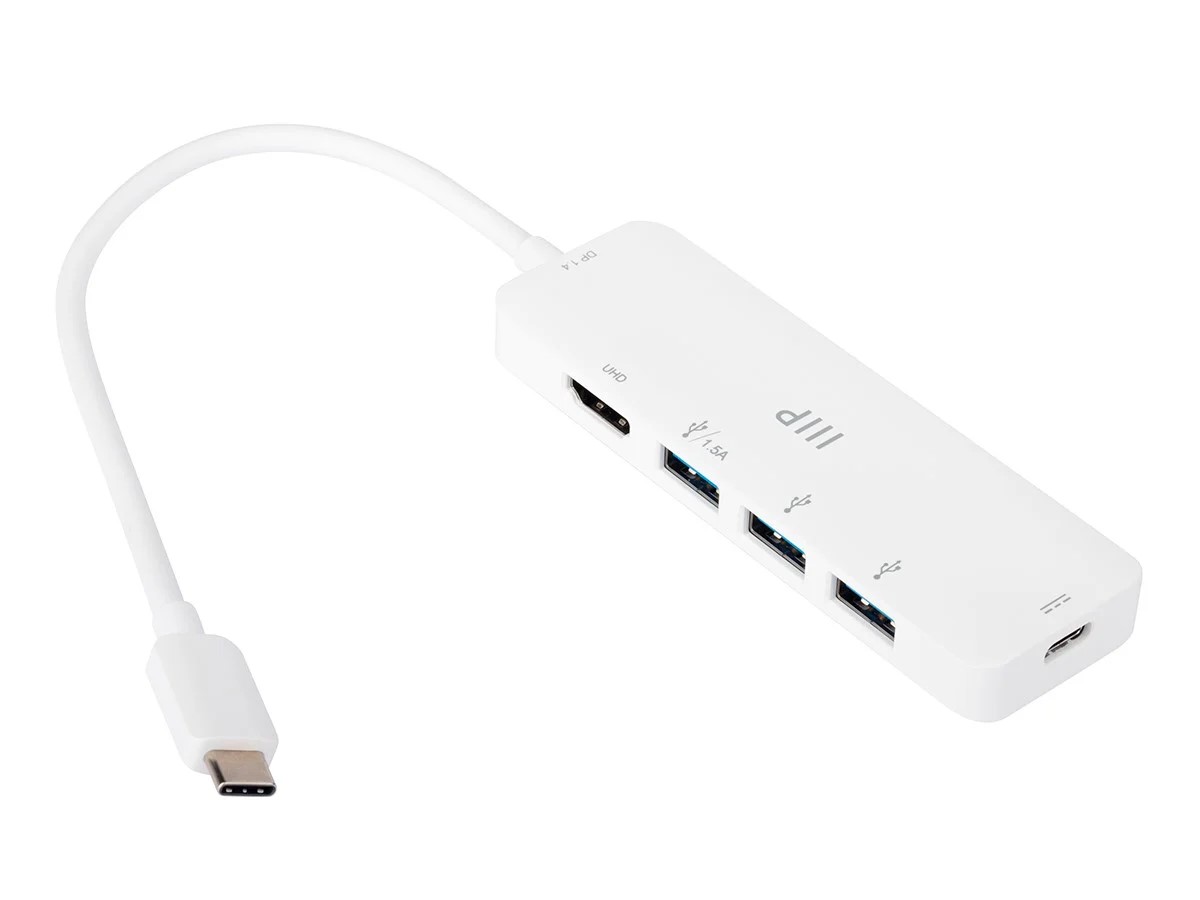
For those looking for the best value multipurpose USB-C hub, the ideal choice depends on workflow. Presentation-heavy users should prioritize HDMI. Creators should look for SD and microSD support. Remote workers with weak Wi-Fi should choose Ethernet. The best hub is not the one with the longest spec sheet; it is the one that removes the exact bottlenecks from your desk.
USB-C Hubs And Docking Stations: The One-Cable Workstation
A hub solves the port problem. A docking station solves the desk problem. The best USB-C hubs and docking stations allow you to connect your laptop to monitors, keyboard, mouse, storage, Ethernet, speakers, and power through one cable. Sit down, plug in once, and your workstation wakes up.
For multi-monitor setups, the Plugable USB-C Dual HDMI Docking Station is a robust and recommended example. It supports two displays up to 4K resolution through HDMI and includes USB-A ports, Ethernet, USB-C ports, and a headphone jack.
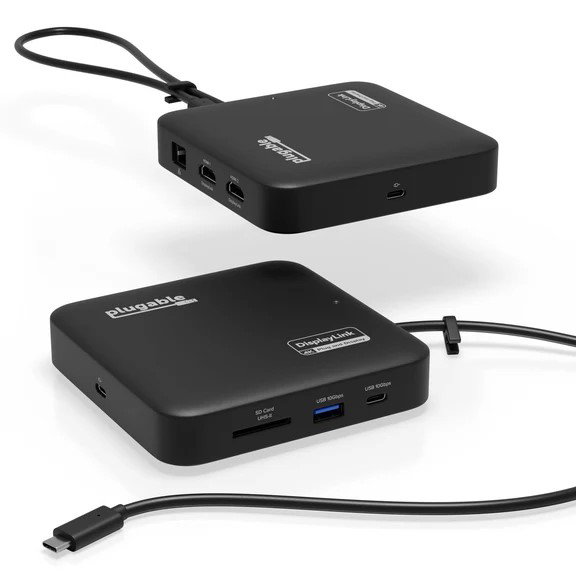
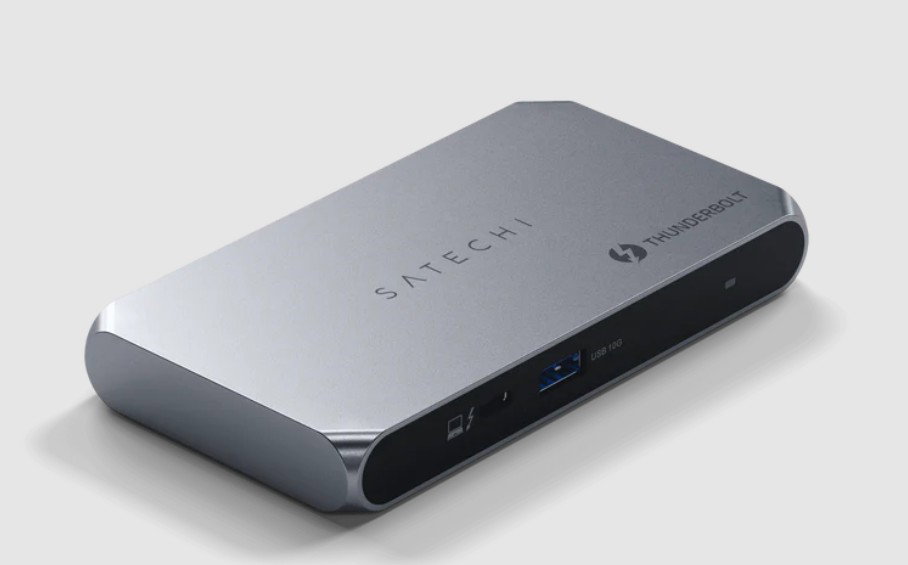
For those fully committed to USB-C, the Satechi Thunderbolt 4 Slim Pro Hub offers multiple Thunderbolt 4 USB-C ports and one USB-A port for legacy devices.
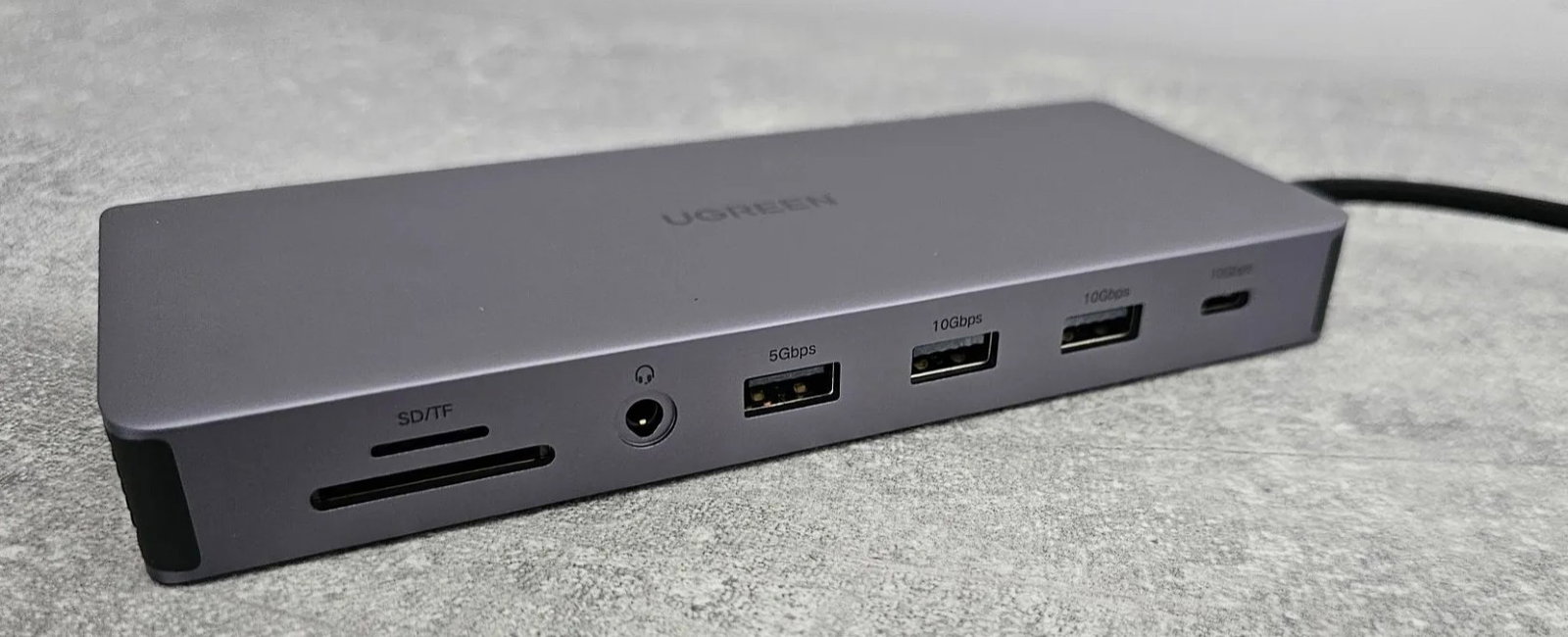
The Ugreen Revodok Pro 211 Docking Station also sits neatly between a compact hub and a serious dock, offering multiple USB ports and enough connectivity for a multi-monitor setup.
Docking stations are especially useful for developers, designers, analysts, marketers, editors, and anyone who works better with more screen space. They reduce cable clutter and make it easier to switch between home and office setups without rebuilding your desk every morning.
Best USB-C Chargers: Power For The Whole Workday
No work setup is complete without reliable power. The best USB-C chargers are compact, fast, and capable of charging more than one device at a time. This is where USB-C Power Delivery makes a major difference, allowing laptops, tablets, smartphones, and accessories to charge through one standard.
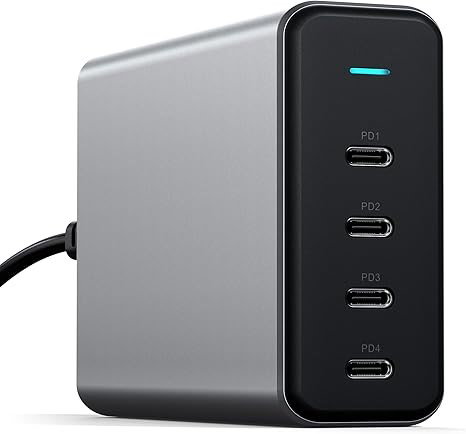
The Satechi 165-Watt 4-Port PD Charger is a serious desk option for users with multiple power-hungry devices. It has four USB-C ports and can distribute power across them, making it useful for charging a laptop, tablet, phone, and earbuds from one station.
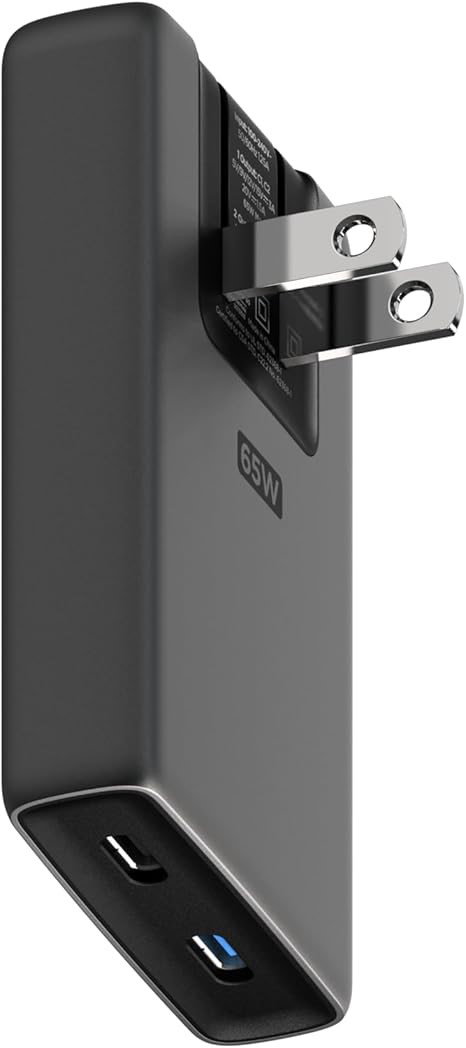
For hybrid workers, the Nomad 65-Watt Slim Charger is more travel-friendly. It has two USB-C ports, foldable prongs, and a thin design that fits easily into a bag.
HP’s 65W GaN USB-C Laptop Charger is another practical example for professionals who want a compact laptop charger with modern compatibility.
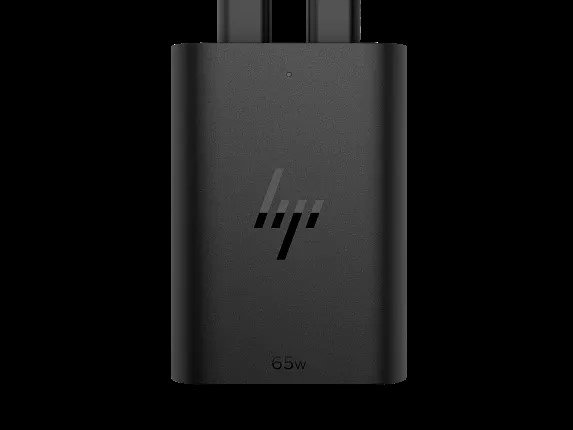
For users who prefer one charger for most devices, a reliable 65W or 100W USB-C charger is usually the sweet spot. It reduces the need for separate power bricks and keeps your bag lighter.
USB-C Cables: The Small Accessory That Makes A Big Difference
USB-C cables look similar, but they do not perform the same. Some are basic charging cables. Others support high-speed data transfer, higher wattage, and external displays. Choosing the wrong cable can make a premium charger or dock feel slow.
A high-speed data and charging cable is essential if you move large files, connect external displays, or charge powerful laptops. Cable Matters USB-C to USB-C Thunderbolt 4 is a standout example.
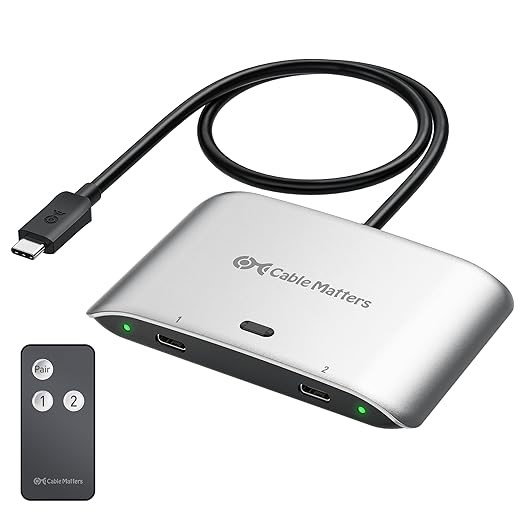
It supports Thunderbolt 4 (up to 100W charging), data transfer (up to 40Gbps), and display support for an 8K monitor or two 4K screens.
USB-C Power Strips And Desktop Chargers: Clean Power, Less Clutter
Once your setup includes a laptop, phone, monitor, desk lamp, headphones, speaker, and smartwatch, a single wall charger is not enough. That is where the best USB-C power strip and charger become desk essentials.
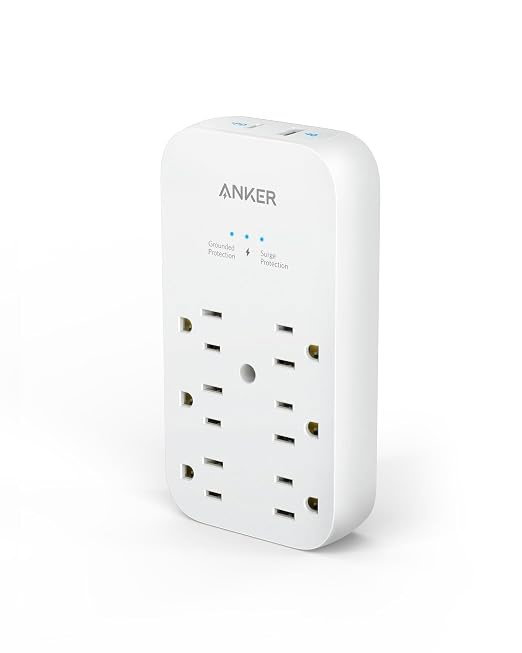
The Anker Outlet Extender 6-Outlet Wall Charger is a compact example that combines six outlets with USB-C and USB-A ports. It is useful when you want a power station without a bulky strip on the floor.
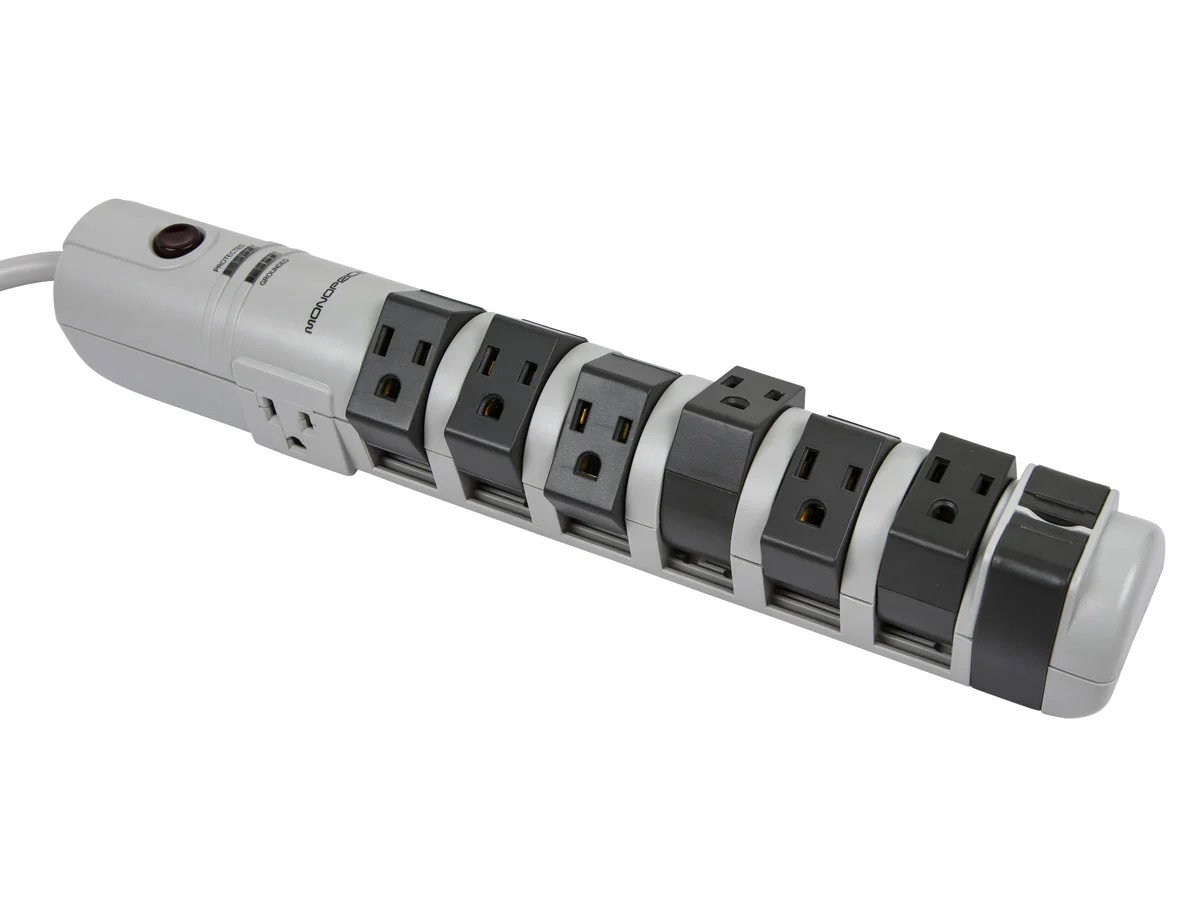
The Monoprice 8-Outlet Rotating Surge Strip is another smart choice as its rotating outlets help fit chunky adapters without blocking nearby plugs.
A USB-A desktop charger also remains practical because many office tools still use USB-A, including older mice, keyboards, lamps, headphones, flash drives, and small gadgets. The smartest desk setup is not USB-C only; it is USB-C first, with enough USB-A support to keep older accessories useful.
Display Adapters, Card Readers, And Storage Tools
A good work setup needs more than power. It also needs fast access to screens and files. USB-C adapters make that possible when your laptop is modern, but your office equipment is not.
The Anker USB-C to HDMI Adapter is a simple but useful example. It lets USB-C laptops, tablets, or phones connect to older HDMI monitors or TVs and supports up to 4K at 60Hz.
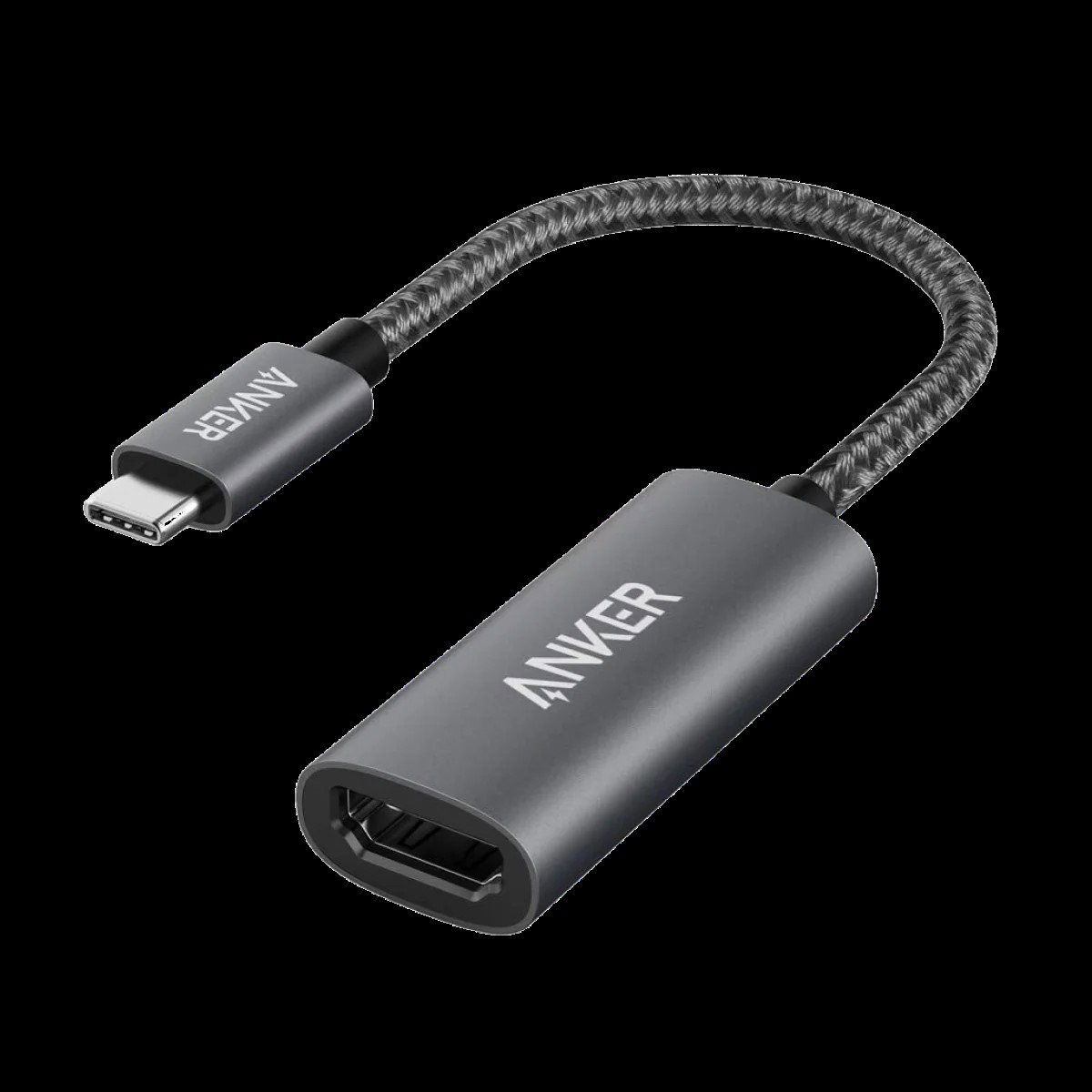
It is the kind of accessory you may forget about until the exact moment a presentation depends on it.
For storage and content work, the Ugreen USB-C microSD reader is a handy tool.
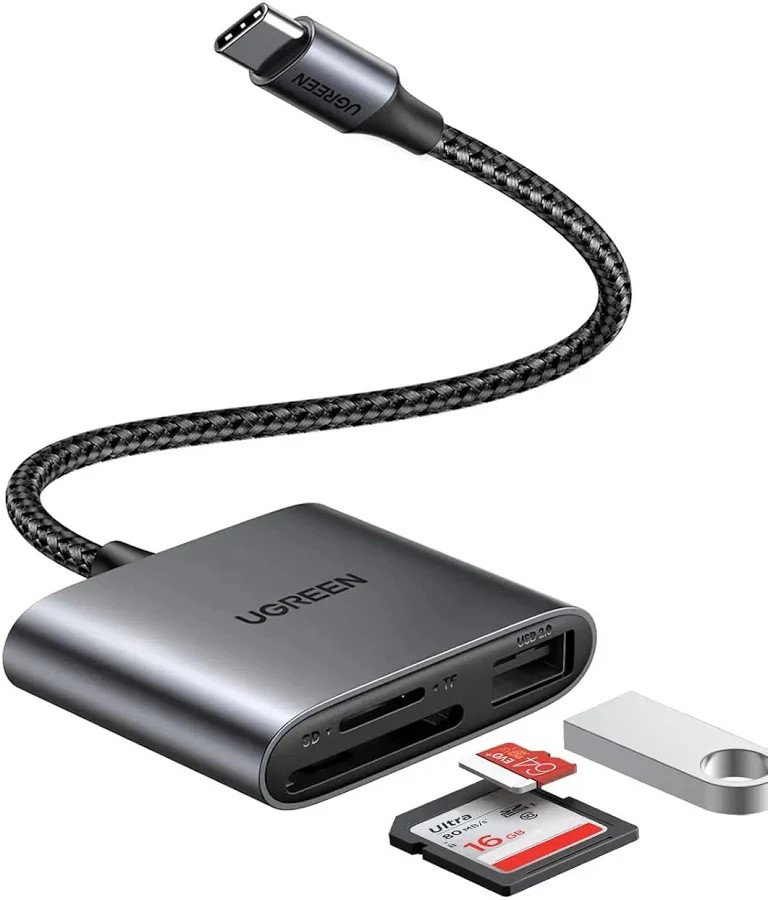
Many slim laptops no longer include card slots, so a tiny reader can help creators, analysts, photographers, and field teams move files quickly from cameras, drones, dashcams, and other devices. If your work involves large media files, pair it with a fast external SSD and a capable USB-C cable.
These accessories may look small, but they solve urgent hurdles: connecting to a display, importing files, and keeping work moving without hunting for the right adapter.
How To Choose The Right USB Type-C Gadget
Before buying any USB Type-C gadget, start with your actual workflow. If your problem is not enough ports, buy a hub. If your problem is switching between home and office, buy a docking station. If your concern is battery anxiety, choose one of the best USB-C chargers.
If your desk is messy, upgrade to a USB-C power strip and better cable management. If file transfers feel slow, invest in better USB-C cables and high-speed data and charging cables. Also, check specifications carefully. USB-C describes the connector shape, not the full performance. Some cables only charge. Some hubs do not support videos. Some chargers cannot power laptops. Look for wattage, data speed, display support, power delivery, Thunderbolt support, and compatibility with your laptop before buying.
Final Thoughts
The best USB-C accessories and gadgets for a work setup do one thing extremely well: they remove tiny fluctuations before they interrupt your focus. A hub expands connectivity, a dock turns your laptop into a full workstation, a charger keeps devices powered, a power strip organizes the desk, and a quality cable ensures your gear performs as expected.
From USB-C accessories and USB-C hubs to chargers, cables, adapters, power strips, card readers, and everyday desk gadgets, USB-C has become the quiet backbone of modern productivity. Build your setup around the problems you face, and your desk will stop feeling like a pile of devices and start consolidating like a system.
Frequently Asked Questions
How Do I Know If A USB-C Hub Can Support My Monitor And Laptop Charging At The Same Time?
Check whether the hub supports USB-C Power Delivery and video output such as HDMI, DisplayPort, or Thunderbolt. Also, confirm the wattage, refresh rate, and maximum resolution before using it for a full work setup.
Are Thunderbolt Docks Better Than Regular USB-C Hubs For Professional Workstations?
Thunderbolt docks are better for high-performance setups that need faster data transfer, multiple 4K displays, and more stable bandwidth. Regular USB-C hubs are usually enough for everyday office tasks, presentations, basic peripherals, and single-monitor use.
Why Do Some USB-C Cables Charge Devices But Fail To Transfer Data Quickly Or Connect Displays?
USB-C is only the connector type, while charging speed, data speed, and display support depend on the cable’s internal standard. For demanding work setups, choose certified cables that clearly mention wattage, transfer speed, and video or Thunderbolt support.
Wed, Jun 24, 2026

Liked what you read? That’s only the tip of the tech iceberg!
Explore our vast collection of tech articles including introductory guides, product reviews, trends and more, stay up to date with the latest news, relish thought-provoking interviews and the hottest AI blogs, and tickle your funny bone with hilarious tech memes!
Plus, get access to branded insights from industry-leading global brands through informative white papers, engaging case studies, in-depth reports, enlightening videos and exciting events and webinars.
Dive into TechDogs' treasure trove today and Know Your World of technology like never before!
Disclaimer - Reference to any specific product, software or entity does not constitute an endorsement or recommendation by TechDogs nor should any data or content published be relied upon. The views expressed by TechDogs' members and guests are their own and their appearance on our site does not imply an endorsement of them or any entity they represent. Views and opinions expressed by TechDogs' Authors are those of the Authors and do not necessarily reflect the view of TechDogs or any of its officials. While we aim to provide valuable and helpful information, some content on TechDogs' site may not have been thoroughly reviewed for every detail or aspect. We encourage users to verify any information independently where necessary.
Loading comments...