
Artificial Intelligence
Free AI Tools For Social Media Content Creation
Share
TL;DR
-
Canva and Adobe Firefly help you create on-brand visuals fast, even on free tiers.
-
ChatGPT Free, Gemini, and Grammarly Free can write captions, hooks, and repurposed post versions without paying upfront.
-
CapCut is the quickest free path to reels and short-form edits with AI features built in.
-
Buffer and Meta Business Suite cover scheduling without paying, depending on what platforms you publish on.
Introduction
Have you watched Mad Men?
It is amazing how they always land the perfect line at the perfect time.
Social media is the same game, just faster. You need ideas, good copy, scroll-stopping visuals, and a publishing rhythm that does not collapse the moment you get busy. That is why free social media AI tools have become such a popular search. Creators want leverage, not another subscription. For creators who want to experiment with their look, a grey hair filter can also be a fun way to create engaging visual content for social media.
The good news is that a genuinely useful free stack exists. The catch is that “free” usually means limited credits or usage caps, so the best approach is building a workflow that combines a few tools that each do one job well.
Let’s break down some of the best AI tools for social media posts.
Canva
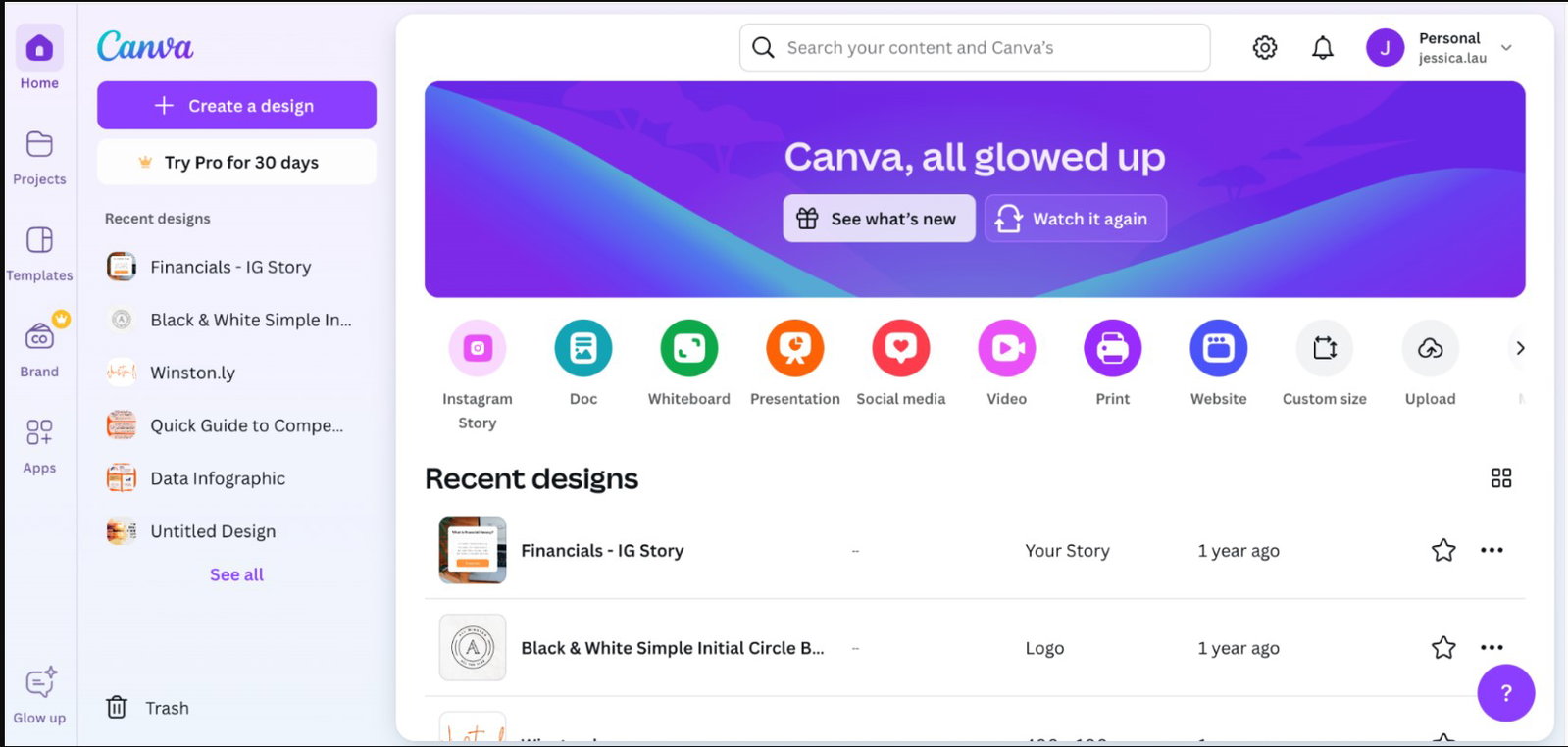
Canva is the fastest way to produce clean social visuals when you do not want to start from scratch. On the free plan, you can still access a range of AI features, but usage is capped by an allowance system.
Features
-
Drag And Drop Interface: Regardless of design skill, Canva provides a platform that is intuitive and user-friendly for everyone. You can easily place texts, images, icons, and various other elements in your design without requiring advanced knowledge.
-
Offers AI Templates: Depending on the needs of the team or individual, Canva offers pre-made templates for social media posts, flyers, brochures, presentations, infographics, and more.
-
Resize Designs: Canva allows you to resize your design, making sure that your content looks great not just on Instagram, but also on Facebook, YouTube, Twitter, and any other social network.
-
Stock Images + Icons: You can access millions of stock images, illustrations, and icons, which enables you to create rich visual content without the need for any additional resources.
Best For
-
Visual Design (including posts, graphics, banners)
-
Content Creation (designing social media posts, Instagram stories, or even Facebook covers)
ChatGPT
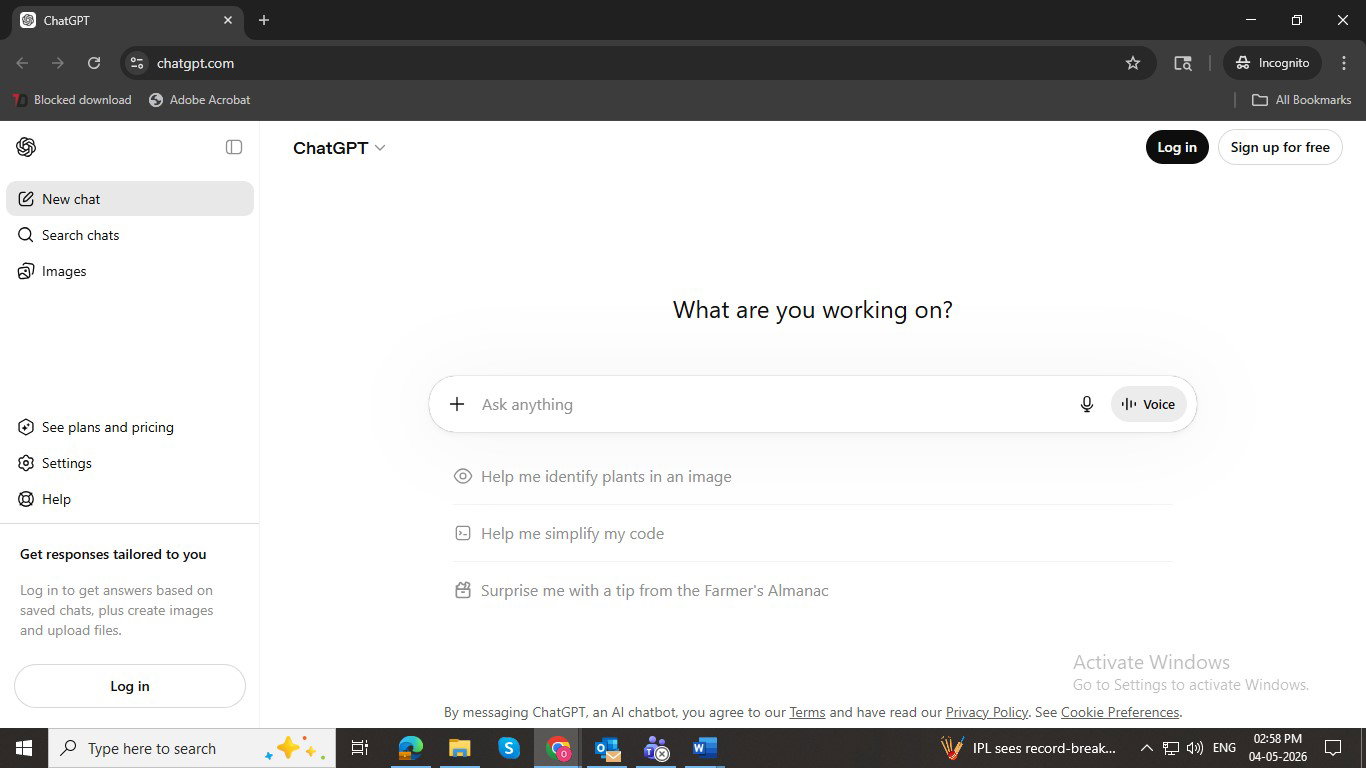
ChatGPT’s free plan is a solid caption + ideation assistant for social posts, hooks, and repurposing. It is free to use with usage limits; higher limits and advanced features come with paid plans.
Features
-
Caption + post drafting (IG, LinkedIn, X) with quick rewrites and tone changes.
-
Brainstorming content ideas, calendars, and carousel outlines.
-
Basic image generation/editing on supported features (usage-limited).
-
Free-tier access with caps; upgrade for more usage/tools.
Best For
-
AI caption + hook generation (fast drafts, multiple variants)
-
Repurposing one idea into platform-specific posts
Google Gemini
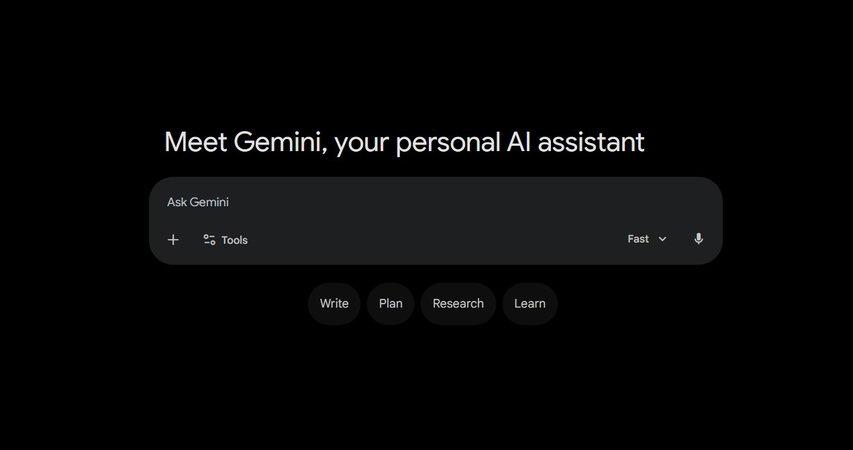
Gemini is Google’s AI assistant, which you can use for free in the Gemini app for writing captions, generating post ideas, and summarizing long content into social snippets. Some advanced capabilities require Google AI Pro.
Features
-
Caption drafts, punchier rewrites, and thread-style post formats.
-
Fast summaries of articles/notes into social-ready bullets and hooks.
-
Optional upgrade paths (AI Pro/student trials/offers vary by region).
-
Strong fit if your workflow lives in Google tools (Docs/Gmail/Drive).
Best For
-
Turning long content into short social posts
-
Alternate drafts when you want a second “voice” beyond ChatGPT
Copy.ai
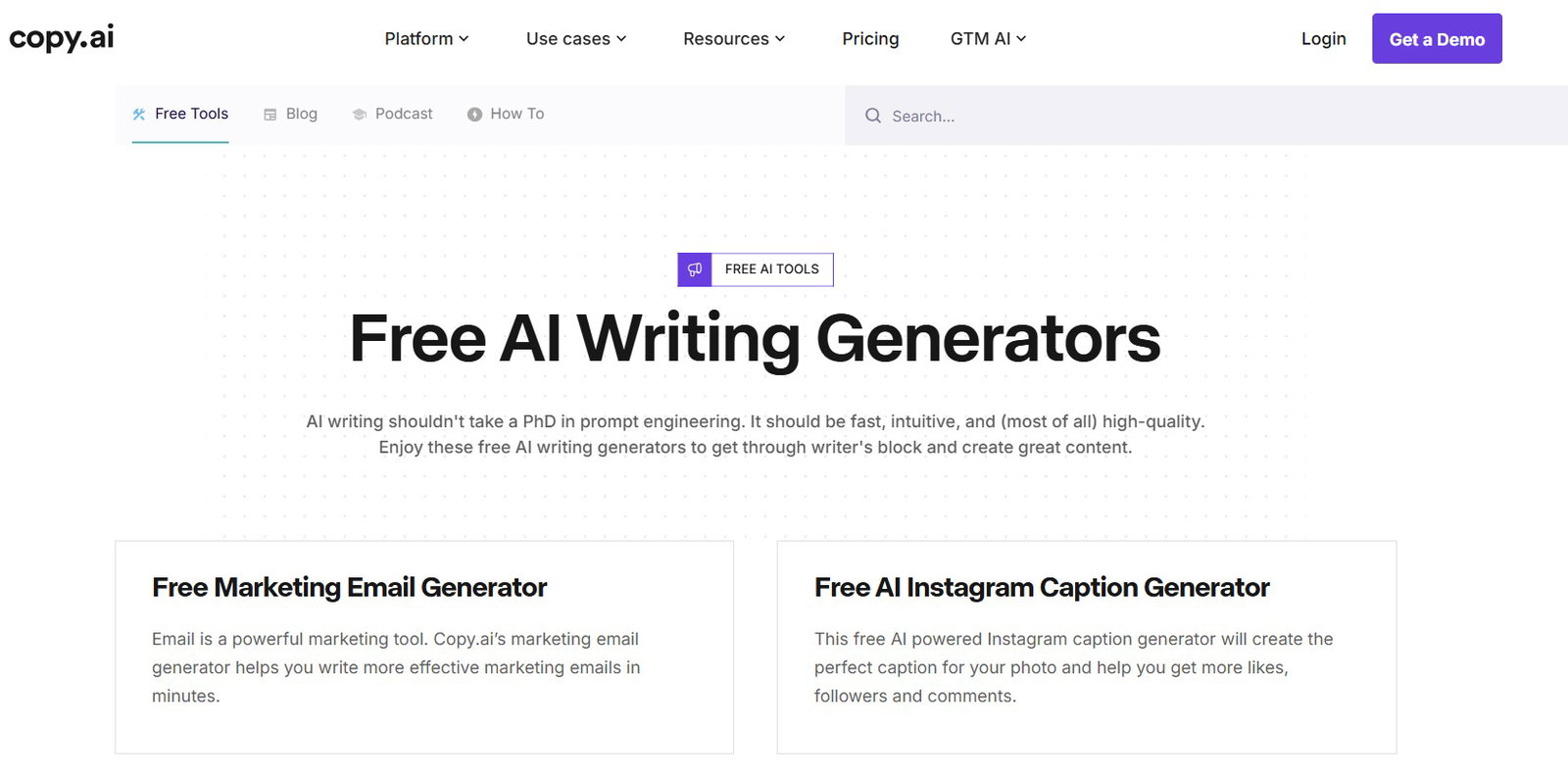
Copy.ai is a freemium AI writing and workflow tool for captions, copy, and repurposing posts. Its free plan offers limited chat words and automation; paid tiers add credits and teams.
Features
-
Writing Assistant Powered By GPT-3: Copy.ai uses OpenAI’s GPT-3 model to generate high-quality content based on simple prompts. This helps the user save time and effort while writing.
-
Multiple Content Formats: It supports multiple content formats, from social media captions to email marketing campaigns, blog post introductions, and much more.
-
Customization Of Style and Tone: Copy.ai allows you to set your preferred tone and style for the content, ensuring that the generated content matches your brand’s preferred voice, be it professional, creative, or casual.
-
Instant Generation Of Ideas: Copy.ai can instantly generate your social media posts, blogs, and ads. This allows you to quickly generate content based on specific keywords or trending topics.
Best For
-
Content Writing (including captions, blog posts, marketing copy)
-
Generating Ideas (post ideas, campaign themes)
Jasper AI
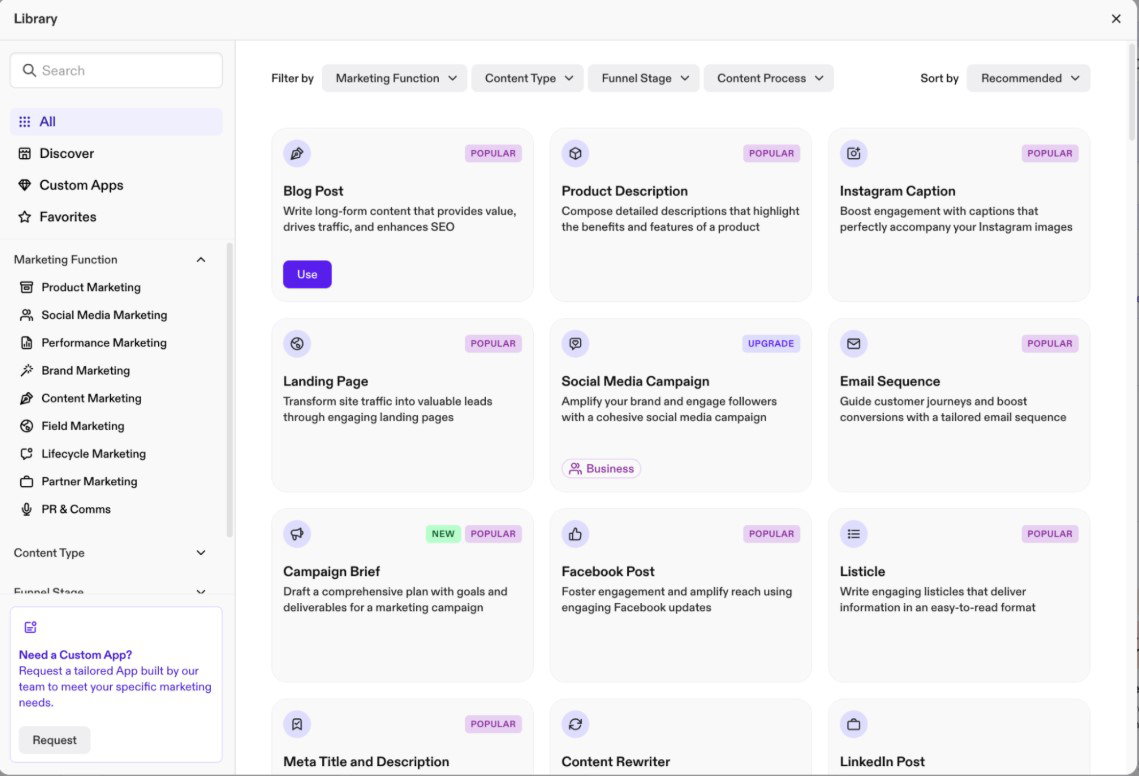
Jasper AI is a marketing-focused writing platform for social captions, ads, and blogs with brand voice features. It is not fully free, but it offers a 7-day Pro trial before subscription.
Features
-
AI-Based Content Creation: Jasper AI helps create content quickly and efficiently with the help of AI. The tool can generate social media captions and posts, blog posts, and more, with the help of advanced AI models.
-
Templates For Various Types Of Content: Jasper AI provides users with templates for product descriptions, marketing emails, social media posts, ads, and blogs.
-
Grammar And Tone Can Be Adjusted: Jasper AI allows you to adjust the tone and ensure that the grammar is polished. This is essential for a creator who wants to make professional-grade content.
-
Gives SEO Suggestions: It suggests SEO friendly terms, keywords, and phrases for your blog posts, ensuring that your content ranks higher on search engines.
Best For
-
Content Creation (high-quality social media posts, blog posts, and emails)
-
Writing Assistance (particularly SEO optimization)
Claude
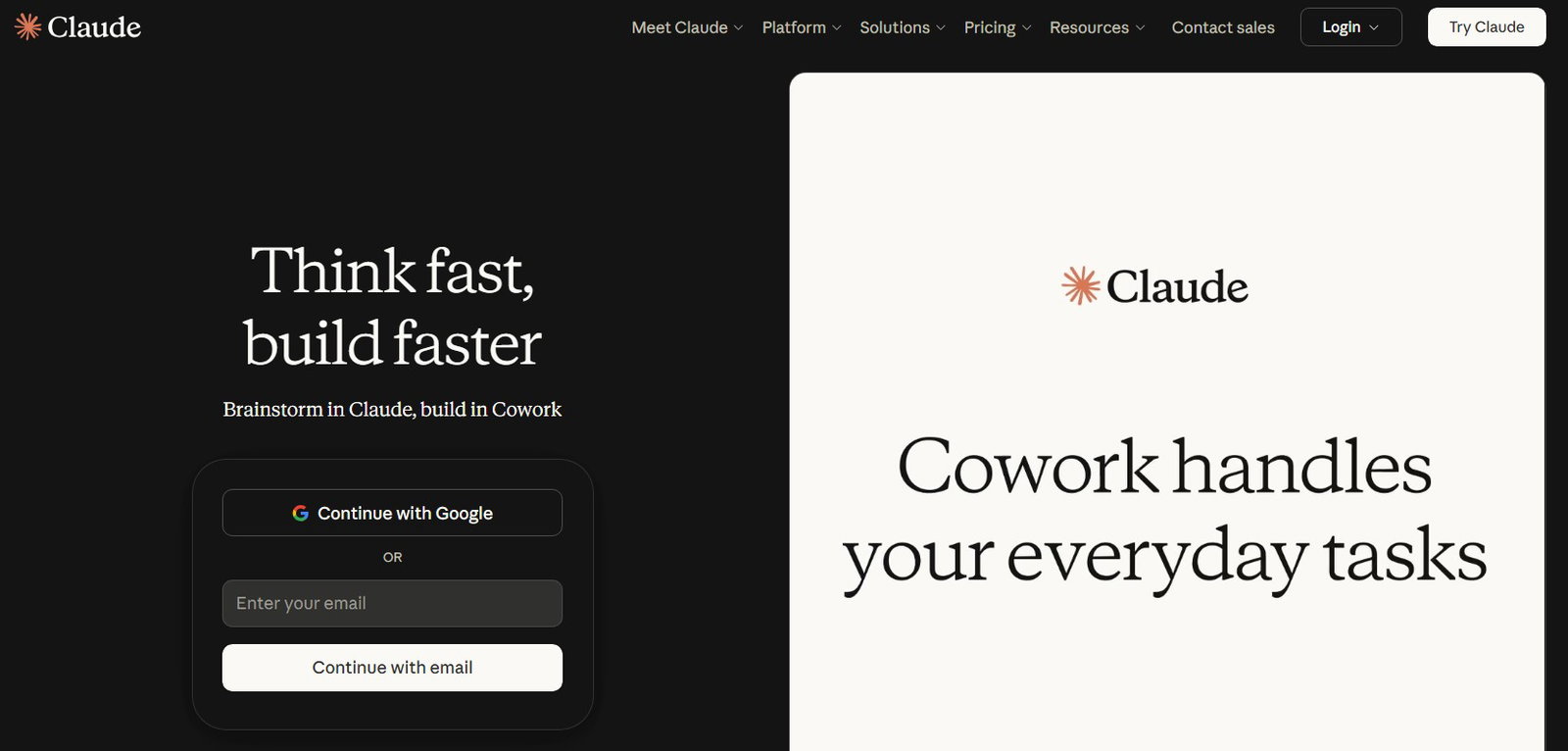
Claude is Anthropic’s AI assistant with a permanent free plan and usage caps. It is strong for clean, natural-sounding writing and structured content, and its paid tiers add more usage plus extra features.
Features
-
High-quality caption drafts and rewrites that feel less “AI-smooth.”
-
Strong at summarizing and turning notes into clear, structured posts.
-
Free plan available; paid plans increase usage and add tools like Research/projects.
-
Connectors and file creation have expanded across plans (availability depends on rollout).
Best For
-
Brand-safe, readable captions and LinkedIn-style posts
-
Turning messy drafts into crisp, structured social copy
Hootsuite
Hootsuite is a social media management platform for scheduling, monitoring, and analytics across multiple networks. It is not truly free long-term; typically, you will get a trial, then paid plans for ongoing use.

Features
-
Social Media Scheduling: Hootsuite allows users to schedule posts across various social media platforms, which saves time as it manages all accounts from a single dashboard.
-
Analytics And Reporting: It provides detailed analytics to track the performance of your posts, enabling you to make smarter decisions regarding your content strategy.
-
Recommendations For The Best Time To Post: Hootsuite makes use of AI to analyze your audience’s behavior and also suggests the best times to post depending on engagement.
-
Team Collaboration: Hootsuite’s collaborative features allow teams to plan, track, and schedule posts together.
Best For
-
Automation and Scheduling (scheduling posts across multiple platforms)
-
Analytics (audience insights, post-performance tracking)
Lately.ai
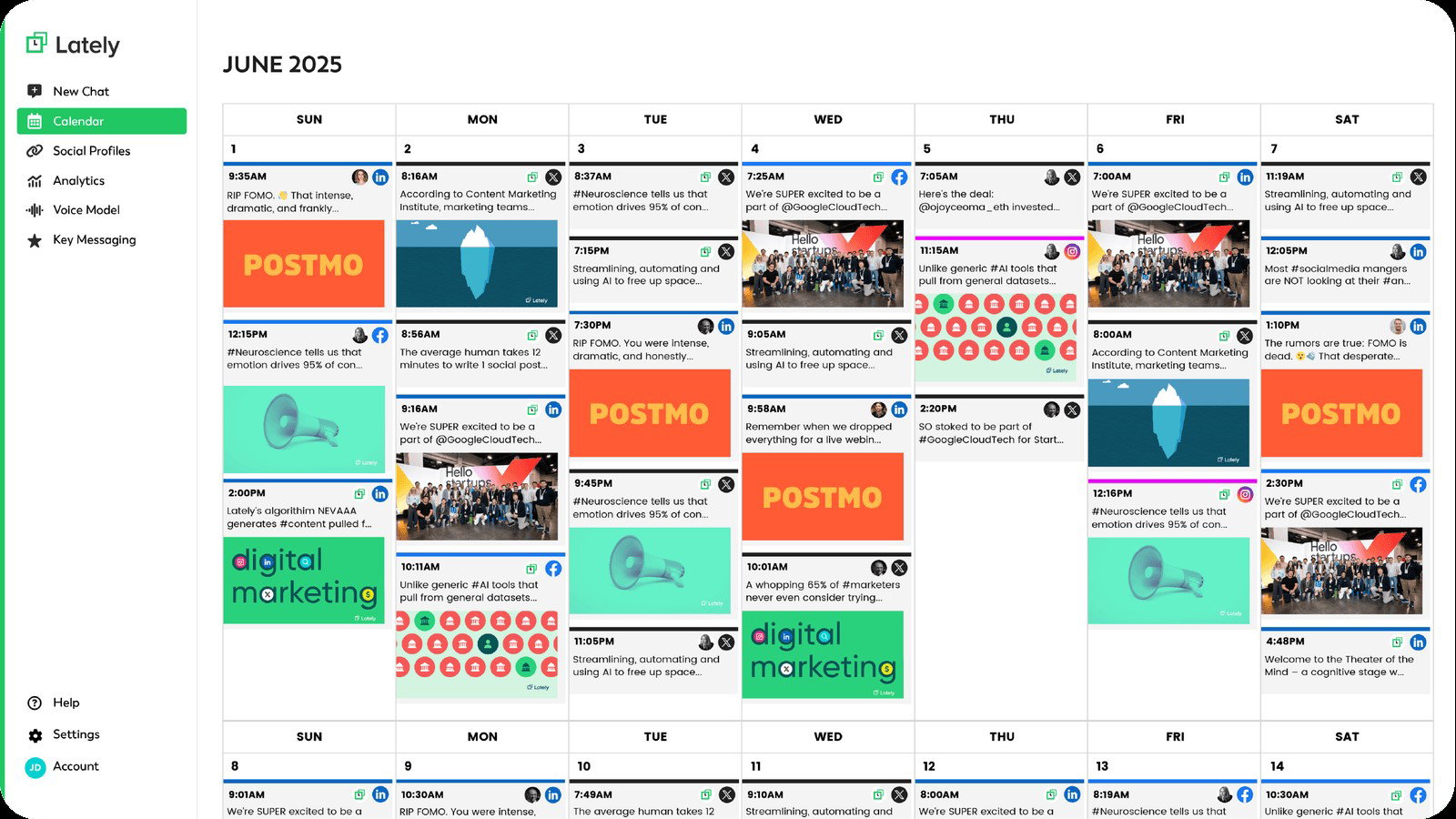
Lately.ai repurposes long-form text, audio, and video into on-brand social posts using an AI voice model plus scheduling and analytics. It is not fully free; access is via demo/trial usually request.
Features
-
Content Generation Powered By AI: Lately, AI analyses your previous posts as well as engagement data in order to gauge the most successful patterns and produce new content based on that.
-
Generation Of Social Media Posts: The AI tool generates posts that match your brand’s voice, while also being responsive to what engages your audience.
-
Automated Content Creation: The platform automatically curates content based on trending topics or previous topics that enjoyed more audience engagement.
-
Customizable Templates: Lately offers templates for different social media platforms, which makes it easier to tailor content to different platforms.
Best For
-
Content Automation (curating posts based on past performance)
-
Optimization of Social Media (analyzing engagement data based on previous posts)
Photoroom
Photoroom is a freemium photo editor built for social and product visuals, with an AI background remover, retouch tools, and templates. Its Free plan includes a monthly export allowance with limited AI access.

Features
-
AI Background Remover: Clean cutouts for people/products with minimal effort.
-
Templates: Quick polish and ready-made layouts for social formats.
-
Export Allowance: Free plan includes 250 exports/month for key tools (with limits).
-
Mobile Editing: Works on phone and web for quick turnaround.
Best For
-
Creator/Product Visuals (Instagram posts, ads, marketplace images)
-
Quick, Consistent Branding (templates + fast edits without pro design tools)
Clipdrop
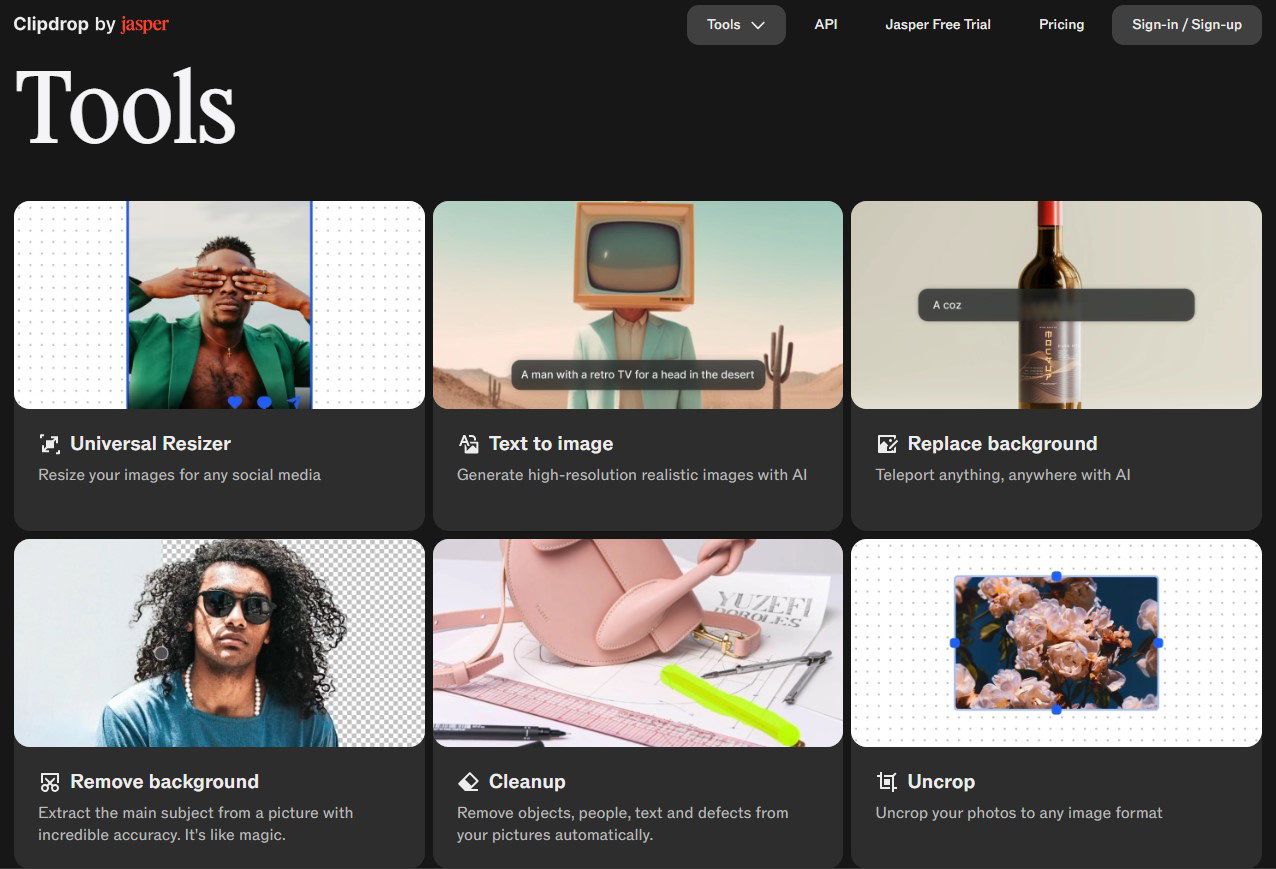
Clipdrop is a freemium AI image toolkit that includes background removal, cleanup (object removal), relighting, and upscaling. The free plan allows limited daily uses; Pro unlocks higher-res and larger quotas.
Features
-
Remove Backgrounds: Accurate cutouts for people/products, available on the free tier with daily limits.
-
Cleanup Tool: Remove unwanted objects/text from images (free tier has daily limits).
-
Image Upscaler: Upscale images (free tier includes limited x2 upscales per day).
-
Relight: Adjust lighting to make subjects look more “studio-ready” without manual editing.
Best For
-
Quick Visual Fixes (background removal + object cleanup for social creatives)
-
Fast Content Assets (polished images for ads, thumbnails, product posts)
Conclusion
Free AI tools will not replace your creativity, but they will remove the friction that slows you down. The smartest way to use them is as a simple stack: one tool for visuals, one for captions, one for quick edits, and one for scheduling, so you can go from idea to post without burning an entire evening.
Just remember that free usually means limits, credits, exports, or usage caps. If you treat these tools like assistants, you will spend less time staring at a blank caption box and more time building a posting rhythm you can actually maintain.
Frequently Asked Questions
What Are The Best Free AI Tools For Social Media Content Creation?
A solid free stack is Canva for visuals, ChatGPT or Gemini for captions and ideas, Claude for cleaner rewrites, and Buffer or Meta Business Suite for scheduling. “Free” usually means usage caps.
What Is The Best Free AI Caption Generator For Instagram And LinkedIn?
ChatGPT Free is great for fast caption drafts and hook variations, while Claude is strong for brand-safe, natural-sounding rewrites. Grammarly Free helps polish tone and clarity before posting.
Which Free AI Tools Are Best For Instagram Posts And Carousels?
Canva is the best all-rounder for Instagram posts and carousels thanks to templates, drag-and-drop design, and stock assets. For product-style edits, PhotoRoom, Clipdrop, and similar tools can speed up cutouts and cleanup.
Thu, Apr 30, 2026
Enjoyed what you read? Great news – there’s a lot more to explore!
Dive into our content repository of the latest tech news, a diverse range of articles spanning introductory guides, product reviews, trends and more, along with engaging interviews, up-to-date AI blogs and hilarious tech memes!
Also explore our collection of branded insights via informative white papers, enlightening case studies, in-depth reports, educational videos and exciting events and webinars from leading global brands.
Head to the TechDogs homepage to Know Your World of technology today!
Disclaimer - Reference to any specific product, software or entity does not constitute an endorsement or recommendation by TechDogs nor should any data or content published be relied upon. The views expressed by TechDogs' members and guests are their own and their appearance on our site does not imply an endorsement of them or any entity they represent. Views and opinions expressed by TechDogs' Authors are those of the Authors and do not necessarily reflect the view of TechDogs or any of its officials. While we aim to provide valuable and helpful information, some content on TechDogs' site may not have been thoroughly reviewed for every detail or aspect. We encourage users to verify any information independently where necessary.
Loading comments...