
Wearable Technology
Do Fitness Trackers Work On Tattoos? Tech Realities And Workarounds
Share
TL;DR
-
Optical heart rate sensors shine light into the skin; dense or dark ink can absorb or scatter that signal.
-
A 2025 Sensors study found 22.9% heart rate error at rest on tattooed skin, versus under 5% on non-tattooed skin.
-
Apple and Garmin both warn that tattoos can affect sensor performance, while Samsung and Pixel Watch reports remain mixed.
-
The most reliable fixes are using clear skin, a chest strap, an armband, or a smart ring.
Introduction
Fitness trackers are built to read what is happening under the skin, but tattoos can block the route that many wearables depend on. Most watches do not see your pulse directly. They use light, reflected from blood flow under the skin, to estimate heart rate and confirm that the watch is being worn.
That becomes a real issue when the sensor sits over tattoo ink. Pew Research Center found that 32% of U.S. adults have at least one tattoo, so this is not a niche compatibility problem. For many users, it means missing heart rate data, paused workouts, broken sleep tracking, or a smartwatch that keeps locking even while it is on the wrist.
Why Fitness Trackers Struggle With Tattooed Skin
The problem starts with photoplethysmography, or PPG. This method flashes light, usually green, into the skin and measures how much light comes back. Blood absorbs more light during each heartbeat, allowing the device to estimate pulse.
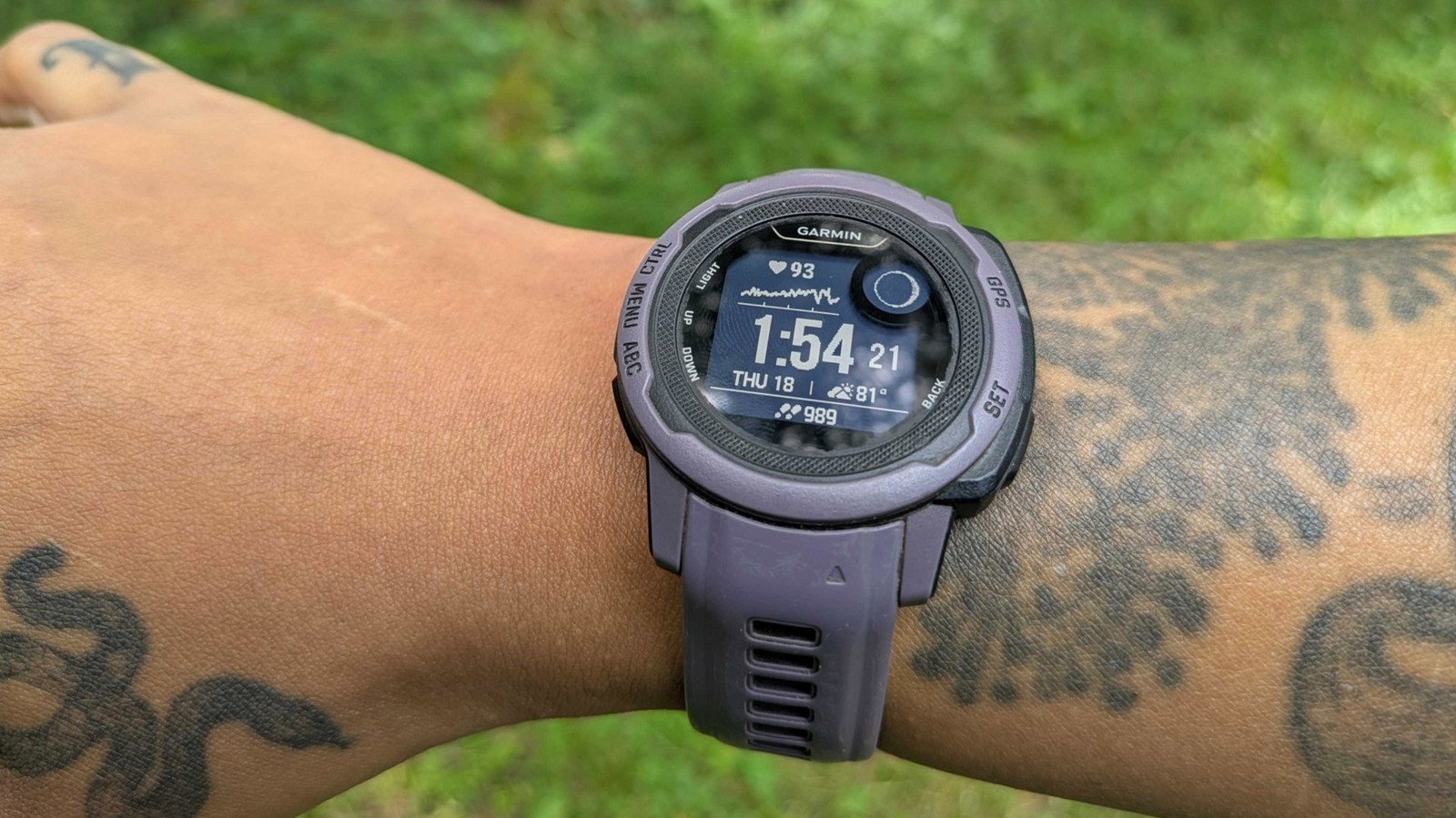
Tattoo ink sits in the light path. Dark, dense, or heavily saturated designs can absorb or scatter the signal before it reaches the sensor. Apple says some tattoos can block light from the sensor and make reliable readings difficult. Garmin gives similar guidance, saying tattoo ink, pattern, and saturation can cause inaccurate or missing readings.
This also explains the smartwatch wrist detection tattoo problem. Wrist detection uses sensors to decide whether the device is still on the body. If the watch cannot confirm skin contact through ink, it may lock, stop notifications, or pause a workout. In that case, the watch is not necessarily broken; it is failing to read through the surface it was placed on.
What The Research Actually Shows
The strongest current evidence comes from a 2025 Sensors study using the Polar Verity Sense. Researchers tested 25 tattooed participants with one sensor over tattooed skin, another on non-tattooed skin, and a Polar H10 chest strap as the benchmark.
The tattooed-skin sensor produced a mean absolute percentage error of 22.9% at rest. During walking, the error dropped to 7.5%, and during running it dropped to 5.1%. The non-tattooed placement stayed within the study’s acceptable accuracy standard across conditions. This suggests readings may improve as blood flow rises during exercise, but tattoos can still make optical heart rate data unreliable.
The study also found that skin tone, not tattoo age or ink intensity, was the strongest predictor of error at rest and while walking. That is important because optical wearables already face broader accuracy challenges across different skin tones.
Apple Watch Ultra 2, Garmin Fenix 8 And Galaxy Watch: Same Limit
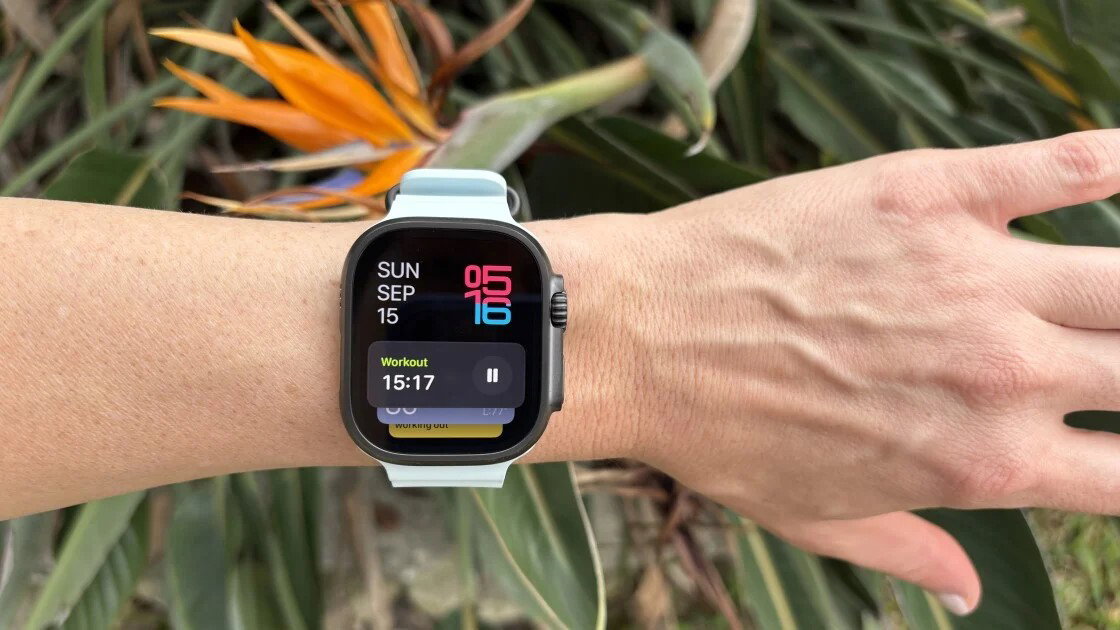
Apple’s current support guidance is clear: tattoos can affect heart rate sensor performance. The common Apple Watch Ultra 2 tattoo workaround is to turn off Wrist Detection under Settings and Passcode. This may stop repeated locking, but Apple says turning off Wrist Detection affects Apple Pay authorization, some Activity measurements, heart rate tracking, and emergency fall-call behavior.
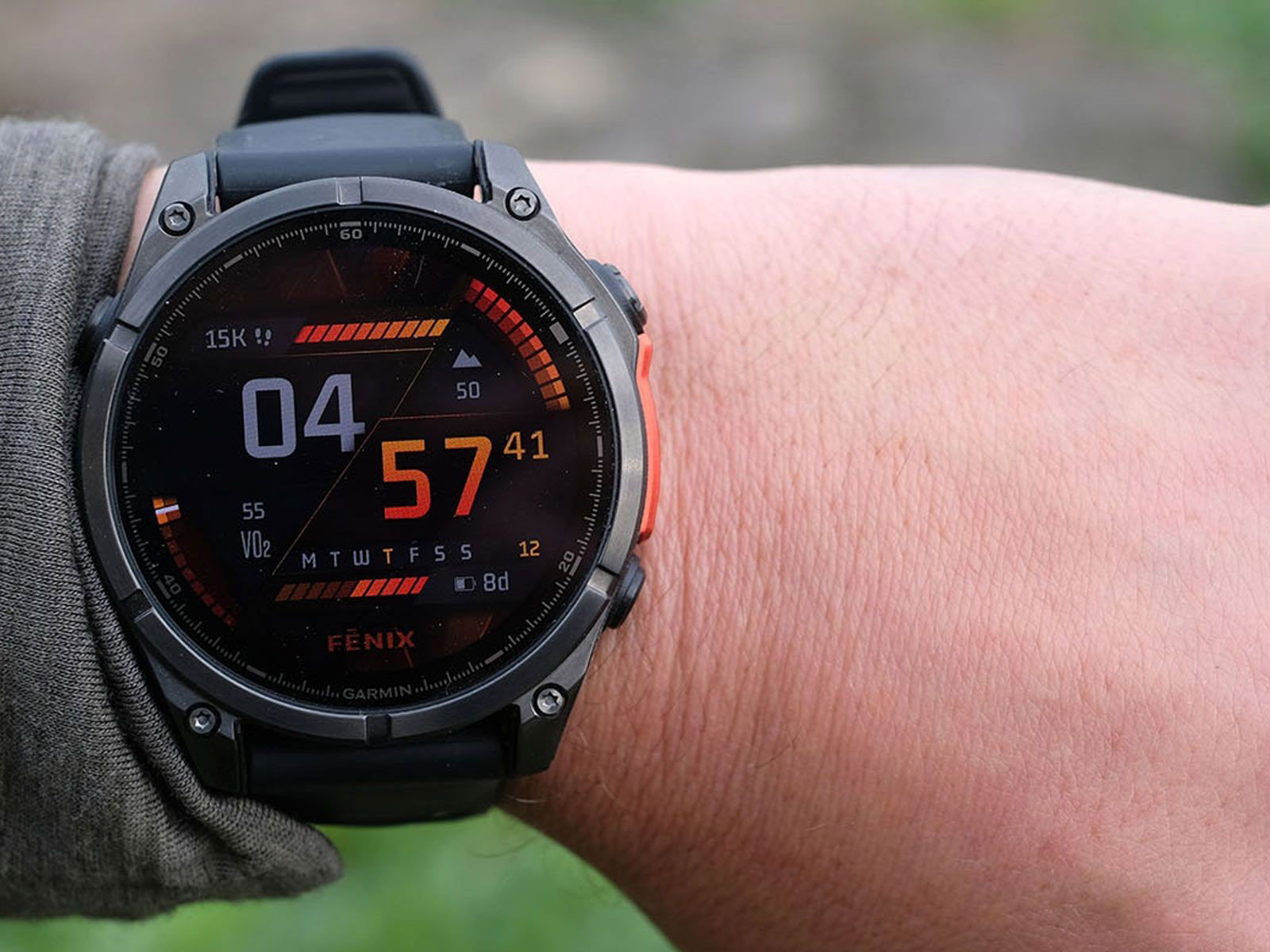
Garmin Fenix 8 optical sensor issues are also discussed on Garmin’s own community forums, especially by users with tattooed wrists. Garmin’s official advice is practical but limited: wear the watch on skin free of tattoos. For anyone asking, do Garmin watches work better through heavy tattoo coverage, the safest answer is no brand can guarantee that yet.
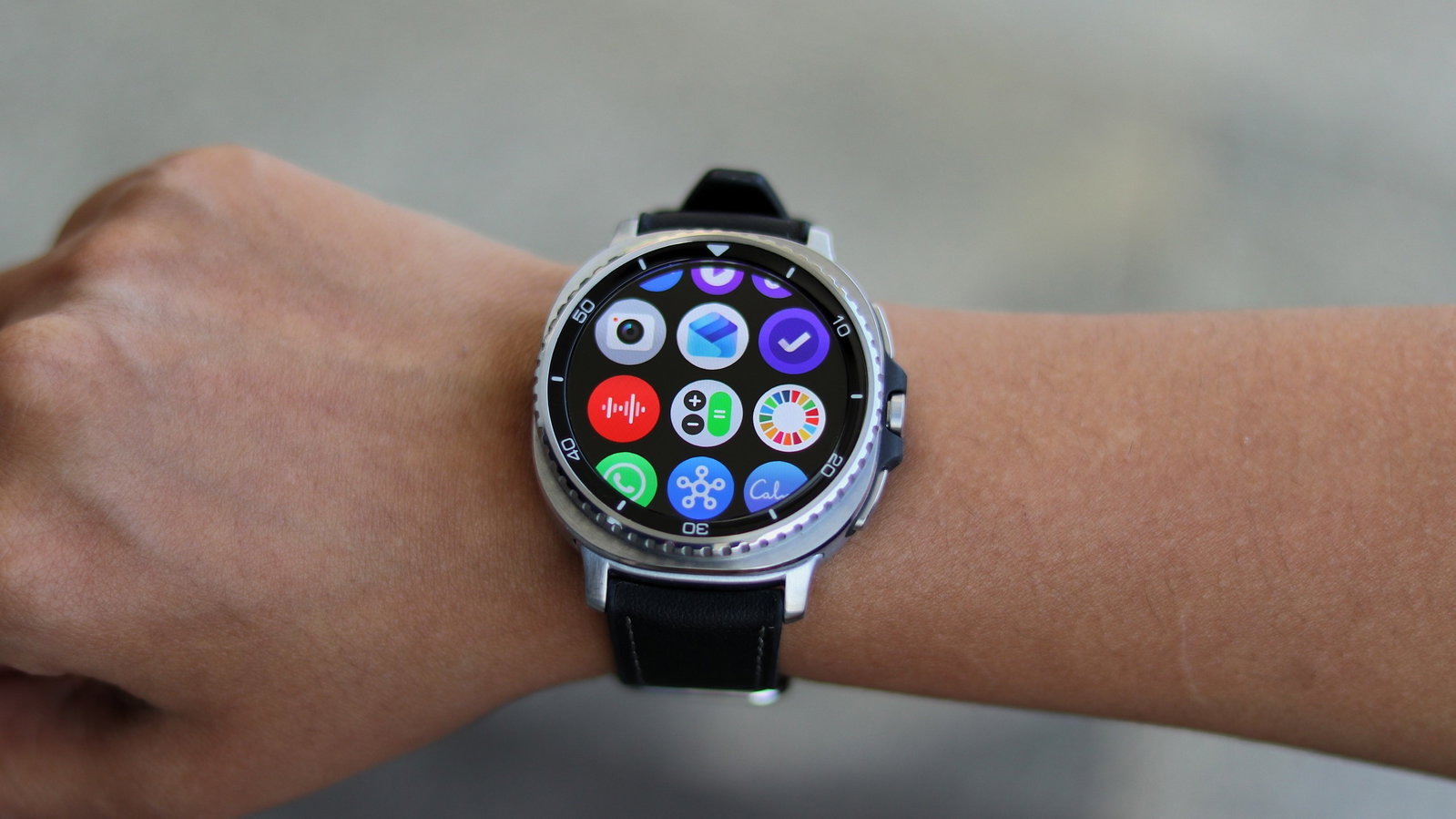
Samsung Galaxy Watch owners have reported similar tattoo-related wrist detection and heart rate problems. Samsung was reported to be working on improved wearing detection for tattooed wrists, but user reports still vary.
Anecdotal Pixel Watch 4 reports are more promising, but there is no controlled brand-by-brand study proving it is the best fitness tracker for tattoos.
Best Fitness Trackers And Fixes For Tattooed Skin
There is no perfect wrist-based fix yet, but these workarounds are the most realistic:
-
Reposition The Device
Try the inside of the wrist, the opposite wrist, or a higher point on the forearm where the skin is clear.
-
Use An External Sensor
A chest strap such as the Polar H10 or an armband such as the Polar Verity Sense on non-tattooed skin is more reliable for workouts.
-
Try A Physical Barrier Carefully
Some users report success with clear epoxy stickers or medical tape over the sensor. Android Authority notes this can help wrist detection, but it may interfere with ECG or body composition sensors.
-
Consider A Smart Ring
Oura Ring and Samsung Galaxy Ring avoid wrist tattoos entirely, as long as the finger being used is not tattooed.
-
Turn Off Wrist Detection Only As A Last Resort
It can reduce locking, but it removes important Apple Watch features.
Could Smart Tattoos Be The Real Fix?
The long-term solution may come from sensors that live on the skin instead of trying to read through it. Researchers are developing tattoo-embedded sensors, including temporary electronic tattoos and biosensing inks.
Harvard and MIT’s DermalAbyss project explored inks that change color in response to glucose, sodium, and pH changes. Researchers at the University of Texas at Austin have also developed graphene-based e-tattoos for continuous physiological monitoring. A recent review in Advanced Materials Technologies describes tattoo-embedded sensors as a growing healthcare-monitoring field, while noting that stability, comfort, integration, and regulation remain challenges.
In other words, wearable tech for smart tattoos is still not a replacement for today’s fitness trackers, but it shows where the category could go next: instead of ink blocking the signal, the ink becomes part of the signal.
Conclusion
Fitness trackers can work on tattooed skin, but only when the optical sensor can still get a clean signal. Dense, dark, or heavily saturated ink can interrupt heart rate readings and wrist detection, which is why tattoos and fitness trackers remain an uneven match.
For now, the best answer is not a specific watch brand. It is placement and backup hardware: use clear skin, when possible, pair an external heart rate strap for workouts, or consider a smart ring if wrist tattoos are the main issue. Until wearable makers design sensors that better account for tattoos and skin-tone variation, tattooed users may still have to work around devices that were not fully built for every wrist.
Frequently Asked Questions
Do Fitness Trackers Work On Tattoos?
Partially. Fitness trackers use optical sensors that shine light through the skin to measure heart rate and confirm wrist presence. Tattoo ink, especially dark or dense ink, absorbs or scatters that light, which can cause inaccurate heart rate readings, missing data, or repeated wrist detection locking. Lighter or less saturated tattoos tend to interfere less than solid black or heavily colored designs.
Which Fitness Trackers Work Best With Tattooed Skin?
No brand has fully solved the issue, but anecdotal reports suggest Google's Pixel Watch 4 currently handles tattooed skin better than earlier Wear OS devices. For guaranteed accuracy regardless of tattoos, a chest strap like the Polar H10 or an armband like the Polar Verity Sense placed on unmarked skin remains the most reliable option.
How Do I Stop My Apple Watch From Locking On A Tattooed Wrist?
Go to Settings, then Passcode, and turn off Wrist Detection. This stops the constant relocking but also disables features tied to that sensor, including automatic Apple Pay authorization and heart rate-based fall detection. Some users also find that a clear epoxy sticker placed over the sensor restores normal wrist detection without needing to disable the feature.
Fri, Jul 3, 2026

Enjoyed what you read? Great news – there’s a lot more to explore!
Dive into our content repository of the latest tech news, a diverse range of articles spanning introductory guides, product reviews, trends and more, along with engaging interviews, up-to-date AI blogs and hilarious tech memes!
Also explore our collection of branded insights via informative white papers, enlightening case studies, in-depth reports, educational videos and exciting events and webinars from leading global brands.
Head to the TechDogs homepage to Know Your World of technology today!
Disclaimer - Reference to any specific product, software or entity does not constitute an endorsement or recommendation by TechDogs nor should any data or content published be relied upon. The views expressed by TechDogs' members and guests are their own and their appearance on our site does not imply an endorsement of them or any entity they represent. Views and opinions expressed by TechDogs' Authors are those of the Authors and do not necessarily reflect the view of TechDogs or any of its officials. While we aim to provide valuable and helpful information, some content on TechDogs' site may not have been thoroughly reviewed for every detail or aspect. We encourage users to verify any information independently where necessary.
Loading comments...