

Artificial Intelligence
5 Best AI Productivity Tools Of 2026
Share
Overview
Today, things have become remarkably easy, such as writing emails, managing projects, or even scheduling events. Things are automated, streamlined and faster.
We have entered a new era where AI Productivity Tools can handle much of the heavy lifting. Whether it's writing, brainstorming ideas, managing time, or staying focused, there’s an AI Tool for almost every task now.
In this article, we will explore the best AI Productivity Tools of 2026 that are helping individuals and businesses work faster, more efficiently, and more effectively than ever before.
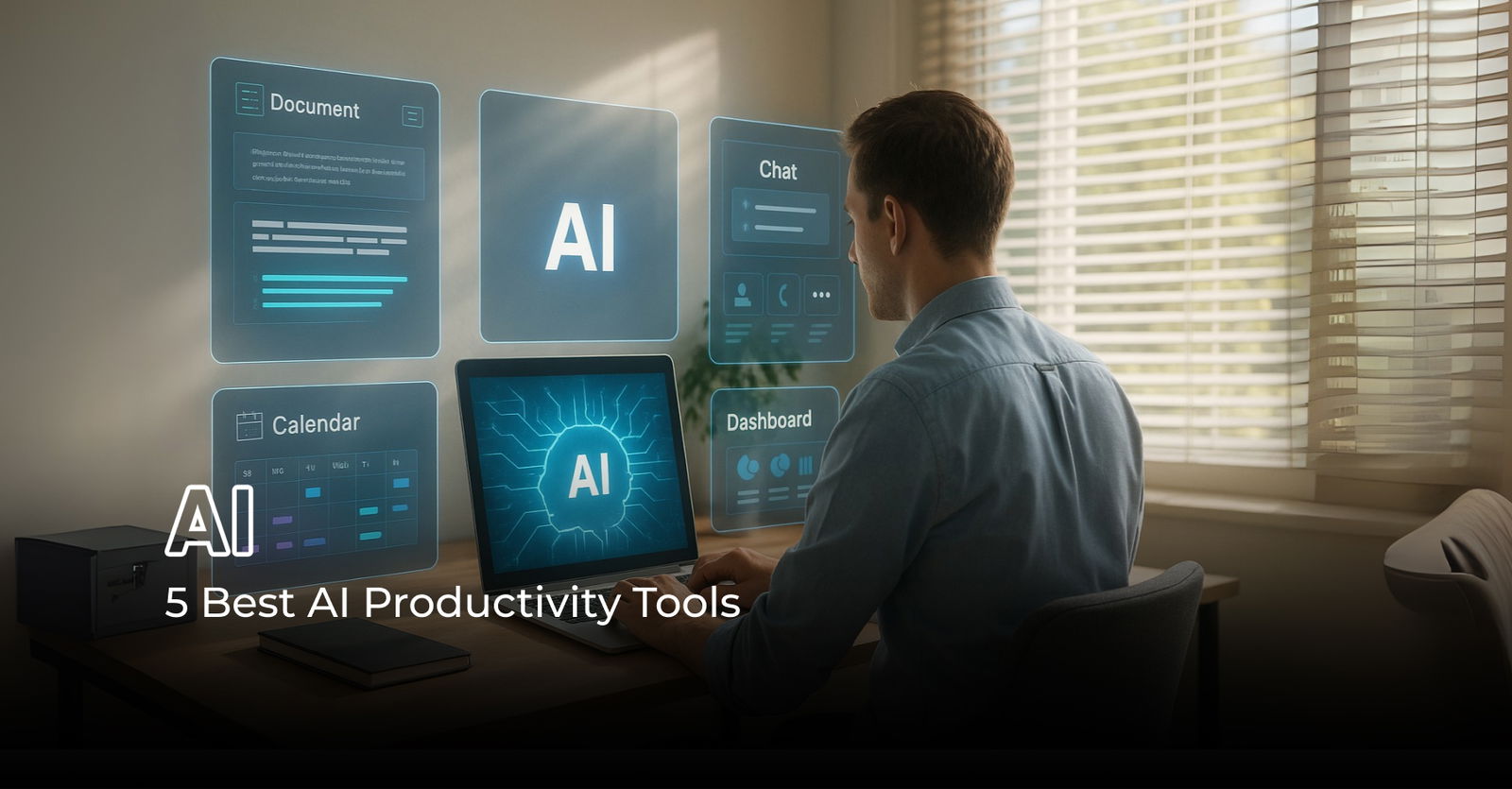
In the past, being productive meant juggling endless to-do lists, jumping between apps, and trying to stay focused amid constant distractions. For many, work felt like a cycle of catching up rather than moving ahead.
But things are changing fast. Artificial Intelligence (AI) is now transforming how we work, learn, and organize our lives.
According to McKinsey, over 50% of organizations have already adopted AI in some form, and its use in everyday tools such as virtual assistants, content generators, and scheduling apps continues to grow rapidly.
This sets the stage for a discussion about a new technology, AI Productivity Tools.
Before we explore the top AI Productivity Tools of 2026, let’s first know them.
Understanding AI Productivity Tools
AI Productivity Tools are like smart assistants that help us work faster and easier. They are software programs that use artificial intelligence technology to simplify tasks. With these tools, you can get more done in less time. They can assist with everyday activities, help you plan more effectively, and enhance communication.
These AI productivity tools are available in both web-based and app platforms, utilizing machine learning and natural language processing to automate tasks such as generating citations, working from prebuilt templates, and writing code.
There are different types of AI Productivity Tools. Let’s check them out.
Types Of AI Productivity Tools
The world of AI Productivity Tools is diverse, offering assistance for various needs and tasks. Here are some common types:
-
Writing Helpers
These tools help you write, check, and improve text. This includes emails, articles, reports, and marketing messages. Example: Grammarly, Jasper.
-
Project Management Tools
These platforms use AI to set schedules automatically, decide which tasks are most important, figure out possible risks, and help teams work together smoothly. Example: Trello with Butler AI, ClickUp AI.
-
Research Tools
These tools help you find, summarize, and put together information from different places. Example: Perplexity AI, AI Summarizer.
-
Coding Buddies
These AI tools help people who write complex code, fix bugs, and improve code faster. For example: GitHub Copilot, Tabnine.
-
Communication and Teamwork Tools
These platforms enhance collaboration and teamwork. They can summarize meetings automatically, give you intelligent alerts, and even translate languages. Example: Zoom AI Companion, Slack.
-
Data Analysts
These applications utilize AI to quickly scan large amounts of data, identify patterns, generate reports, and provide valuable insights. Example: Tableau with Einstein AI, Power BI.
-
Design Tools
These tools help create visual content, such as images, presentations, and videos. You can often describe what you want to create with text. Example: Canva AI, Adobe Firefly.
Now that we have understood everything about AI productivity tools, let’s talk about the section you have been waiting for. Let’s look at the 5 Best AI Productivity Tools available in 2026.
Top 5 AI Productivity Tools For 2026 That You Need To Look Out For
There are various AI productivity tools available on the market. Here are our top five picks. A note to our readers: This is a random list of tools; no ranking is involved.
-
Trello With Butler AI
Trello is an easy-to-use, flexible, and visually intuitive project management and collaboration tool that helps you manage and organize anything. Trello shows what you're working on, who’s working on what, and where something is in the process, along with the timeframe. It is like a virtual whiteboard filled with sticky notes, divided by team and project, and categorized according to their status in the work timeline.
Key Features:-
Automates repetitive tasks and project steps with custom rules and triggers, making it easy to use.
-
Connects well with popular tools for smooth collaboration.
-
Breaks down tasks into smaller steps with checklists and sets due dates to keep everything on track.
-
-
Notion AI
Notion AI integrates artificial intelligence into the popular notetaking and knowledge management tool to help global teams capture, organise, and collaborate on ideas more productively. This tool streamlines brainstorming, project planning, and knowledge sharing by leveraging AI technology to automate specific tasks and provide intelligent suggestions, making it a highly versatile resource for creative teams.
Key Features:-
Creates content, summaries, and task ideas to save time.
-
Keeps teams organized with better search options, customizable templates, and planning tools.
-
Offers a shared space for managing documents, tasks, and discussions.
-
-
Zoom AI Companion
The Zoom AI Companion is a generative AI assistant that uses AI to make work easier and more productive. It is available on various Zoom tools, including Meetings, Team Chat, Mail, and Phone, helping users work more effectively together. It enables users to summarize meetings automatically and provides valuable insights during and after calls, making it ideal for remote teams that need to collaborate online.
Key Features:-
Generates meeting summaries and follow-up tasks in real-time.
-
Helps with scheduling and planning using AI tools for calendars and documents.
-
Provides feedback on speaking pace and frequency during meetings.
-
-
Grammarly
One of the oldest writing tools, Grammarly, is designed to augment human skills, allowing everyone to communicate more clearly and efficiently, while preserving elements such as individual voice and key context. It checks for grammar, spelling, punctuation, and tone, ensuring your writing is clear, professional, and error-free.
Key Features:-
Helps teams write clearer, more polished content with real-time grammar and tone suggestions.
-
Enhances content quality through vocabulary improvements and built-in plagiarism checks.
-
Seamlessly integrates across platforms for smoother, faster communication and collaboration.
-
-
AI Summarizer
The AI Summarizer is a tool that condenses lengthy texts into concise and clear summaries, retaining the most essential information while preserving the original context and meaning. It quickly identifies and extracts the main ideas from documents, articles, or reports. This makes it an excellent tool for teams that manage a large amount of information.
Key Features:-
It quickly turns long texts into clear, short summaries that you can adjust in length.
-
Supports summarization in 10 languages, making it a valuable resource for global users.
-


.jpg.aspx "TechDogs-\"AI Summarizer\"-\"An image of AI Summarizer\"")
These features feel like a great deal. Isn’t it? Well, these tools and features do provide a wide range of benefits. However, it’s always better to be cautious while dealing with AI. So, let’s understand both the benefits and challenges of using AI productivity tools.
Benefits Of Using AI Productivity Tools
Apart from being awesomely smart and easily accessible, here are the benefits of using AI Productivity Tools.
-
Automation Of Repetitive Tasks
With AI Productivity Tools, tedious tasks such as setting up meetings, sorting emails, or creating simple reports can be automated. This gives you the chance to focus on more meaningful activities.
-
Enhanced Focus And Time Management
Artificial Intelligence productivity tools can help you analyze your work patterns and pinpoint areas for improvement. Additionally, time-tracking tools provide valuable insights into how you allocate your time, while focus apps can help you maintain concentration and minimize distractions.
-
Improved Accuracy And Data-Driven Decisions
AI Productivity Tools are excellent at analyzing large amounts of data and identifying patterns that people might overlook. Moreover, these tools can be a great help in terms of accuracy and insights, as they enable us to make data-driven decisions.
Just like the coin has two sides, the AI Productivity Tools also come with their challenges. Let’s understand them so they can be helpful while adopting them.
Challenges Of AI Productivity Tools
Apart from ethical challenges, here are the challenges of AI Productivity Tools.
-
Bias In Algorithms
AI systems can sometimes reflect the biases present in the data they were trained on, leading to unfair results. This can affect decision-making, especially in hiring and customer service. Organizations need to identify and mitigate these biases to utilize AI fairly and equitably.
-
Data Privacy And Security
AI tools need a lot of data, which raises concerns about data privacy and security. Organizations must protect sensitive information, making it harder to implement AI. Following regulations such as the General Data Protection Regulations (GDPR) also adds complexity.
-
Resistance To Change
Employees might be hesitant to use AI Productivity Tools because they're worried about losing their jobs or are unsure about new technology. This resistance can make it hard for companies to implement AI solutions successfully. To overcome this, organizations should focus on training and change management to help employees adapt to and effectively engage with AI technologies.
Now that we have talked about both the benefits and challenges, let’s wrap up this article.
Conclusion
AI Productivity Tools are changing the way we work in 2026. Tasks that used to take hours, such as writing, organizing projects, or summarizing meetings, can now be done in minutes. These tools help people and businesses save time, avoid repetitive work, and focus on what really matters.
Whether you are part of a big team or working alone, there’s an AI tool out there to support your daily work. From smart writing assistants to meeting summarizers and project planners, AI can take care of the busy work so you can be more creative and productive.
As AI continues to evolve, these tools will become increasingly smarter and more helpful. So, if you haven’t already, now is a great time to explore AI Productivity Tools and see how they can make your work life easier, faster, and better.
Frequently Asked Questions
What Are AI Productivity Tools Used For?
AI Productivity Tools are designed to automate repetitive tasks, improve writing, manage projects, organize information, and enhance collaboration—helping users work faster and more effectively.
Are AI Productivity Tools Safe To Use For Business Tasks?
Most modern AI tools follow strict data privacy and security standards. However, businesses should always review a tool’s privacy policy and ensure it complies with regulations, such as GDPR, before adoption.
How do I Choose The Best AI Productivity Tool For My Team?
Start by identifying your team’s main challenges—such as time management, communication, or writing quality. Then look for tools that offer automation, integration with your existing apps, and ease of use to meet those needs.
Wed, Jul 30, 2025

Liked what you read? That’s only the tip of the tech iceberg!
Explore our vast collection of tech articles including introductory guides, product reviews, trends and more, stay up to date with the latest news, relish thought-provoking interviews and the hottest AI blogs, and tickle your funny bone with hilarious tech memes!
Plus, get access to branded insights from industry-leading global brands through informative white papers, engaging case studies, in-depth reports, enlightening videos and exciting events and webinars.
Dive into TechDogs' treasure trove today and Know Your World of technology like never before!
Disclaimer - Reference to any specific product, software or entity does not constitute an endorsement or recommendation by TechDogs nor should any data or content published be relied upon. The views expressed by TechDogs' members and guests are their own and their appearance on our site does not imply an endorsement of them or any entity they represent. Views and opinions expressed by TechDogs' Authors are those of the Authors and do not necessarily reflect the view of TechDogs or any of its officials. While we aim to provide valuable and helpful information, some content on TechDogs' site may not have been thoroughly reviewed for every detail or aspect. We encourage users to verify any information independently where necessary.
Loading comments...