
Software Development
7 Best WordPress Plugins Every Website Needs
Share
Overview
Could we have you for a minute?
Let’s take a picture of yours. Don’t worry. We are not actually going to.
If we were, you might have considered the background and the lights. If there is a pretty wall or some cozy corner around to click a picture at, right?
Well, yes! All these things matter when you present pictures on social media platforms.
While social media posts sometimes represent the mirror of lifestyle for ordinary people, websites do that job for businesses. Just having a website is never enough! Just like beautiful pictures, websites also need to be packed beautifully.
Now, there are many ways to build a website. WordPress is one of the platforms that allows you to build one. Plus, it has these little add-ons that can make your site better.
These are called Plugins. Want to know about them?
Let’s dive in and make your website beautiful so your audience remembers you!
Creating a website today feels a lot like creating your own little corner on the internet. You choose the theme, set up your pages, add your favourite colors and images, and make it look just the way you want.
However, after a while, you start wishing it could do a little more, maybe collect feedback, load faster, or show up higher on Google searches.
That’s when you realize a website isn’t just about how it looks. It’s about how well it works and how easily it helps people connect with you. To achieve that, you need plugins.
Today, we are going to talk about WordPress plugins. Before we dive into specific ones, let’s understand more about them.
Understanding WordPress Plugins
A WordPress Plugin is a component of the software that elevates a website by incorporating enhanced features or functionalities. It is integrated with WordPress core, so you don’t have to write any custom code to expand your website capabilities.
It can range from basic tools, such as SEO enhancements and contact forms, to complex ones for performance optimization, security and e-commerce. They act as a key for customizing or modifying a WordPress site to meet specific requirements and preferences.
Next, watch its impeccable strengths below.
Capabilities Of WordPress Plugins
-
Improve Website Speed And Performance
Plugins can optimize loading times and boost user satisfaction. After all, no one likes a slow website.
-
Protect Your Site From Threats
Security plugins add firewalls, block hackers, and scan for vulnerabilities. Such a relief, guys!
-
Boost Your SEO:
You can even rank higher on Google with plugins, just a few steps to follow and then improve your content. Cool, isn’t it?
-
Connect With Your Audience
From live chat to social sharing to WhatsApp integration, plugins help you stay in touch with customers where they are.
-
Sell Your Products/Services
You can even turn your site into a fully functional online store, complete with product pages, payment gateways, and order management.
Coming to the segment you have been waiting for. Let’s get to it.
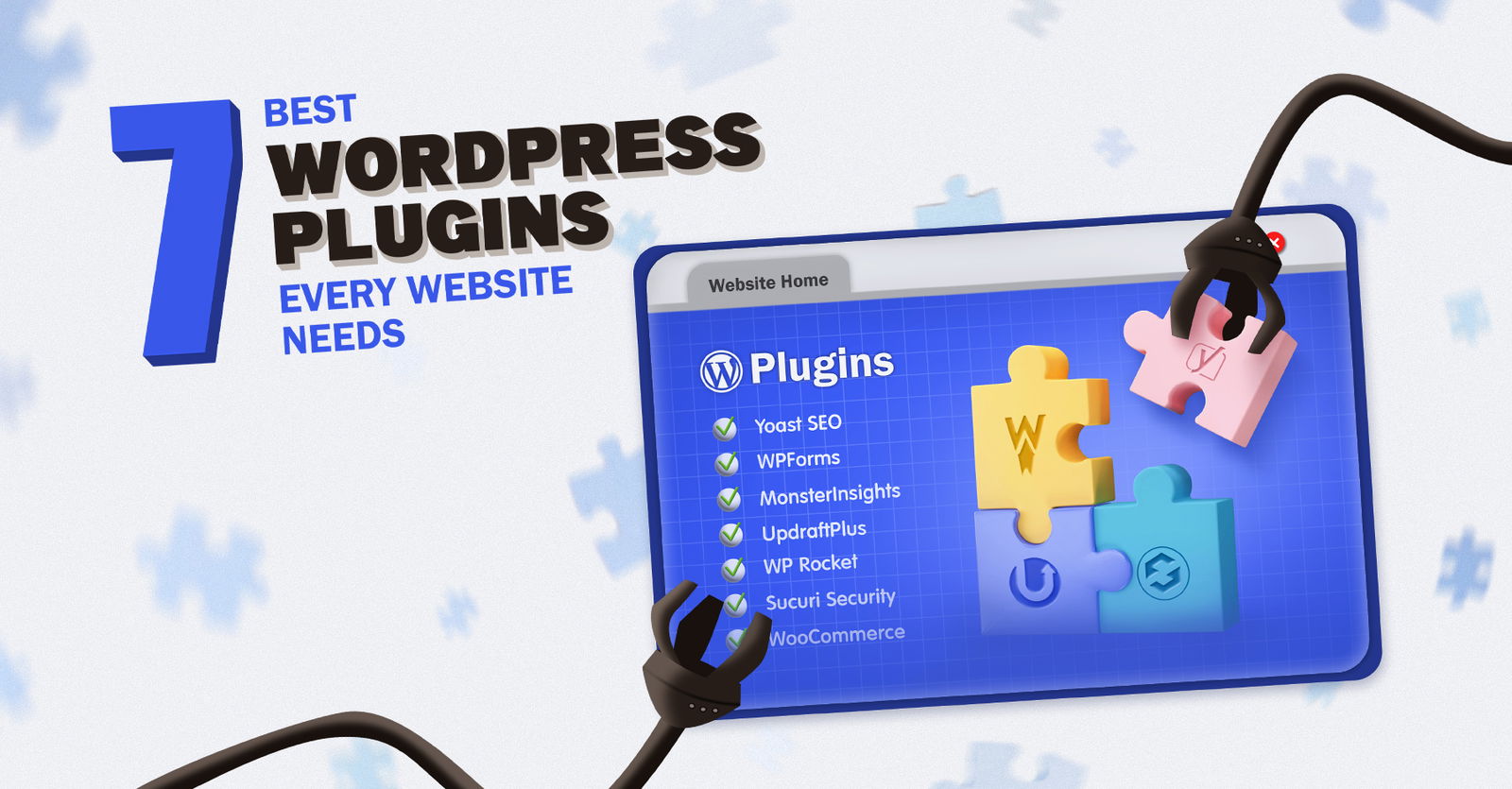
Top 7 WordPress Plugins For Every Website
Here are the top 7 WordPress Plugins for your website.
Yoast SEO
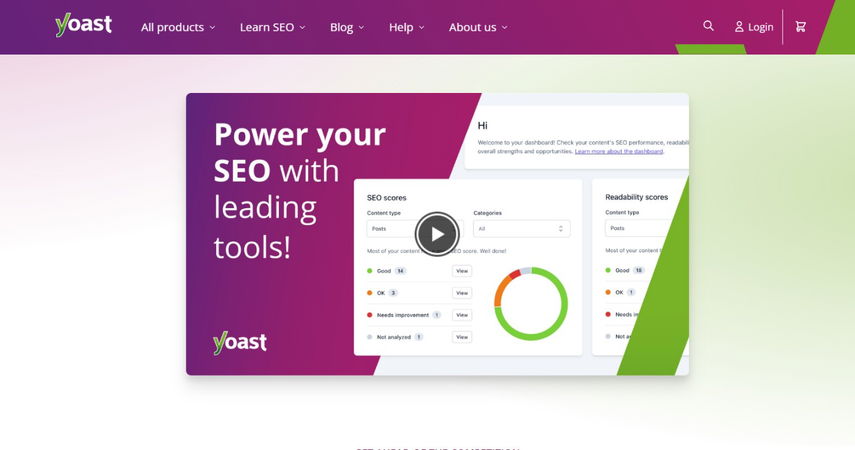
Yoast SEO is one of the most popular and necessary WordPress Plugins for optimizing your website content. Whether you are running a blog, an e-commerce store, or a portal, Yoast SEO ensures that each page adheres to SEO best practices. Currently, it’s still one of the top WordPress SEO plugins to boost your site’s visibility on search engines.
Features:
-
Optimize pages and posts for keywords.
-
Create XML sitemaps.
-
Manage metadata (titles and descriptions).
Pricing: A free version is available; Premium starts at $99/year.
MonsterInsights
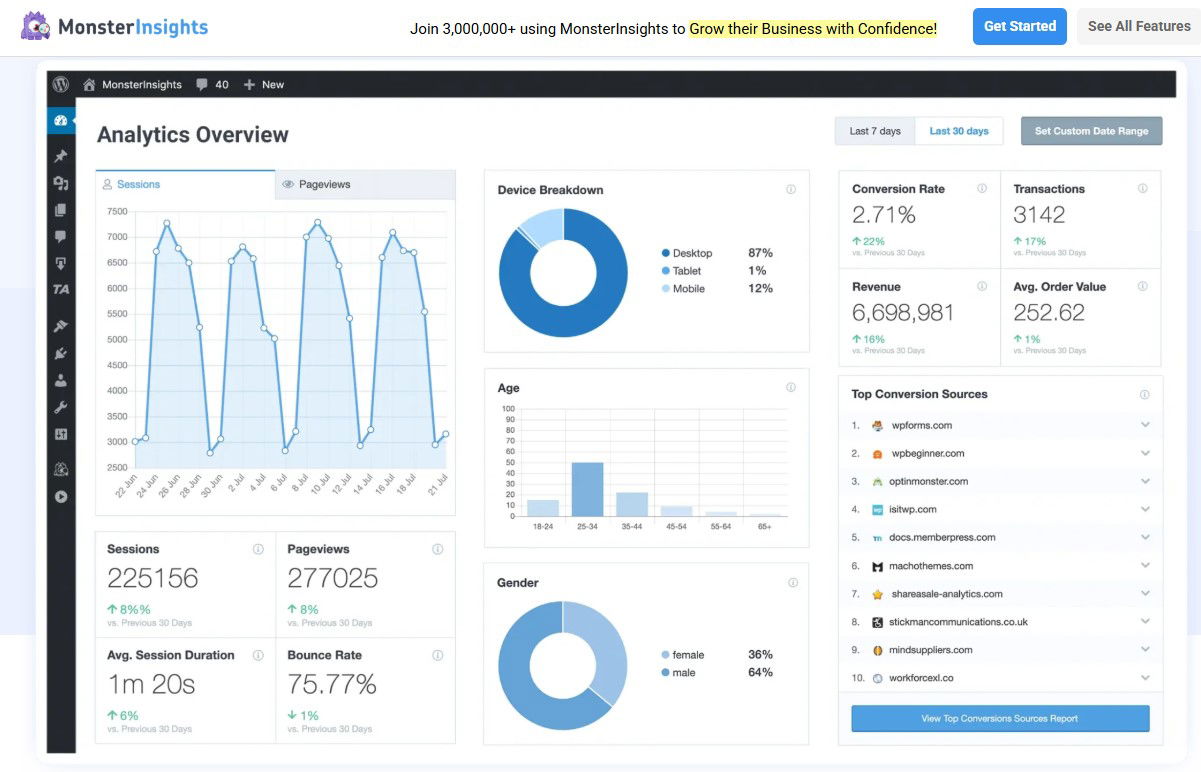
MonsterInsights delivers the power of Google Analytics straight into your WordPress dashboard. It’s one of the best WordPress Plugins for website tracking and performance analysis. It’s a must-have tool to boost engagement and revenue based on real user data.
Features:
-
Track real-time visitors and traffic sources.
-
Identify top-performing pages.
-
Analyze user behavior and conversion paths.
Pricing: A free version is available; Premium starts at $99.50/year.
UpdraftPlus
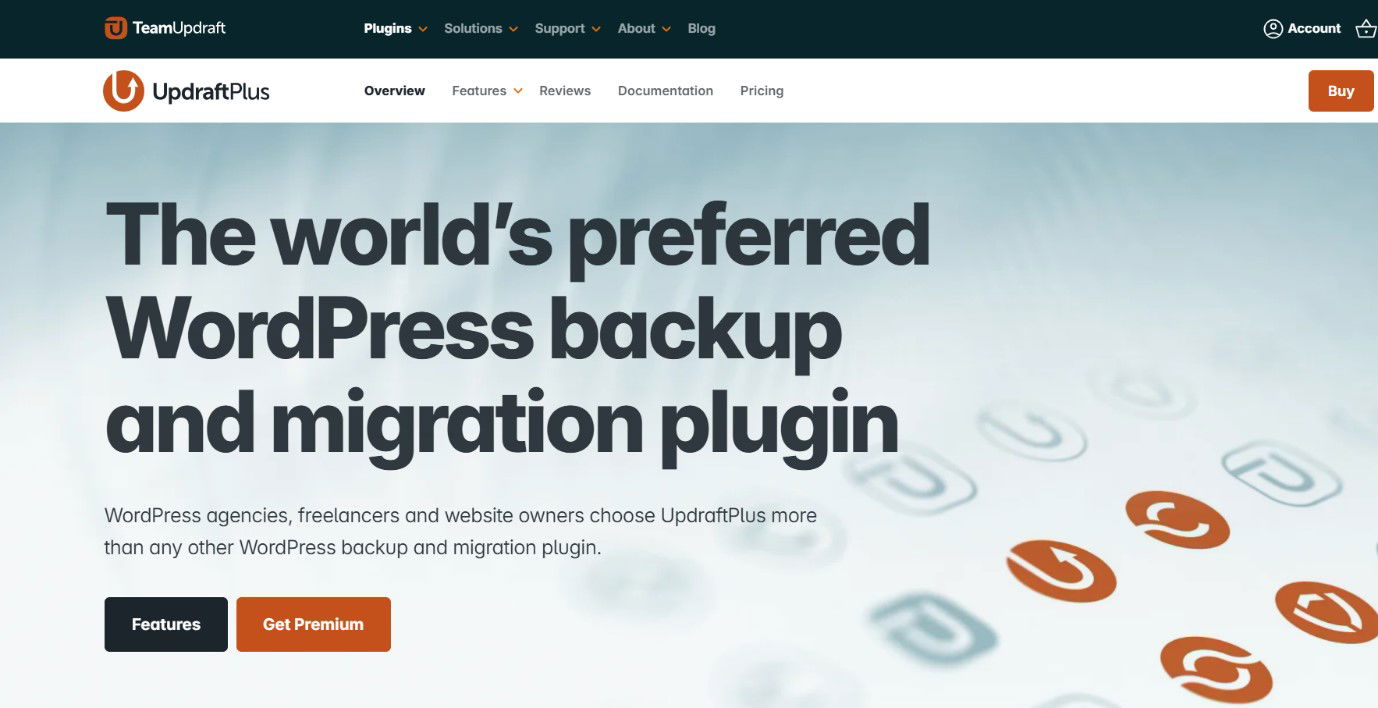
UpdraftPlus is a top WordPress Plugin for website backup and restore, and an indispensable part of any WordPress maintenance plan. This plugin is crucial for you if you run a business site, as it prevents data loss during server crashes, updates, or security breaches.
Features:
-
Scheduled and manual backups.
-
Incremental backup support.
-
Cloud storage integration.
Pricing: A free version is available; Premium starts at $70/year.
WP Rocket
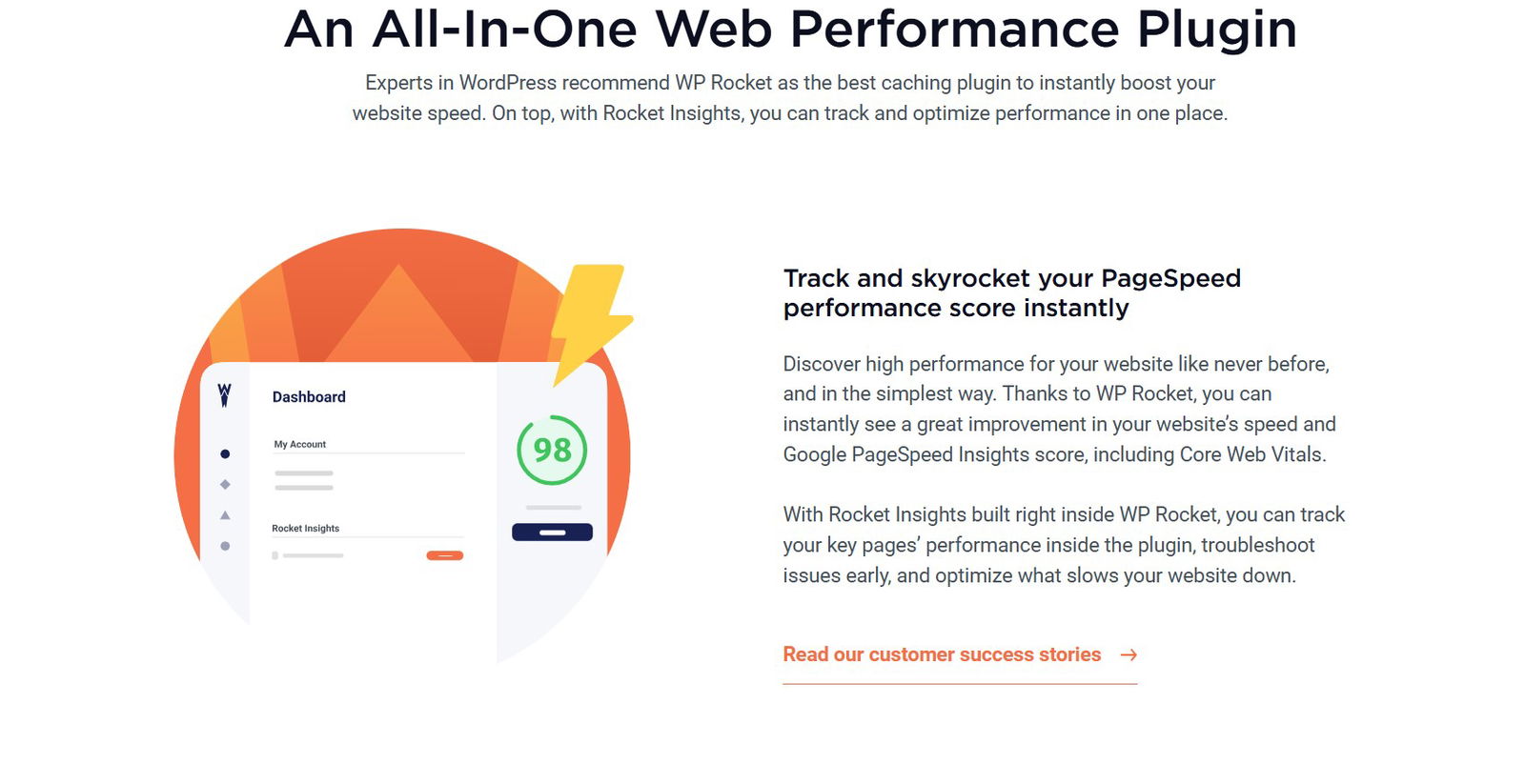
WP Rocket is the best WordPress caching plugin, improving your website's speed, core web vitals, and overall performance without requiring any niche technical skills. It’s a premium plugin that compresses files, implements lazy loading, and optimizes your database.
Features:
-
Caching pages.
-
Lazy loading images to save bandwidth.
-
Improving Core Web Vitals.
Pricing: Starts at $59/year (no free version).
Smush
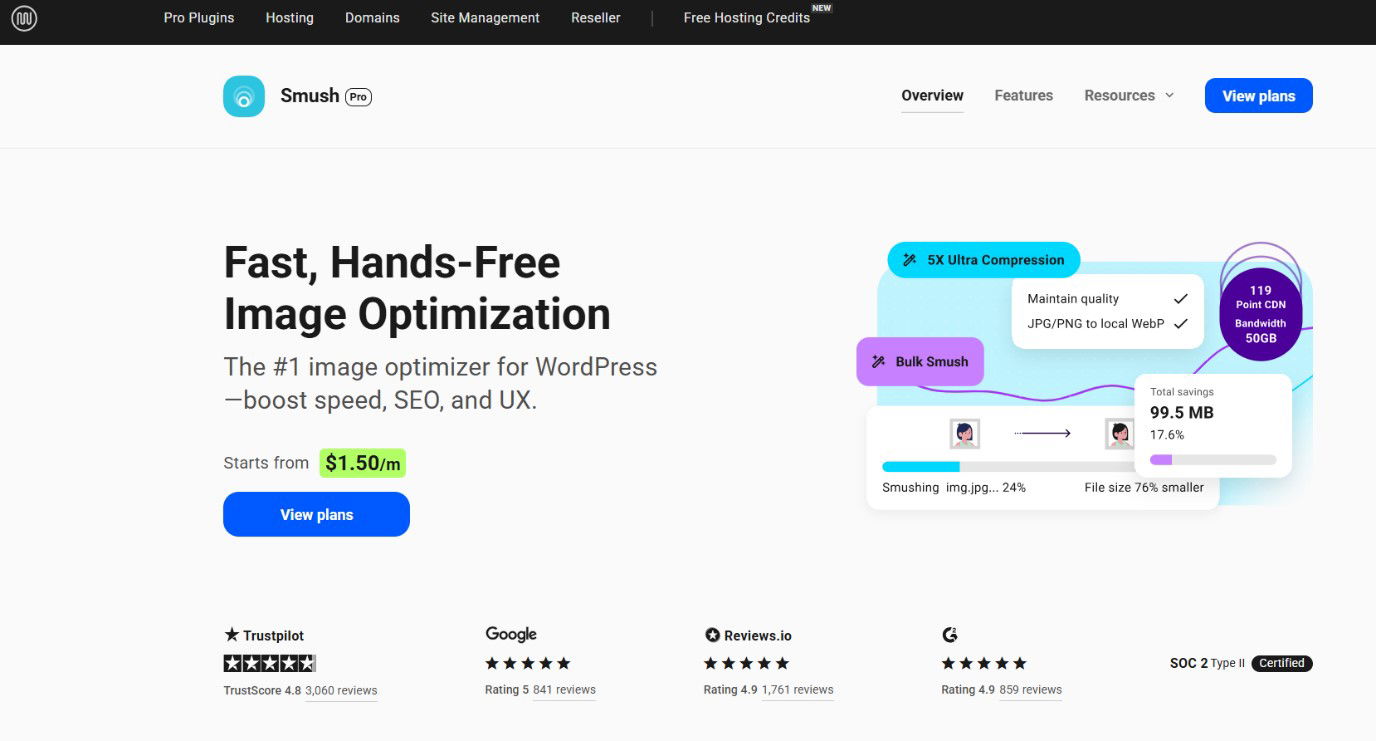
Smush is an award-winning image optimization plugin that compresses and resizes images without quality loss. It’s one of the best WordPress Plugins for improving website speed and lowering bandwidth usage.
Features:
-
Image compression and resizing.
-
Lazy load for faster rendering.
-
WebP conversion and support.
Pricing: A free version is available; Premium starts at $60/year.
WooCommerce
WooCommerce is the leading WordPress eCommerce plugin that powers millions of online stores. It supports physical, digital, and subscription products. WooCommerce is one of the top WordPress plugins for selling products or services online.

Features:
-
Inventory and product management.
-
Payment gateways integration (Stripe, PayPal, etc.)
-
Customizable checkout pages.
Pricing: The Core plugin is free; Extensions range from $30 to $200 each.
Akismet
Akismet Anti-Spam is a top-rated plugin that filters spam from comments and contact forms. The plugin automatically identifies malicious links, keeping your comments safe and clean to strengthen your community and brand reputation. For any website accepting user input, Akismet is a quiet but powerful defender.

Features:
-
Automatic spam comment detection.
-
Real-time filtering using global spam data.
-
Spam history status for each comment.
Pricing: Free for personal use; Premium starts at $10/month.
Sure, these 7 WordPress plugins are the best, and they can lift your website to the next level. However, choosing the right one can be a challenging task. We have even made that easier for you. Let’s understand that.
How To Choose The Right WordPress Plugin
We have listed five key factors to consider while choosing a WordPress plugin for your website.
-
Real-World Use
Always check how the plugin works on an actual website, and if it integrates smoothly with your theme and other tools.
-
Speed Check
Run a quick speed test after installation — a good plugin shouldn’t slow your site down.
-
Ease Of Use
Look for plugins that are simple to set up and manage, whether you’re a beginner or a pro.
-
Feature Comparison
Compare what each plugin offers and see if it matches your specific website needs.
-
User Feedback
Don’t skip the feedback section; real user experiences can reveal how well the plugin performs over time.
Remember to select the plugin that best suits your website's requirements. A plugin can make or break your business. On that wise note, let’s hear the final thoughts.
Conclusion
Plugins are the heart of a website, working in the backend, each adding a minimal touch that makes a big difference. You don’t have to worry about accelerating your website by putting in manual effort; get plugins and see the magic!
Choosing the right plugins isn’t about having them all; it’s about finding the few that fit your purpose and keep your site running effortlessly.
Although even if you are stuck in between, ask yourself: “What do my users need the most: speed, conversions, security or simplicity?”
Sometimes, the smartest way to grow your website is to keep things simple and effective.
Frequently Asked Questions
How Many Plugins Should I Install On My WordPress Site?
There’s no fixed number, but it’s best to keep it balanced. Too many plugins can slow down your site. Stick to the ones that actually serve a purpose—like SEO, security, or performance—and remove any that you don’t use anymore.
Are Free WordPress Plugins Safe To Use?
Yes, most free plugins from the official WordPress directory are safe. Just make sure they’re regularly updated, have good reviews, and are developed by trusted creators. Always check compatibility with your WordPress version before installing.
Do Plugins Affect Website Speed?
They can, especially if they’re poorly coded or outdated. However, using performance-focused plugins like WP Rocket or Smush can actually improve your website’s loading speed by caching pages and optimizing images.
Thu, Nov 6, 2025

Liked what you read? That’s only the tip of the tech iceberg!
Explore our vast collection of tech articles including introductory guides, product reviews, trends and more, stay up to date with the latest news, relish thought-provoking interviews and the hottest AI blogs, and tickle your funny bone with hilarious tech memes!
Plus, get access to branded insights from industry-leading global brands through informative white papers, engaging case studies, in-depth reports, enlightening videos and exciting events and webinars.
Dive into TechDogs' treasure trove today and Know Your World of technology like never before!
Disclaimer - Reference to any specific product, software or entity does not constitute an endorsement or recommendation by TechDogs nor should any data or content published be relied upon. The views expressed by TechDogs' members and guests are their own and their appearance on our site does not imply an endorsement of them or any entity they represent. Views and opinions expressed by TechDogs' Authors are those of the Authors and do not necessarily reflect the view of TechDogs or any of its officials. While we aim to provide valuable and helpful information, some content on TechDogs' site may not have been thoroughly reviewed for every detail or aspect. We encourage users to verify any information independently where necessary.
Loading comments...