
Consumer Electronics Technology
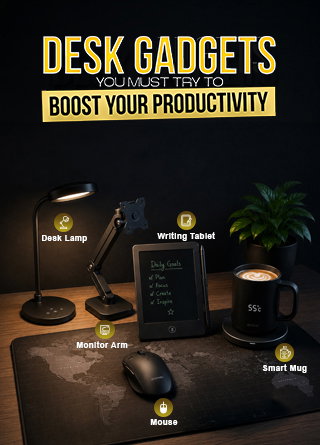
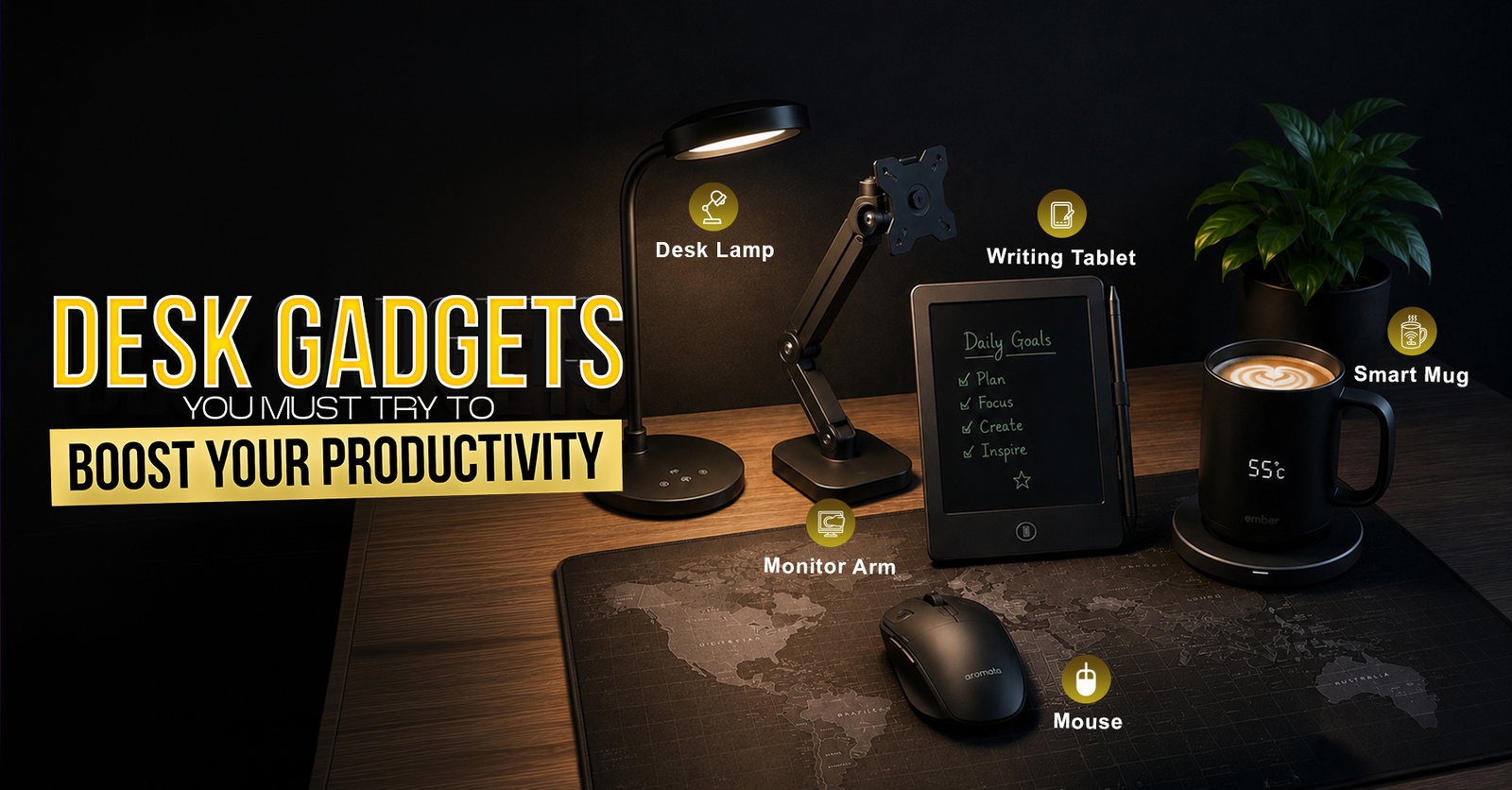
10 Desk Gadgets You Must Try To Boost Your Productivity
Share
TL;DR
-
A productivity-friendly desk starts with tools that reduce physical strain, digital clutter, and repeated interruptions.
-
Smart accessories such as ergonomic mice, monitor arms, and seat cushions can make long work hours feel less draining.
-
Tiny tools such as Pomodoro timers, cord organizers, and mini vacuums help keep your workflow cleaner and more intentional.
-
Drink warmers, air purifiers, and digital writing tablets may look simply, but they solve surprisingly common desk distractions.
-
The top desk gadgets are not about showing off your setup; they are about helping you stay focused for longer.
Introduction
Remember the chaos of Dunder Mifflin from the sitcom The Office? Between ringing phones, paper stacks, random distractions, and Michael Scott turning every normal workday into a side quest, productivity often felt like a miracle.
Now imagine if every desk in that office had the right tools to cut through the clutter: faster navigation, fewer cables, better posture, warmer coffee, cleaner air, and a smarter way to capture ideas. That is the real power of desk gadgets.
They may look small, but the right ones quietly remove the everyday friction that slows you down. Whether you are working from home, managing back-to-back meetings, or trying to survive a long spreadsheet marathon, these gadgets can help turn your desk from a distraction zone into a focused productivity setup.
10 Desk Gadgets You Must Try To Boost Your Productivity
Here, we present the most researched and well-curated list of essential and best desk gadgets to soothe your work and foster your productivity with minimal hassle.
Logitech MX Master 3S: The Mouse That Makes Navigation Feel Effortless
A good mouse should disappear into your workflow, and the Logitech MX Master 3S gets very close to doing exactly that. Its Quiet Clicks are designed to reduce click noise by 90%, while the MagSpeed electromagnetic scroll wheel helps you fly through long documents, dashboards, spreadsheets, and research tabs without the usual scroll fatigue.
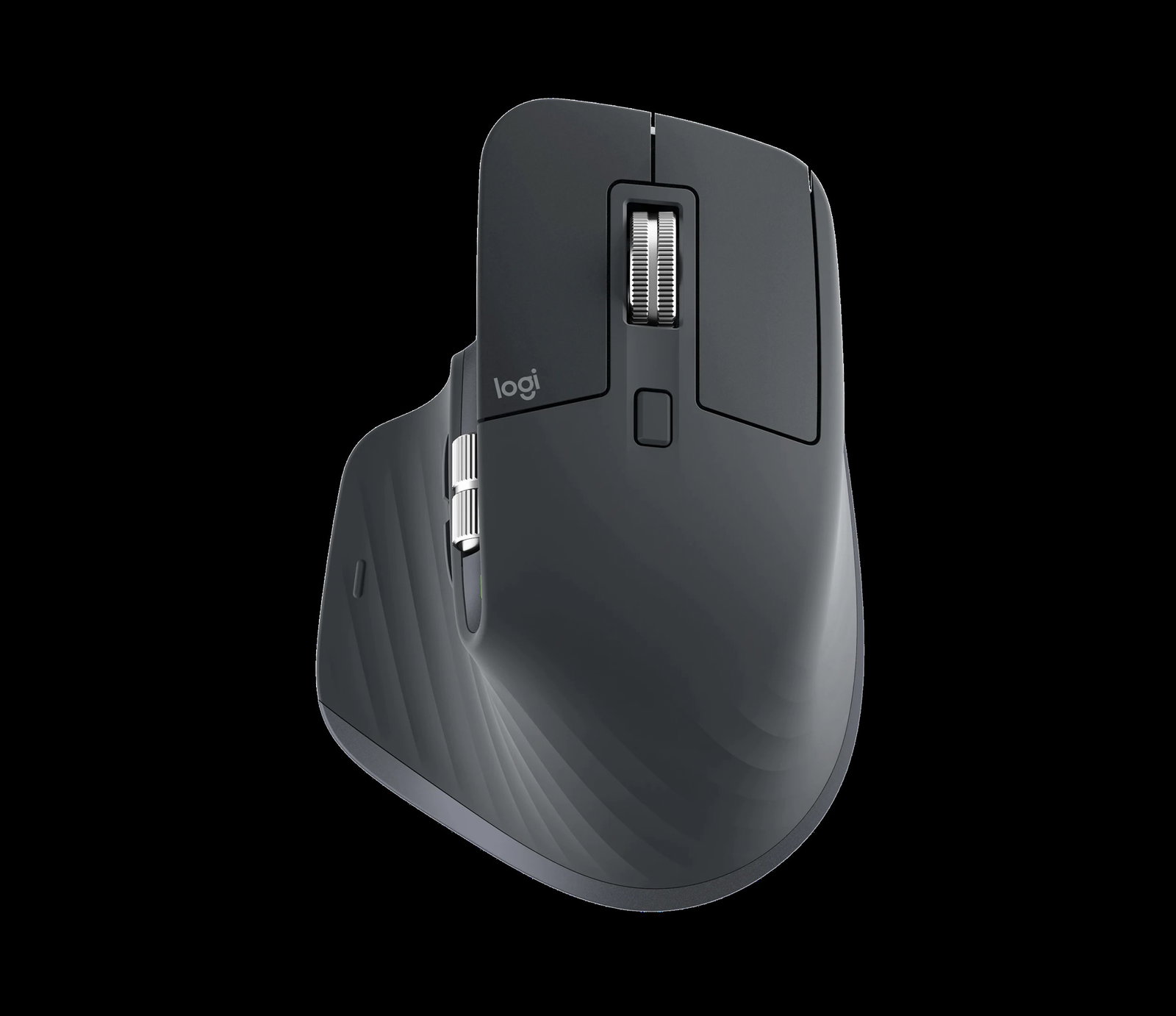
Logitech also lists an 8K DPI sensor for high-precision tracking, making it especially useful for multitaskers, designers, editors, and anyone who spends the day jumping between screens. It blends comfort, speed, precision, and quiet operations in one premium productivity mouse. It stands constant among the best desk gadgets for productivity.
Ember Smart Mug²: The Mug That Stops Coffee Breaks From Becoming Workflow Breaks
The Ember Smart Mug² is for anyone who makes coffee, starts working, forgets about it, and then takes a sad sip 40 minutes later. Instead of constantly reheating your drink, the mug lets you maintain a preferred drinking temperature through app-based controls.
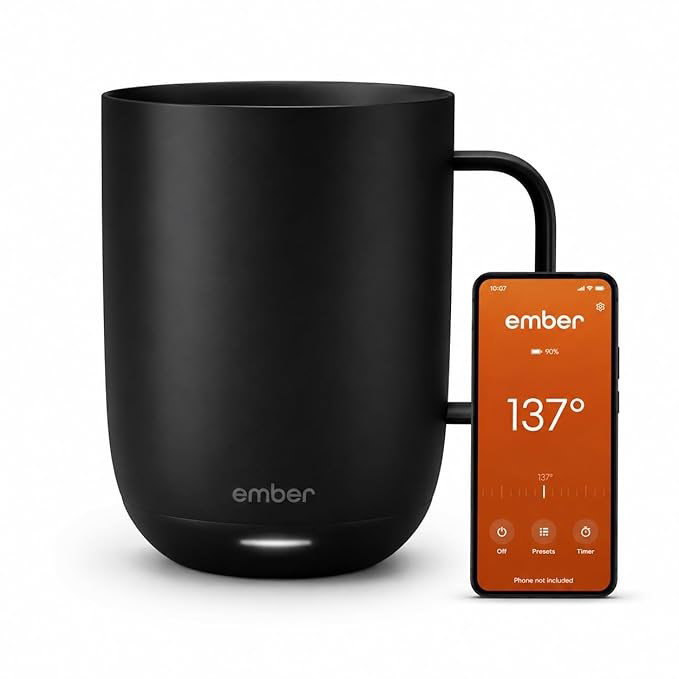
Ember says its mug can run off the coaster for a limited time and maintain temperature for all-day use when kept on the charging coaster, while recent coverage notes app controls, presets, notifications, and a temperature range around 120°F to 145°F. It is practical for desk workers who want fewer “let me quickly reheat this” interruptions.
Ergotron LX Premium Monitor Arm: The Desk-Space Saver Your Neck Will Thank You For
A monitor arm may not sound exciting until you realize how much space your monitor stand has been stealing. The Ergotron LX Desk Monitor Arm lets you position your screen at a more comfortable height, angle, and distance, helping reduce awkward neck posture and eye strain during long work sessions. It frequently secures a spot among the top workspace accessories.
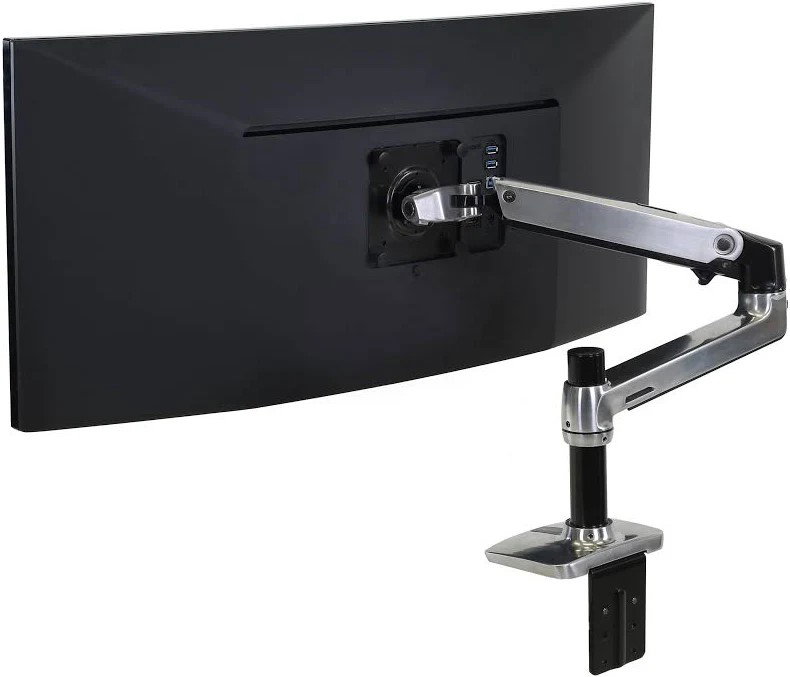
Ergotron highlights its Constant Force technology, support for monitors up to 34 inches, desk-space savings, and a durability test involving 10,000 motion cycles. It is sturdy, flexible, and built for people who want both ergonomic comfort and a cleaner desk.
Cube Pomodoro Timer: The Focus Tool That Keeps You Away From Your Phone
The Cube Pomodoro Timer is refreshingly low-tech in the best way possible. Instead of opening a timer app, seeing notifications, and accidentally losing 12 minutes to messages, you simply flip the cube to start a preset focus session.
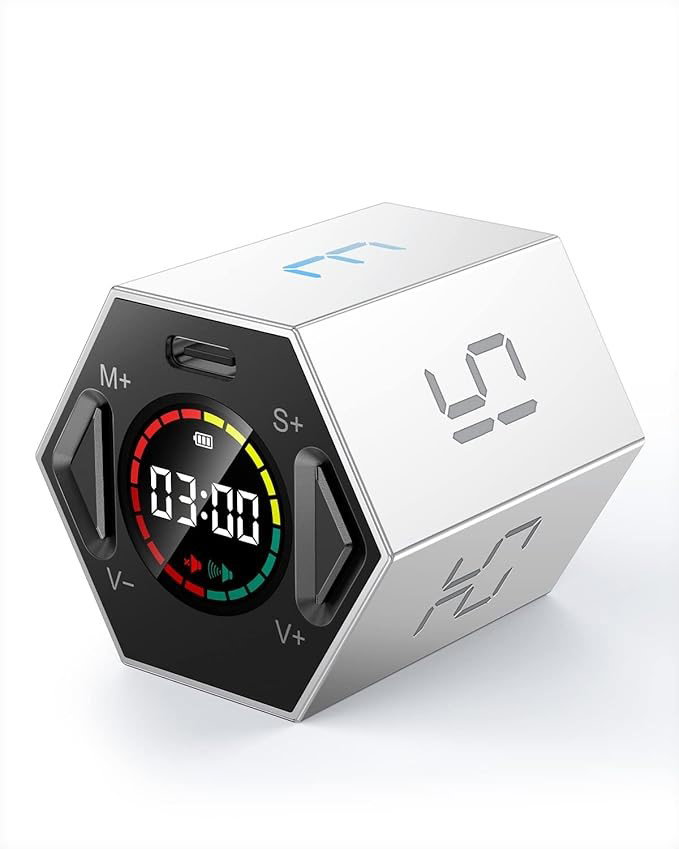
A strong market example is the TickTime Pomodoro Timer, which uses flip-to-start controls and preset intervals, making it useful for 10-minute sprints, 25-minute Pomodoro sessions, or quick deep-work blocks. It gives time management a tactile feel, which makes focus feel less like an app and more like a physical commitment sitting on your desk, making it ideal for high-performance work setup.
Baseus 6-in-1 Type-C Hub: The Tiny Dock That Turns A Laptop Into A Workstation
Modern laptops are sleek, but they often leave you begging for ports. The Baseus 6-in-1 Type-C Hub solves that by adding the connectivity most desk setups need, including HDMI, USB ports, card readers, and power delivery depending on the model. This makes it crucial among the must-have desk gadgets.
Baseus lists a 6-in-1 hub with 100W USB-C Power Delivery, 4K 60Hz HDMI, SD and microSD card readers, USB 3.2 Gen 1, and a 3.5mm jack.
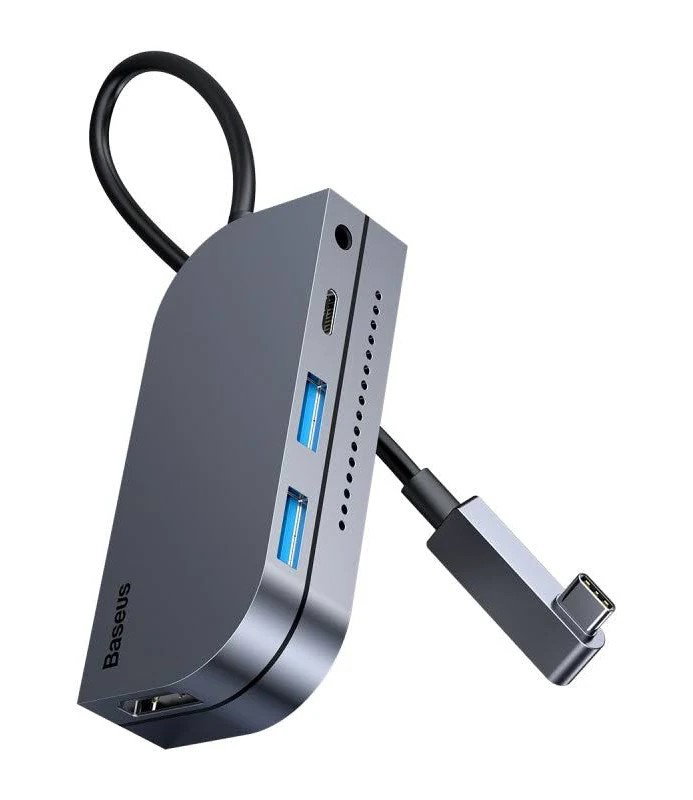
That means you can plug in a monitor, storage, accessories, and power without turning your desk into a cable negotiation. It is compact enough for daily desk use and capable enough to expand a minimalist laptop setup.
Clorox Tabletop Air Purifier: The Quiet Desk Companion For Cleaner Breathing Space
Productivity is not only about apps and accessories; sometimes it is about the air around you. The Clorox Tabletop True HEPA Air Purifier is designed for smaller spaces and uses a 360-degree, two-stage filter system with a pre-filter and True HEPA filter.
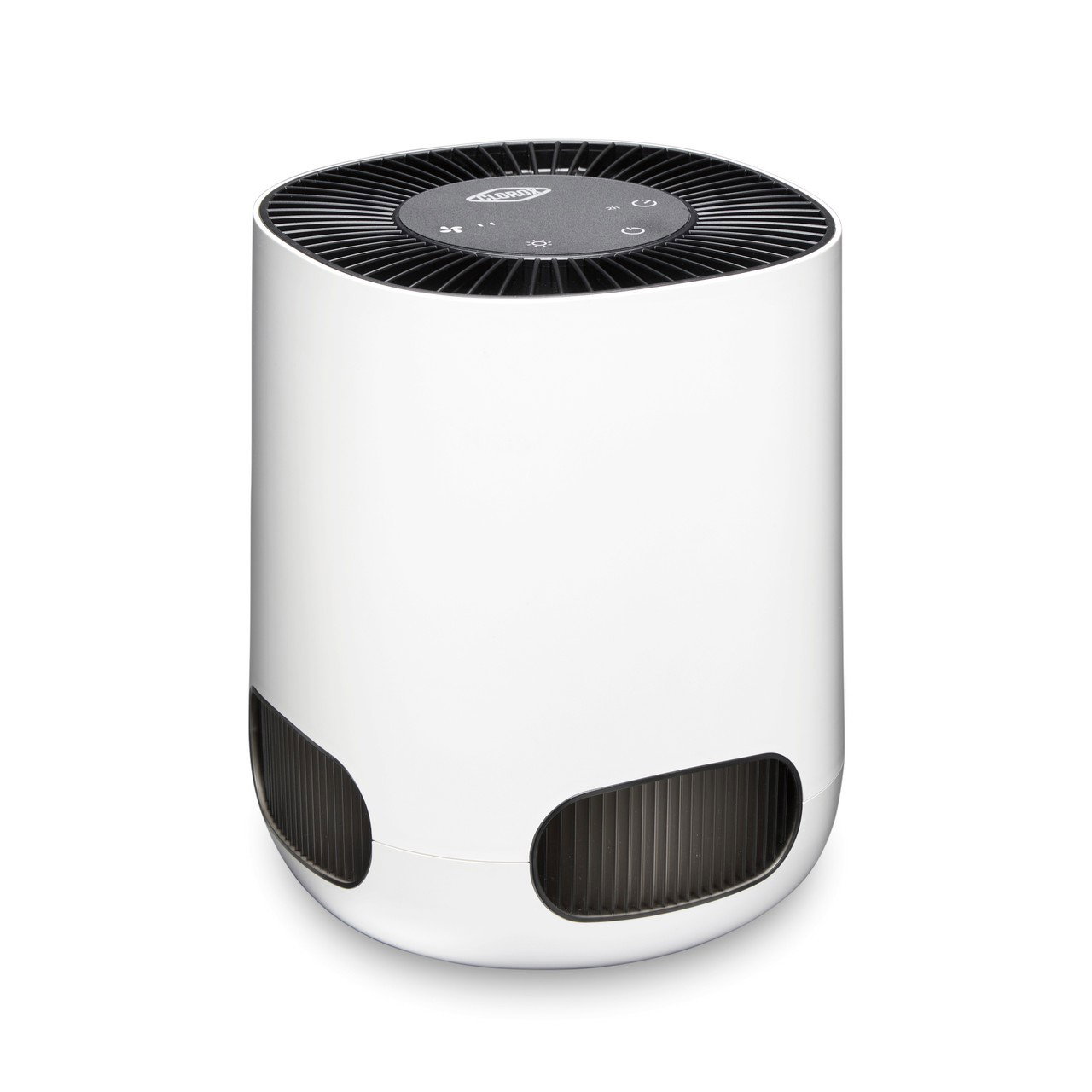
Clorox says it captures 99.97% of allergens and particulates as small as 0.3 microns that enter the filter, making it useful for dusty rooms, allergy-prone workspaces, or stale home-office corners. It is compact enough for a desk area while still bringing serious filtration into your immediate workspace.
Desktop Cord Organizer: The Small Fix For A Big Desk Mess
Cable clutter is one of those problems that feels minor until your charger falls behind the desk for the third time in one day. A good desktop cord organizer keeps charging cables, USB-C wires, mouse cables, and peripheral cords in place, so your desk feels intentional instead of improvised.
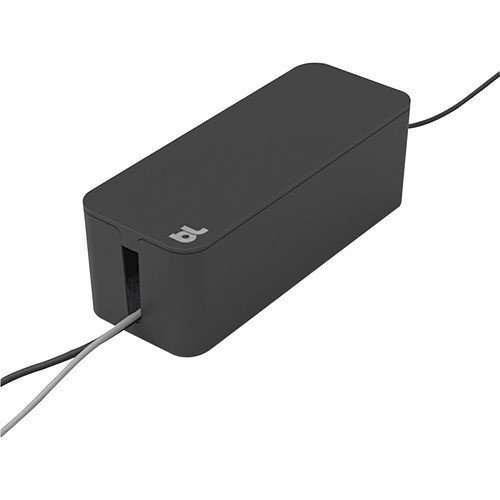
BlueLounge CableBox is one such robust example. A smart desk gadget built to hide loose, tangled cables and even fits wide or long surge protectors. It is also made of high-density, flame-retardant plastic, which matters when multiple cables and adapters are sitting in one place. It cleans up the visual chaos and makes cable management feel like part of the desk design.
Mini Desk Vacuum: The Gadget That Saves Your Desk After Snack Breaks
Lunch at the desk happens. Biscuit crumbs happen. Keyboard dust definitely happens. A mini desk vacuum helps clean small messes before they turn your workstation into a snack archive. The ODISTAR Desktop Vacuum Cleaner is a popular example in this category, with listings highlighting cordless use, 360-degree rotatable cleaning, and the ability to pick up crumbs, hair, dust, and keyboard debris.
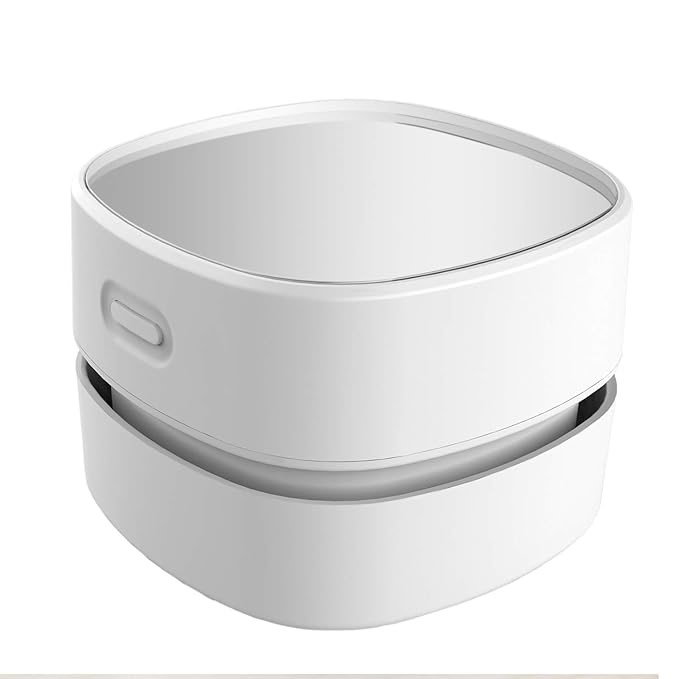
Reviews have also praised the small bristles on the bottom for handling dust and small particles on desks. It is small enough to stay on the desk and useful enough to prevent daily mess from becoming a visual noise.
BenQ E-Reading Desk Lamp: The Work Light That Helps Your Eyes Keep Up
Poor lighting can quietly ruin a productive workday, especially when you are switching between a laptop screen, notebook, keyboard, and printed documents. The BenQ e-Reading Desk Lamp is a strong pick for home office work because it is designed to spread light across a wider desk area instead of creating one harsh spotlight.
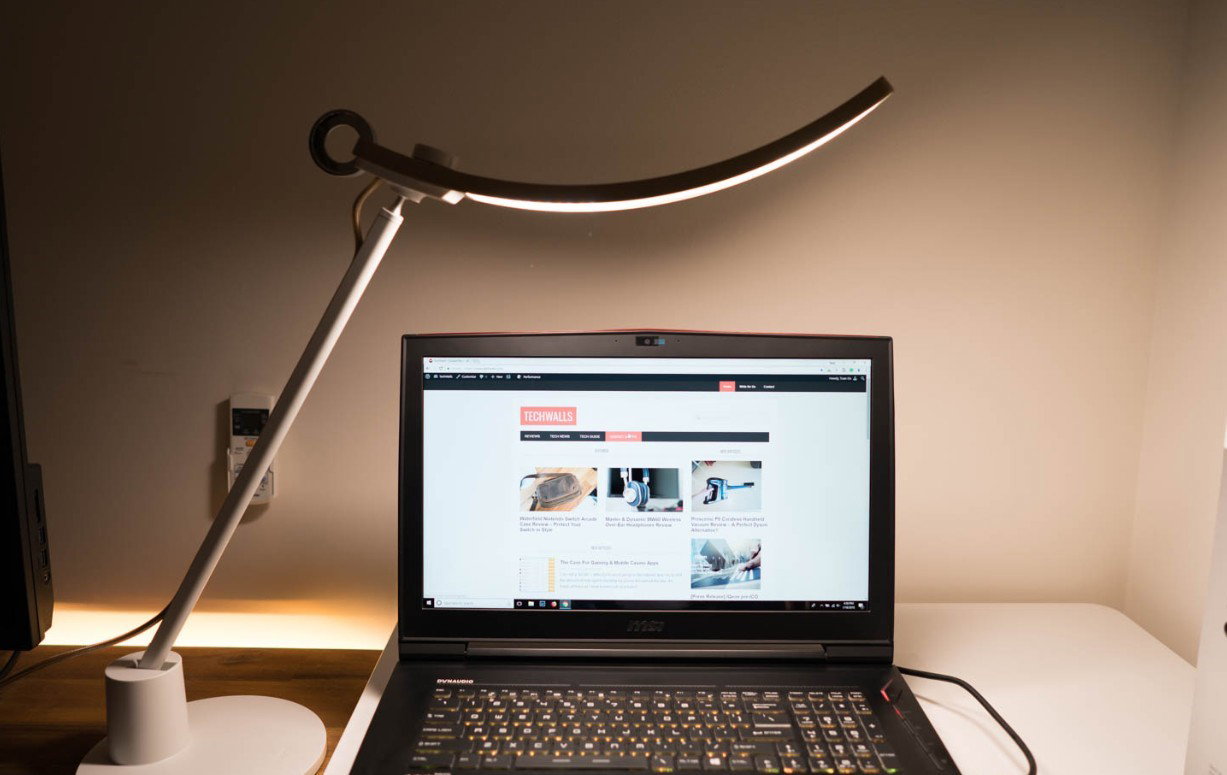
It offers 150% wider lighting coverage, adjustable brightness, auto-dimming, and flicker-free LED lighting, which makes it useful for reading, writing, video calls, late-night work, and screen-heavy tasks. It combines eye comfort, smart lighting, and wide desk coverage in one premium office upgrade.
Boogie Board Blackboard Writing Tablet: The Paperless Pad For Quick Ideas
Some thoughts are too quick for a notes app but too useful to lose. The Boogie Board Blackboard Writing Tablet gives you the feel of handwriting with a reusable surface, making it ideal for to-do lists, quick sketches, brainstorming, meeting notes, and “don’t forget this” moments.
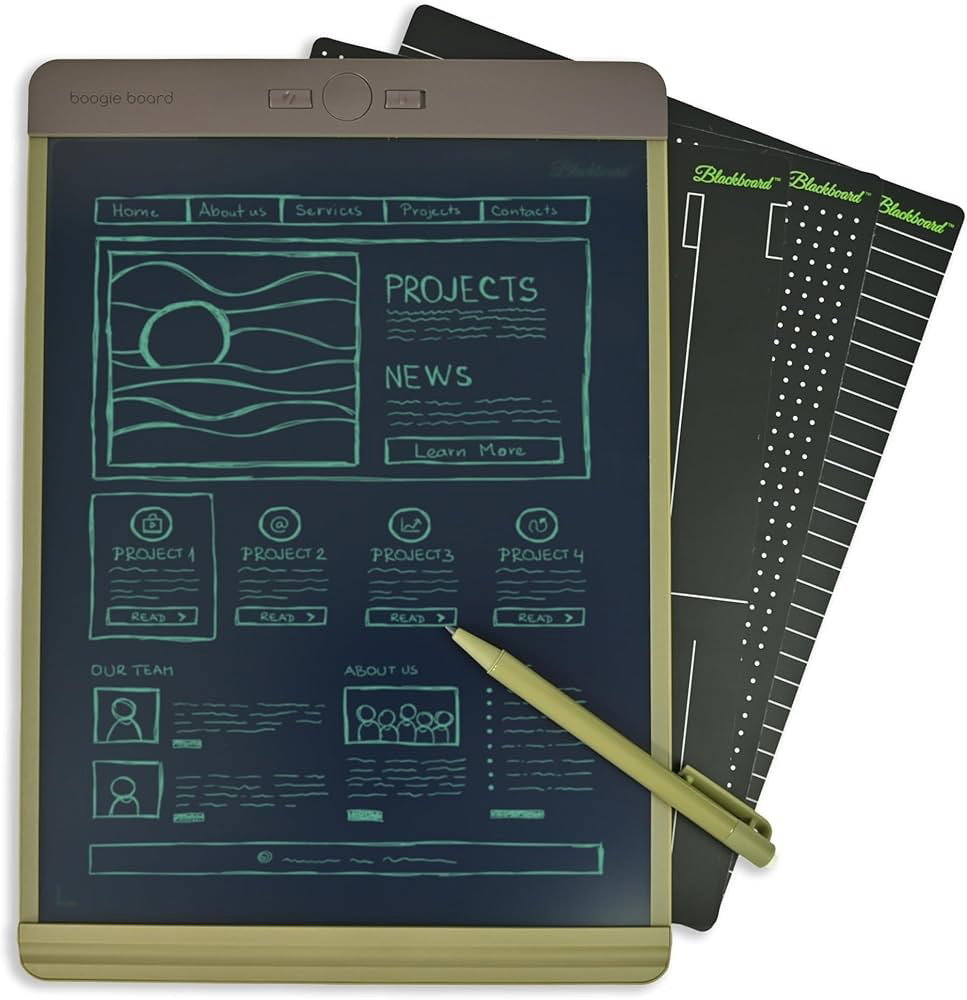
The Blackboard app can turn handwritten notes or drawings into digital files and back them up to cloud platforms such as OneNote, Evernote, Dropbox, and Google Drive. It keeps the speed of pen-and-paper thinking while reducing paper clutter on the desk, positioning it among the smart desk gadgets.
Conclusion
Productivity does not always need another app, another dashboard, or another motivational quote. Sometimes, it needs a mouse that scrolls faster, a mug that keeps your coffee warm, a monitor that sits at the right height, a timer that keeps your phone out of reach, and a desk that does not look like a cable jungle.
Ten desk gadgets mentioned above work because they remove small points of friction: discomfort, clutter, cold coffee, messy cords, stale air, crumbs, and scattered ideas. Add the right ones to your setup, and your desk may not become Tony Stark’s lab, but it will become a much better place to get real work done.
Frequently Asked Questions
What Desk Gadgets Are Best For Improving Productivity?
The best desk gadgets are the ones that reduce everyday friction, such as slow navigation, poor posture, cable clutter, and distractions.
A wireless productivity mouse, monitor arm, Pomodoro timer, USB-C hub, and ergonomic seat cushion are great starting points.
Do Desk Gadgets Really Help You Work Better?
Yes, desk gadgets can improve productivity by making your workspace more comfortable, organized, and distraction-free.
They help you save time on small tasks, maintain focus longer, and reduce physical strain during extended work hours.
Which Desk Gadget Should I Buy First?
Start with the gadget that solves your biggest daily problem.
For example, choose an ergonomic mouse for faster workflow, a monitor arm for posture, or a cord organizer if your desk feels cluttered.
Tue, Jul 7, 2026

Enjoyed what you read? Great news – there’s a lot more to explore!
Dive into our content repository of the latest tech news, a diverse range of articles spanning introductory guides, product reviews, trends and more, along with engaging interviews, up-to-date AI blogs and hilarious tech memes!
Also explore our collection of branded insights via informative white papers, enlightening case studies, in-depth reports, educational videos and exciting events and webinars from leading global brands.
Head to the TechDogs homepage to Know Your World of technology today!
Disclaimer - Reference to any specific product, software or entity does not constitute an endorsement or recommendation by TechDogs nor should any data or content published be relied upon. The views expressed by TechDogs' members and guests are their own and their appearance on our site does not imply an endorsement of them or any entity they represent. Views and opinions expressed by TechDogs' Authors are those of the Authors and do not necessarily reflect the view of TechDogs or any of its officials. While we aim to provide valuable and helpful information, some content on TechDogs' site may not have been thoroughly reviewed for every detail or aspect. We encourage users to verify any information independently where necessary.
Loading comments...